

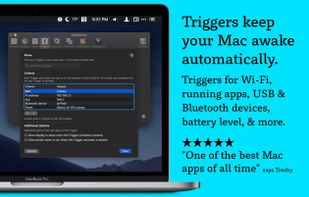
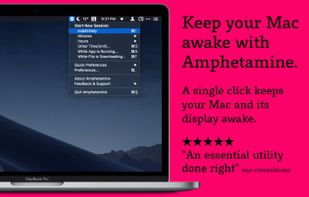
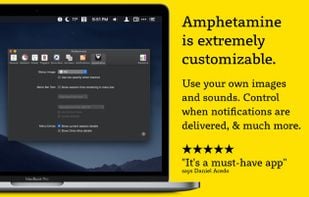
Amphetamine is a little app that lives in your menu bar which can effortlessly override your energy saver settings and keep your Mac awake.
 United States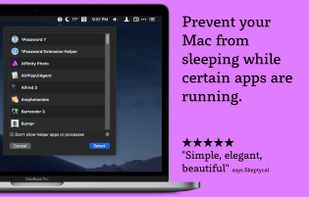
+1
Best alternatives are  Stimulator
49 alternativesStimulator

Amphetamine is a little app that lives in your menu bar which can effortlessly override your energy saver settings and keep your Mac awake.
Stimulator
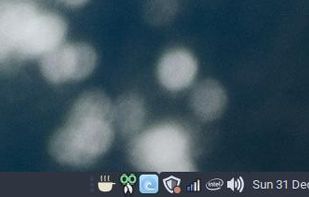
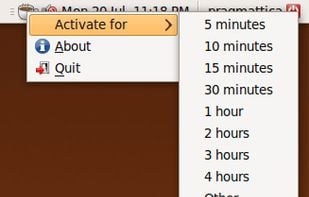
Inspired by the Mac OS X version, Caffeine for Linux is a status bar application able to temporarily prevent the activation of both the screensaver and the "sleep" powersaving mode.
 AmphetamineandStimulator
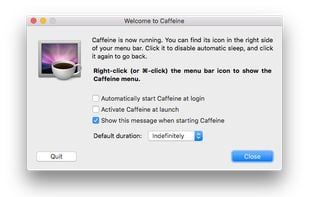
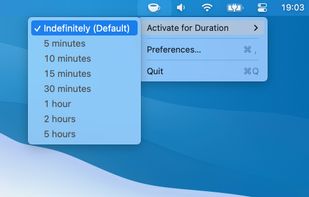
Caffeine is a tiny program that puts an icon in the right side of your menu bar. Click it to prevent your Mac from automatically going to sleep, dimming the screen or starting screen savers.
 Amphetamine
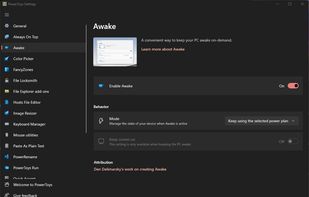
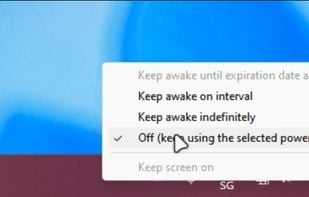
PowerToys Awake is a tool for Windows designed to keep a computer awake without having to manage its power & sleep settings. This can be helpful when running time-consuming tasks, ensuring that the computer does not go to sleep or turn off its screens.
 Amphetamineand
 Caffeinate
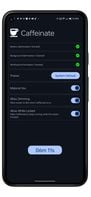
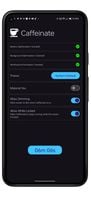
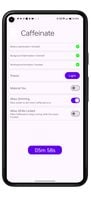
Caffeinate is an App that helps android developers to keep their phone's display awake without having to change the device settings. It can be toggled at various places:
 Amphetamine
KeepingYouAwake is a small menu bar utility for macOS (Version 10.13 and newer) that can prevent your Mac from entering sleep mode for a predefined duration or as long as it is activated.
 AmphetamineandStimulator
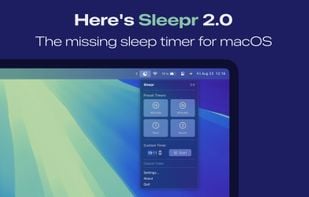
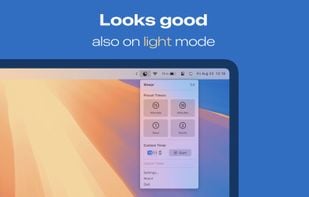
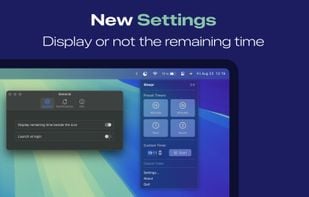
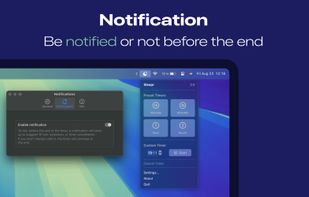
Sleepr lets you schedule your Mac to go to sleep when you're watching a movie or series, or listening to a podcast or music!
 Airytec Switch Off
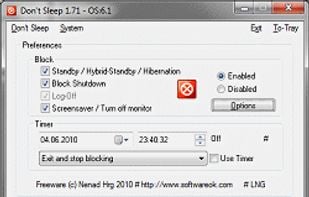
Don't Sleep is a small portable program to prevent system shutdown, Standby, Hibernate, Turn Off and Restart.
 AmphetamineandCaffeinate
 SafeSleepOnceand
 Deep Sleep
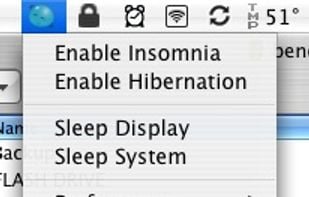
It always has been a missing feature: disabling the sleep mode on a Apple Laptop. Who does not want to use it as a big juke-box or go warwalking. The best looking server ever, especially at about one inch height.
 AmphetamineandStimulator
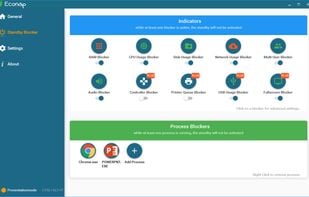
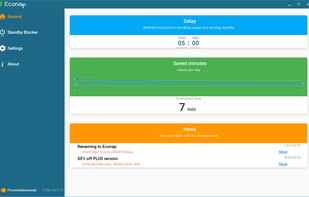
Econap helps you to save energy and increase your comfort. Before your pc enters the sleep mode, Econap will check if something important is running on your system. If so, it will wait until your download, backups, videos etc. are finished. Finally your pc will go to sleep.
 AmphetamineandStimulator
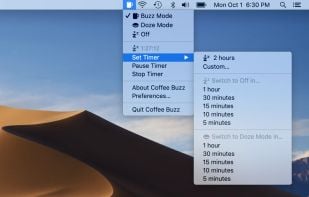
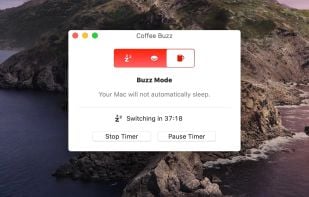
Coffee Buzz is the easiest and safest display-sleep preventer available, with simple operation and exclusive Safety Auto-Shutoff feature. Keeping your Mac awake (and letting it sleep again) is as simple as a click!.
 AmphetamineandStimulator
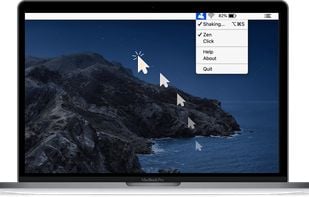
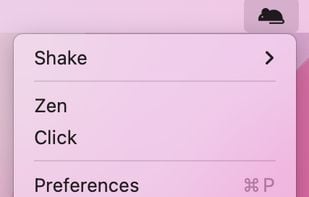
Mouse jiggler macOS app that auto moves your cursor so that you always appear online and active on messaging apps. Ideal if you need to keep your connection to citirix or your VPN active without having to reconnect.
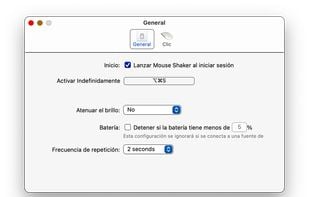
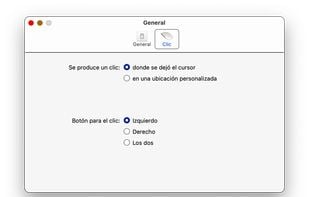 Amphetamine
NoDoze simulates keyboard/mouse activity to keep the screensaver from activating. Its activity depends on currently running programs. You can use regular expressions or Windows wildcards to choose when the screensaver is deactivated.
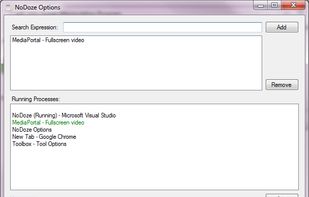 AmphetamineandStimulator
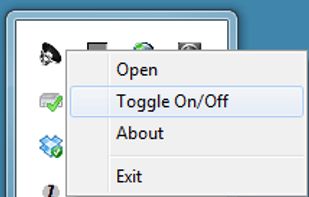
Prevents your computer from going to sleep, hibernate, dim the display or start the screensaver. Application runs in the system tray when closed. New in version v1.3: -Parameter support. v1.2: Option to let display fall asleep. v1.1: Sleep timer.
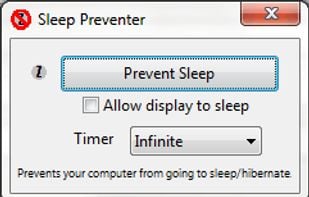
 AmphetamineandStimulator
 AmphetamineandStimulator
This is a kernel extension and clients that allow the MacBook to disable sleeping when the lid is closed. MOUNTAIN LION IS NOT SUPPORTED
AmphetamineandStimulator
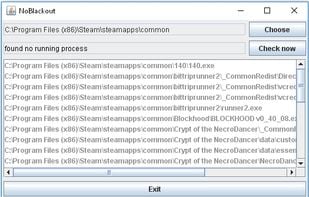
Simulates activity (=> disables screensaver and powersaving) while running programms (any .exe) from a choosen directory. Main purpose is to choose the steam directory to disable monitor powersaving while running steam games.
 AmphetamineandStimulator
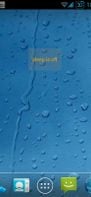
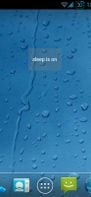
Keep your screen on when your device is running your GPS application, favorite remote control, playing a movie or slideshow, etc... Perfect to keep your screen on without dimming for application development. Your screen will never go back to sleep until you want it to...
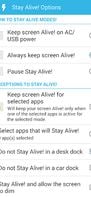
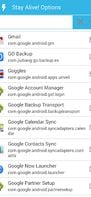
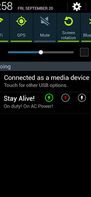 AmphetamineandCaffeinate
This application is used to prevent the computer from going to sleep without changing system settings
AmphetamineandStimulator
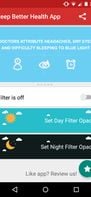
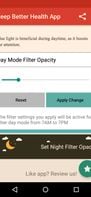
Do you use your mobile phone after sunset? Do you use your phone within three hours of your bed time? If yes, then your device might be taking your sleep away. Bluelight from your mobile screens sends a signal to brain to wake up, and makes it difficult for us to sleep at night.

MoccaFaux is a flexible scheduler that prevents the activation of screen savers and power-saving modes when certain conditions are met.
AmphetamineandStimulator
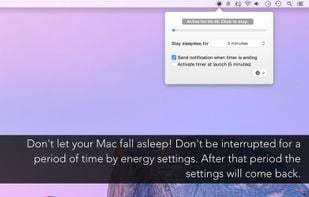
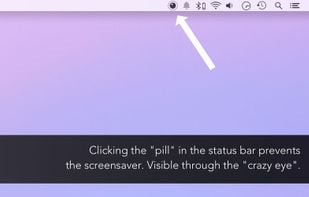
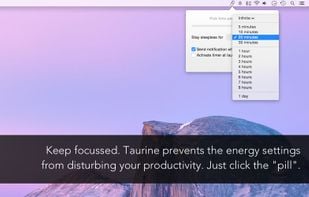
This app will keep your system awake for a defined period of time. It will pause the energy settings and prevent the screensaver from starting.
 AmphetamineandStimulator
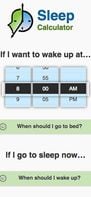
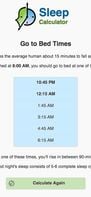
Want to wake up in a good shape? Find out the perfect bedtime or wake up time to rise feeling refreshed and energized.
 Sleep as Androidand
 ShutEye
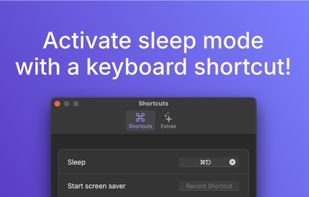
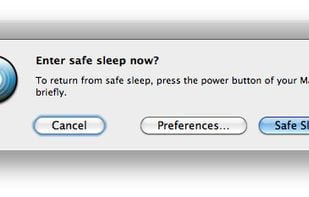
SafeSleepOnce puts your Mac into safe sleep once and automatically enables normal sleep afterwards.
 QuickSleepandDeep Sleep


 Germany
 EU
EU


