


Cb Protection is a powerful positive security solution for data centers and critical systems that
Cost / License
- Paid
- Proprietary
Application types
Platforms
- Mac
- Windows
- Linux
- CentOS
- Red Hat


Cb Protection is a powerful positive security solution for data centers and critical systems that

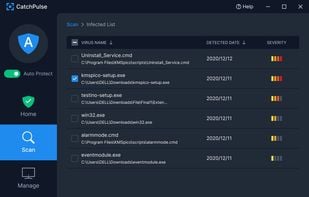
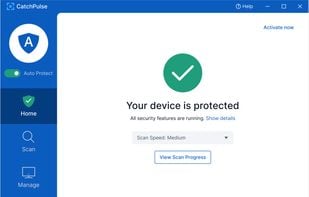
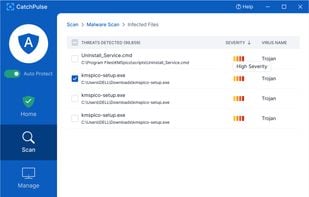
CatchPulse is a free solution that protects you from malware & viruses, 100% of the time. You get powerful application whitelisting, 10+ anti-viruses in the cloud with UAV, and a reliable offline AV combined.

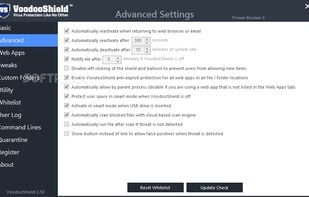
VoodooShield can protect you from viruses using two different modes to “train” your computer to be protected at all times.

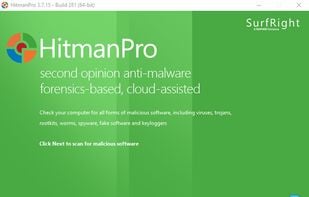
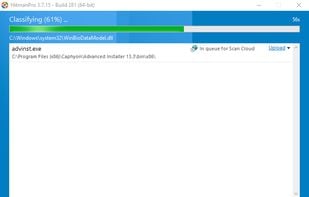
Cloud-assisted malware scanner using Bitdefender and Kaspersky engines, combining signature matching and behavioral analysis without real-time protection.


Faronics Anti-Executable ensures workstation protection and productivity by allowing only approved programs to run. Any other programs – whether malicious, unlicensed, or simply unwanted – are blocked from ever executing.

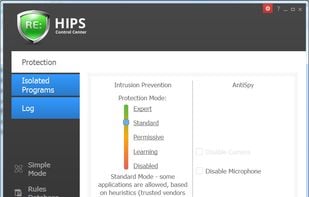
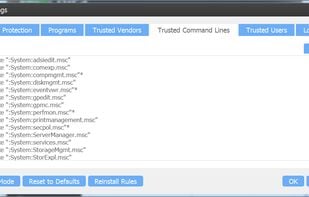
Intrusion prevention system and a sandbox with AntiSpy features that provides unprecedented protection and ensures system stability and integrity.

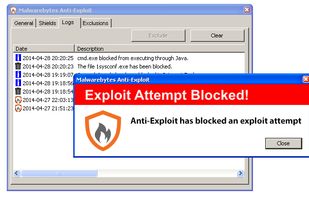
Previously available as a freemium program, it's now available as a free beta. The non-beta version is now merged with Malwarebytes Anti-Malware. The program itself works similarly to EMET; it tries to prevent your programs from being exploited.

AppGuard software blocks malware attacks that your existing anti-virus/spyware cannot yet detect. Cyber criminals modify the malicious code they buy off the Internet so your AV/AS can not detect it, which is disturbingly easy. AppGuard does not rely on signatures.

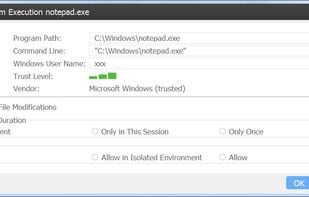
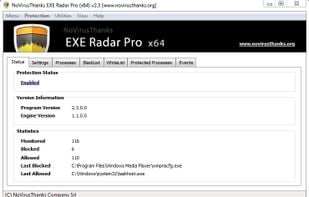
NoVirusThanks EXE Radar Pro is a useful Windows OS utility designed to alert a user everytime an unknown process tries to run in the system. The end user is able to whitelist, blacklist, allow once, block once or block + delete the executable attemping to load.


Comments
I switched back to Android recently, looks like just in time. I don't consent to having anything at all be ingested by AI unless I manually initiate it. Furthermore, I've seen a few discussions on HackerNews stating that "Comes with an AI integration!" is now more of a red flag than a boast, as it was previously.
I'm not trying to diss Apple, as they are my favorite "big tech" company, but how can I trust that my data won't be processed if it is baked into the entire operating system? How can I trust or prove that the data stays locally on my device? I'd rather decline the whole process and do it on my own terms.