

Microsoft tests mouse & keyboard support for Xbox Cloud Gaming on browsers and Xbox app
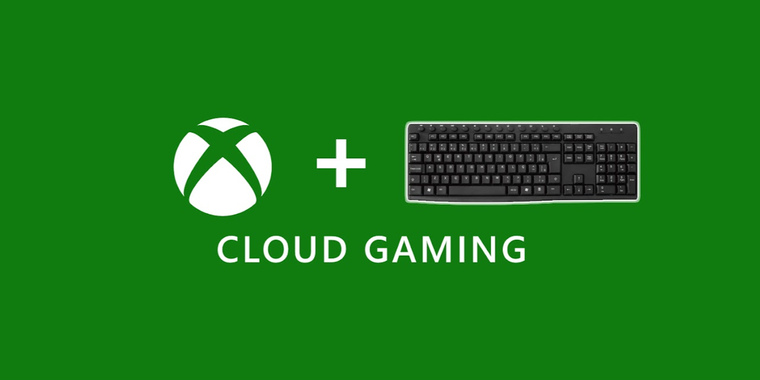
Microsoft has launched mouse and keyboard support for Xbox Cloud Gaming, now under testing by Xbox Insiders. The support extends to Microsoft Edge and Google Chrome browsers, as well as the Xbox App on Windows PCs. The feature, announced nearly two years ago, is only available for a specific selection of games during the preview phase, with the possibility of expanding to all games in the future.
This new feature eliminates the requirement of always having an external controller to access cloud games, although players might briefly see controller UI elements before games switch to mouse and keyboard input. To ensure proper pointer input capture in browser mode, full-screen mode is recommended. Users can switch back to Xbox controller mode from mouse and keyboard mode using the ALT+F9 shortcut.
The list of cloud-supported games compatible with mouse and keyboard mode includes some big names such as Fortnite Battle Royale, ARK:Survival Evolved, Grounded, Pentiment, Sea of Thieves, among others.

- Freemium
- Proprietary
Related news
External links
- Xbox Insider Release Notes - Alpha Skip-Ahead (2408.240321-2200)Xbox Wire • Official source
- Xbox Cloud Gaming now has mouse and keyboard support in select gamesThe Verge
- Xbox Insiders Can Now Test Out Mouse and Keyboard Support on Xbox Cloud GamingIGN
- Xbox Cloud Gaming adding mouse and keyboard supportEurogamer.net