

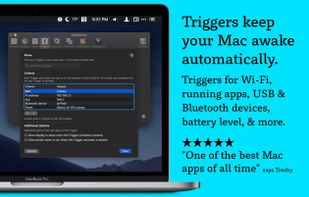
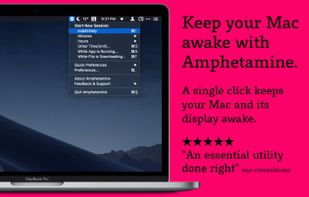
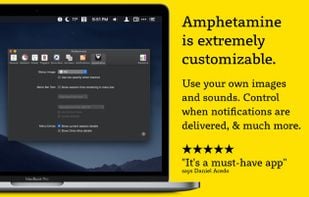
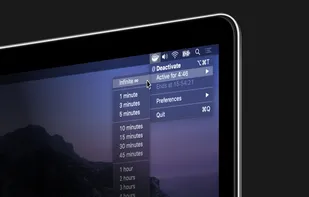
Amphetamine is a little app that lives in your menu bar which can effortlessly override your energy saver settings and keep your Mac awake.
 United States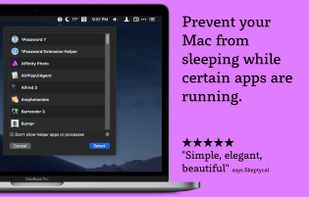
+1


@home is described as 'Tiny convenience utility, that knows when you are at home (based on your wireless network name) and prevents your computer from locking the screen. When you are away from home, your normal locking idle times apply' and is a prevent sleep mode app in the os & utilities category. There are more than 10 alternatives to @home for a variety of platforms, including Mac, Windows, Linux, Flathub and F-Droid apps. The best @home alternative is Amphetamine, which is free. Other great apps like @home are Stimulator, Caffeine for Mac, NeverNap and Don't Sleep.
Amphetamine is a little app that lives in your menu bar which can effortlessly override your energy saver settings and keep your Mac awake.

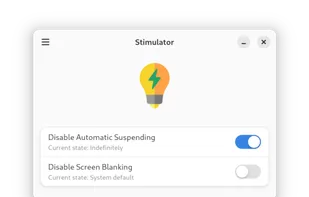
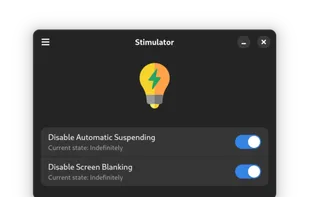
This is a simple app that prevents the desktop environment (DE) from sleeping while its on. It should work regardless of the used DE thanks to the Inhibit portal.


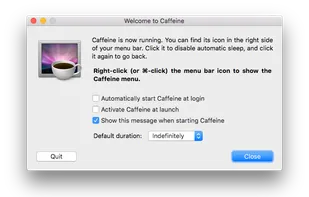
Caffeine is a tiny program that puts an icon in the right side of your menu bar. Click it to prevent your Mac from automatically going to sleep, dimming the screen or starting screen savers.


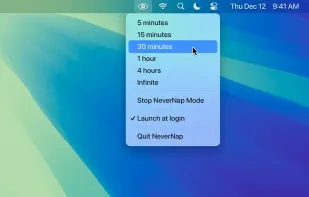
NeverNap prevents your Mac from sleeping or activating the screensaver. For 5 minutes or indefinitely. Perfect for presentations or long processes.


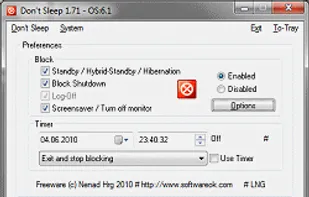
Don't Sleep is a small portable program to prevent system shutdown, Standby, Hibernate, Turn Off and Restart.


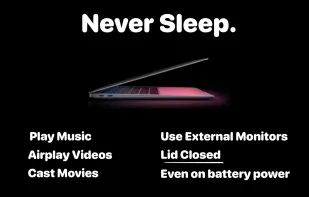
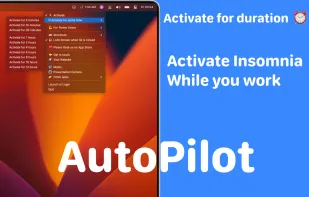
Use Mac with external monitors with lid closed even when you are on battery power. Play music, airplay movies, download/upload lid closed. Most modern and up to date app.


Clapet is a utility that aims to improve clamshell mode on your Macbook by automatically managing sleep when an external display is detected.


A small GNOME utility application to send Wake On LAN (WoL) magic packets to devices in a network.
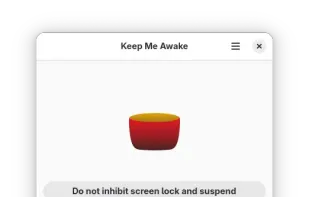
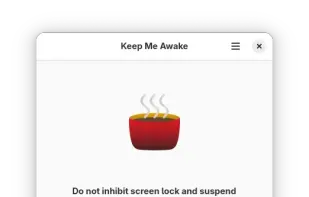


Coffee allows you to keep the display awake without having to change the device settings. It can be toggled at various places:


NoDoze simulates keyboard/mouse activity to keep the screensaver from activating. Its activity depends on currently running programs. You can use regular expressions or Windows wildcards to choose when the screensaver is deactivated.
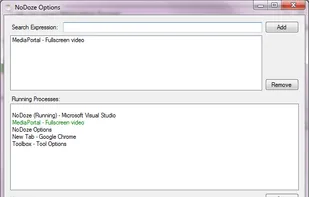


When it's not possible to change the screensaver settings in your Windows environment, then it's almost impossible to show things on your screen for a longer period without activating the screensaver.


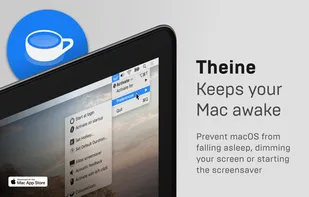
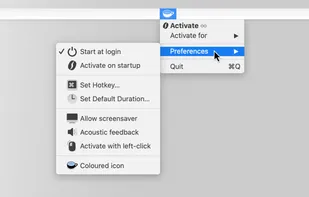
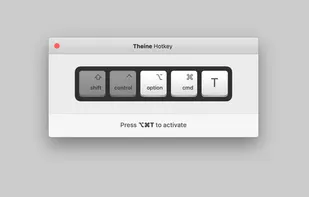
Prevent your Mac from falling asleep, dimming your screen or starting the screensaver. Theine keeps macOS awake just like caffeine does with you.


 Netherlands
 EU
EU
 Germany