Actual Multiple Monitors AlternativesWindow Managers and other similar apps like Actual Multiple Monitors

Actual Multiple Monitors is described as 'Software utility which offers the comprehensive solution to improve the functionality of Windows user interface for comfortable and effective work with multi-monitor configurations' and is a Window Manager in the os & utilities category. There are more than 10 alternatives to Actual Multiple Monitors for a variety of platforms, including Windows, Linux, Microsoft Edge, Vivaldi and Google Chrome apps. The best Actual Multiple Monitors alternative is DisplayFusion, which is free. Other great apps like Actual Multiple Monitors are Dual Monitor Tools, NVIDIA RTX Desktop Manager, Ultramon and Dual Monitor Taskbar.

Copy a direct link to this comment to your clipboard
Actual Multiple Monitors alternatives page was last updated

Alternatives list

  1. DisplayFusion icon
     172 likes

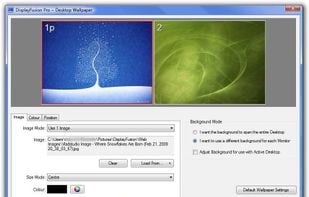
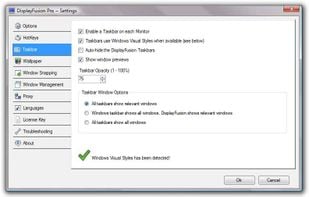
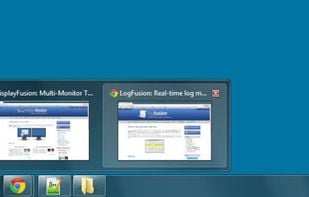
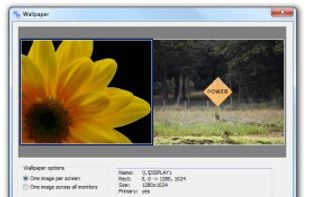
    Enables multi-monitor taskbars with advanced wallpaper management, scripted macros, remote access, screen savers, and desktop profile features; offers window snapping, customizable hotkeys, logon backgrounds, and multi-language support for home or business use.

    48 DisplayFusion alternatives

    Cost / License

    • Freemium
    • Proprietary

    Application type

    Platforms

    • Windows
     
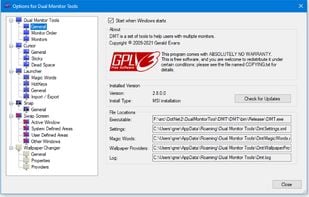
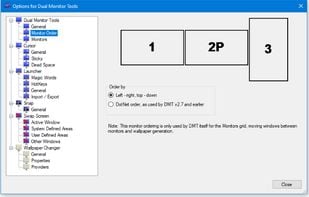
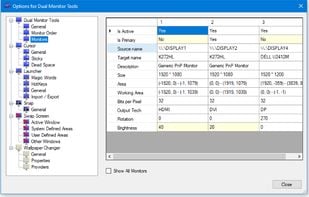
  2. Dual Monitor Tools is a software package for Windows users with dual or multiple monitor setups.

    All the tools are open source and free, and each tool is independent so you only need to install or run what you want.

    18 Dual Monitor Tools alternatives

    Cost / License

    • Free
    • Open Source

    Platforms

    • Windows
     
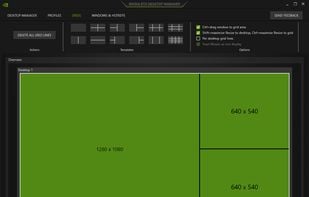
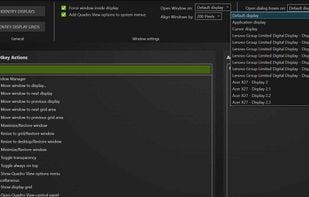
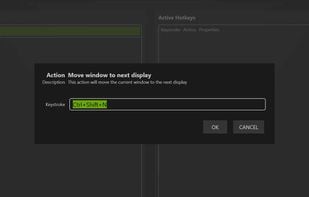
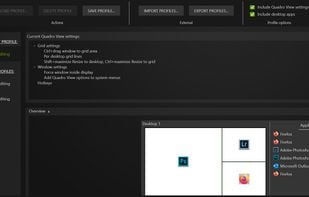
  3. NVIDIA RTX Desktop Manager is a software tool that manages single or multi-monitor workspaces. It comes with the NVIDIA RTX Enterprise/Quadro driver package or can be downloaded separately. Its main function is to boost productivity by optimizing workspace layout.

    19 NVIDIA RTX Desktop Manager alternatives

    Cost / License

    • Free
    • Proprietary

    Application type

    Platforms

    • Windows
     
  4. A taskbar for the second monitor. (Only tested on Windows Server 2008 R2 and Windows 7.)

    Cost / License

    • Free
    • Open Source

    Application type

    Alerts

    • Discontinued

    Platforms

    • Windows
     
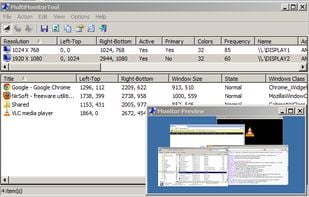
  5. With MultiMonitorTool, you can disable/enable monitors, set the primary monitor, save and load the configuration of all monitors, and move windows from one monitor to another.

    13 MultiMonitorTool alternatives

    Cost / License

    • Free
    • Proprietary

    Platforms

    • Windows
     
  6. ZBar icon
     39 likes

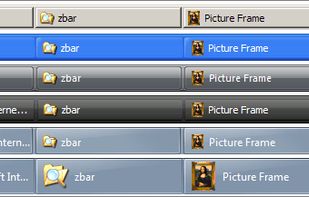
    ZBar is a utility for those who use multiple monitors. If you have a single screen, then theres nothing to see here. Move on.

    Cost / License

    • Free
    • Proprietary

    Application type

    Alerts

    • Discontinued

    Platforms

    • Windows
     
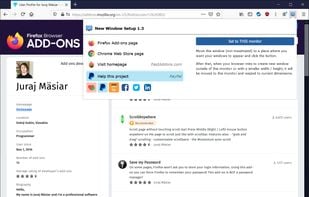
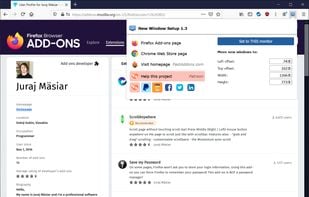
  7. Do you use multiple monitors? This extension will force new windows into one of them.

    Cost / License

    • Free
    • Proprietary

    Platforms

    • Google Chrome
    • Firefox
    • Microsoft Edge
    • Brave
    • Opera
    • Vivaldi Browser
     
  8. WindowSpace icon
     12 likes

    WindowSpace is a powerful desktop enhancement utility for large monitors, widescreens and multi-monitor systems. Once installed, it allows you to manipulate windows in many new amazing ways – snap windows to the screen edges and other windows, move and resize them with keyboard...

    Cost / License

    • Paid
    • Proprietary

    Application type

    Platforms

    • Windows
     
  9. MurGeeMon icon
     Like

    MurGeeMon is a Dual Monitor Software Utility to provide more control over dual monitors / displays connected to your computer. MurgeeMon has an easy to follow graphical user interface and provides various useful functionalities such as change background of a specified monitor...

    Cost / License

    • Paid
    • Proprietary

    Platforms

    • Windows
     
  10. Instamonitr icon
     1 like

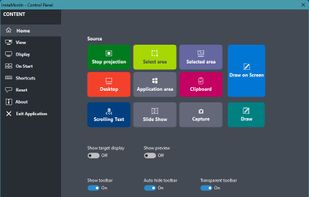
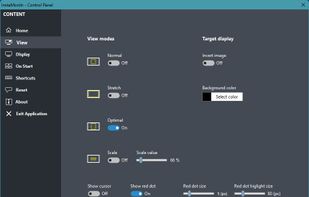
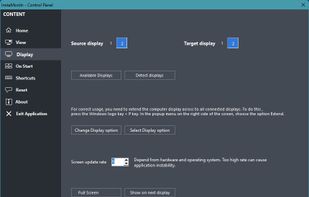
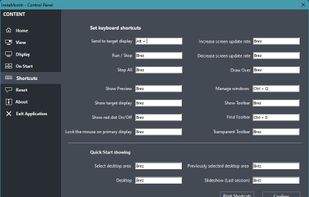
    Enhance the display on a secondary monitor beyond the standard Windows screen duplication or extension. The software offers advanced features such as displaying specific parts of the screen, real-time or static image display, drawing and highlighting over the screen, scrolling...

    Cost / License

    • Paid
    • Proprietary

    Platforms

    • Windows
     
  11. MultiMon icon
     6 likes

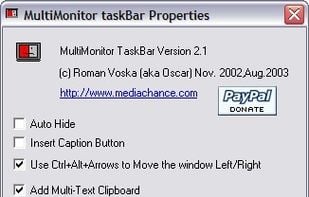
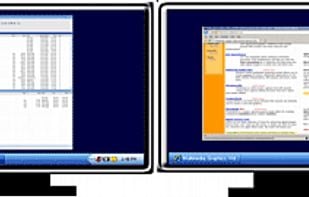
    MultiMonitor TaskBar A shiny new windows task Bar for your multiple monitors!.

    14 MultiMon alternatives

    Cost / License

    • Free Personal
    • Proprietary

    Platforms

    • Windows
     
12 of 15 Actual Multiple Monitors alternatives