


Curtains
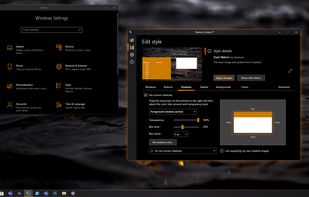
Enables creation and application of new interface styles for Windows 10 using a style editor, with fine-grained customization for title bars, buttons, gradients, fonts, and shadows, supporting pre-made themes, legacy OS designs, and seamless integration with compatible apps.

Features
- Color Palette
- Customize Windows
- System Tweaker
Tags
- theming
- Windows 10
- stardock
Curtains News & Activities
Recent News
Recent activities
- Fla updated Curtains
Curtains information
Developed by
 Stardock Corporation
 Licensing
Proprietary and Commercial product.Pricing
One time purchase (perpetual license) that costs $12.Alternatives
2 alternatives listedSupported Languages
- English


Featured in Lists
A list with 42 apps by RemovedUser without a description.
What is Curtains?
Customize Windows with additional styles with Curtains.
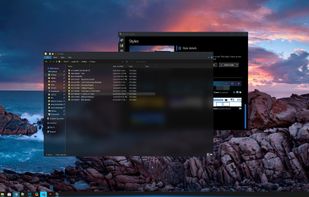
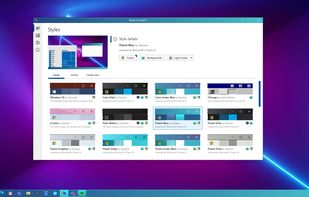
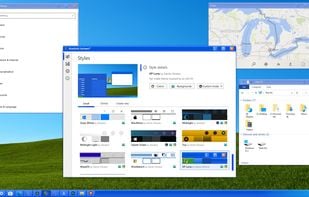
Apply: Curtains works similarly to the modes that Microsoft has implemented. Any app that already supports the existing dark and light modes will automatically benefit from Curtains. Stardock Curtains includes several new styles, like Crystal, Sky and Midnight. It also includes styles that let you change Windows to look like previous versions (XP, Windows 95, etc.) as well as alternative operating systems.
Create: Using the built-in style editor, you can easily create and share your own styles. A Curtains style can change everything that Light and Dark mode can change, including the Start button, title bar buttons, and title bar coloring. It also supports tweaking gradients, shadows opacity, and hundreds of other small elements of the Windows GUI. Curtains makes it very easy for people to create their own styles. There are a lot of customization features that have been buried in recent years, such as font faces and sizes, detailed color choices, and much more.