
Effortless time conversion and world time. Schedule conference calls, webinars & online meetings, plan travel and track flight arrival time across time zones.
Cost / License
- Freemium
- Proprietary
 United States
Platforms
- Online
- Android
- iPhone
- Android Tablet
- iPad
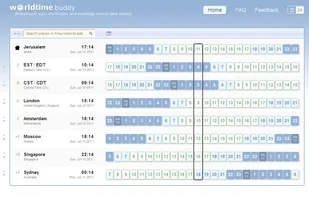


EZ Timezones is described as 'Free, no-signup timezone converter designed for remote teams and international businesses. Simply add cities to compare times, find optimal meeting windows, and share timezone configurations via URL' and is an website in the office & productivity category. There are nine alternatives to EZ Timezones, not only websites but also apps for a variety of platforms, including iPhone, Android Tablet, iPad and Android apps. The best EZ Timezones alternative is World Time Buddy, which is free. Other great sites and apps similar to EZ Timezones are Every Time Zone, Easy Timezones, GoTimezone.com and World Clock Pro.
Effortless time conversion and world time. Schedule conference calls, webinars & online meetings, plan travel and track flight arrival time across time zones.
Every Time Zone offers a simple, intuitive web app to help you know what time it is at various locations around the world.
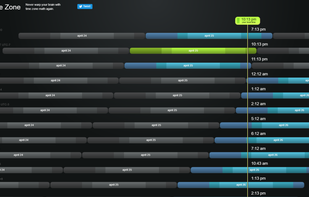


Easy Timezones is the simplest, easiest way to compare time zones throughout the world. Schedule meetings to suit all your friends, family and colleagues.

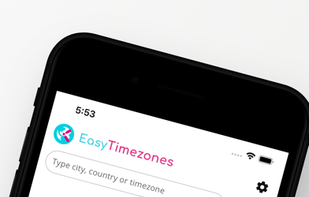


Compare time zones across the world instantly. Perfect for scheduling meetings, coordinating with remote teams, and planning international calls. Free timezone converter and comparison tool.
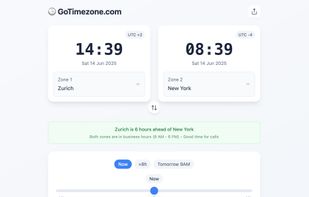



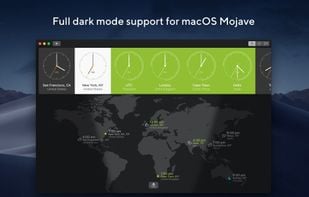
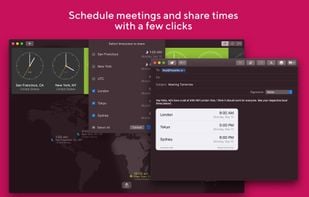
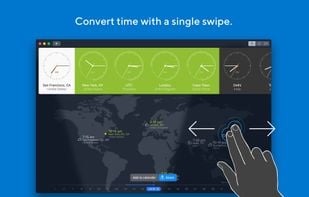


Visual time zone converter to quickly find when it's best to schedule a meeting with multiple participants across time zones.
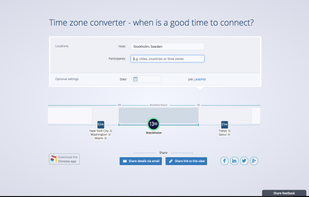


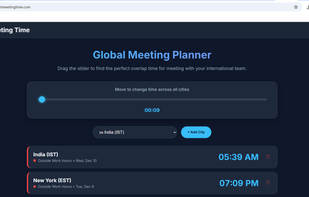
RightMeetingTime is a completely free tool. It features a cleaner dark mode UI, automatic business hour detection (green/red indicators), and handles daylight saving time automatically.

The fastest way to check the time in different time zone, country or any place in the world.

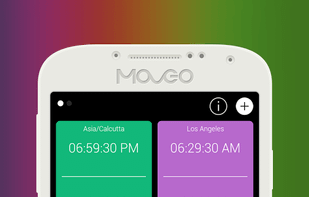
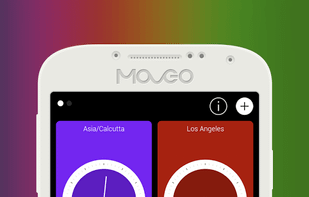
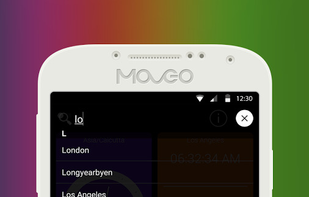
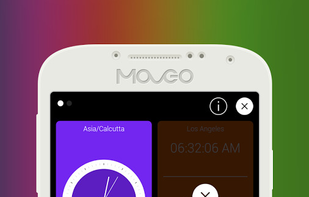
Time Buddy brings a colorful world clock. Setting and seeing the correct time for different time zones was never so easy.All you need to do is open the app tap to plus icon and enter location; that’s it.


 Switzerland


 India
India