
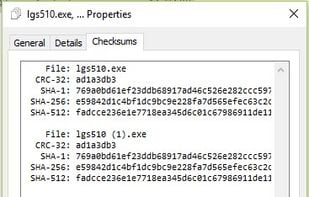
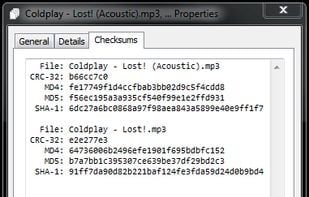
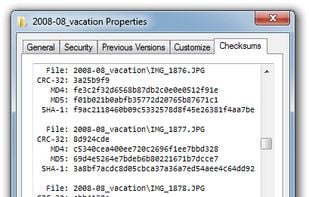
File-integrity verification with CRC-32, MD5, SHA-1, SHA-2 and SHA-3, integrated into Windows file-properties dialog box.
Cost / License
- Free
- Open Source
 France
 EU
EUAlerts
- Discontinued
Platforms
- Windows
- Windows Explorer
+1
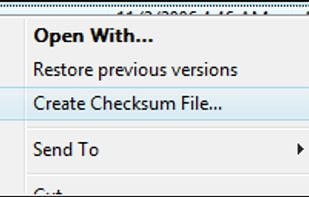


FlashSFV is described as 'Free tool that allows you to open and create SFV files, verifying them and determining if you have corrupt parts, in addition to which parts are bad or missing' and is an app. There are seven alternatives to FlashSFV for Windows, Linux, Android and File Explorer. The best FlashSFV alternative is HashCheck Shell Extension, which is both free and Open Source. Other great apps like FlashSFV are OpenHashTab, HashMyFiles, HashTools and QuickSFV.
File-integrity verification with CRC-32, MD5, SHA-1, SHA-2 and SHA-3, integrated into Windows file-properties dialog box.

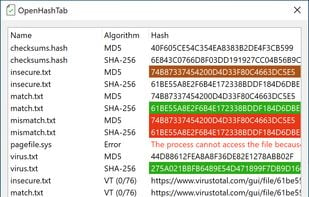
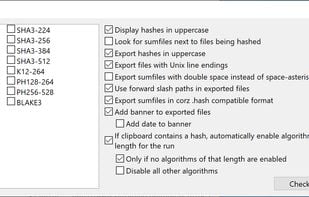
OpenHashTab is a shell extension for conveniently calculating and checking file hashes from file properties.


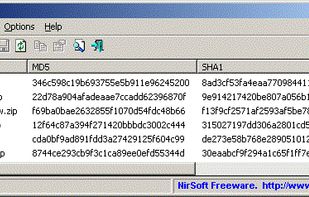
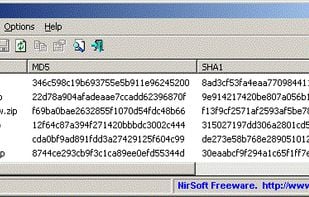
HashMyFiles is small portable utility that allows you to calculate the MD5 and SHA1 hashes of one or more files in your system.


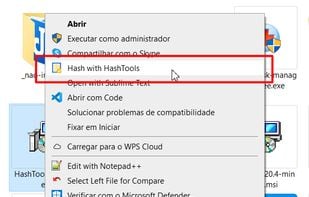
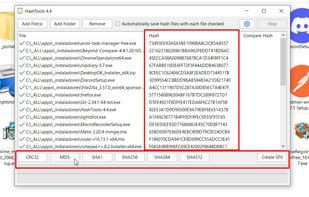
HashTools is an application that calculates hashes for given files. It can calculate CRC32, MD5, SHA1, SHA256, SHA384 and SHA512 hashes, and generate an SFV file for your files if needed. HashTools can also add itself to the Windows Explorer context menu for easy.


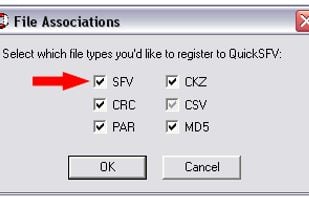
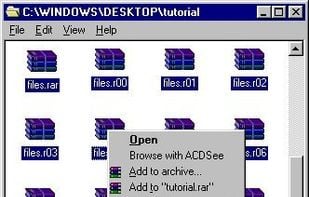
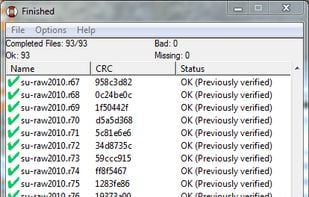
QuickSFV integrates into the Windows Explorer shell and makes it very easy to verify files. Just double-click on the SFV file and QuickSFV does the rest. QuickSFV also understands several other file verification formats including CRC, CSV, and CKZ.


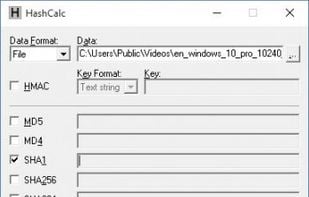
A fast and easy-to-use calculator that allows to compute message digests, checksums and HMACs for files, as well as for text and hex strings. It offers a choice of 13 of the most popular hash and checksum algorithms for calculations.


 Hungary
 Israel
 Canada
 United States


 Netherlands