

Cost / License
- Free
- Open Source (MIT)
Application type
 United States
Platforms
- Microsoft Edge
- Google Chrome
- Mozilla Firefox
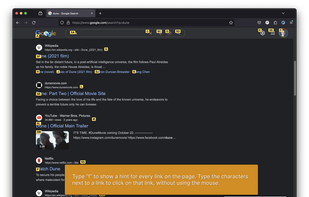
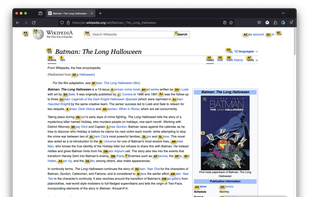
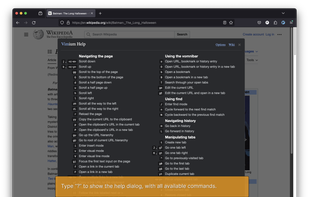



gleeBox is described as 'Experimental project that takes a keyboard-centric approach to navigating the web. It provides alternatives to actions that are traditionally performed via the mouse. Some of these are radically more efficient than using a mouse, some not so much' and is an app in the web browsers category. There are seven alternatives to gleeBox for a variety of platforms, including Windows, Linux, Mac, Mozilla Firefox and Google Chrome apps. The best gleeBox alternative is Vimium, which is both free and Open Source. Other great apps like gleeBox are Vimperator, cVim, VimFx and vrome.

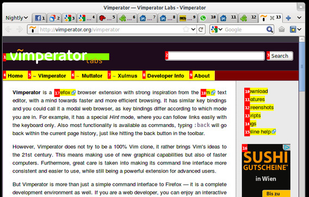
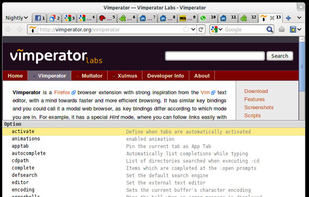
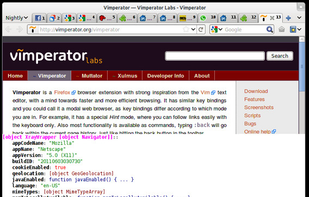
Vimperator is a Firefox browser extension with strong inspiration from the Vim text editor, with a mind towards faster and more efficient browsing. It has similar key bindings and you could call it a modal web browser, as key bindings differ according to which mode you are in.




VimFx is a Mozilla Firefox extension which introduces Vim-style keyboard shortcuts for browsing and navigation, significantly reducing the use of mouse, and allowing your hands to rest on the home row.

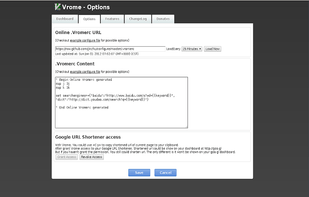
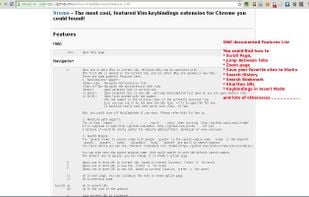
Vrome is a Vim keybindings extension for Chrome. Designed to provide a more efficient browsing experience, Vrome comes with its own additions that will surprise you.

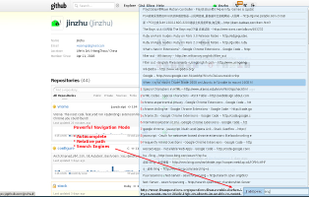
Conkeror is a keyboard-oriented, highly-customizable, highly-extensible web browser based on Mozilla XULRunner, written mainly in JavaScript, and inspired by exceptional software such as Emacs and vi. Conkeror features a sophisticated keyboard system, allowing users to run...
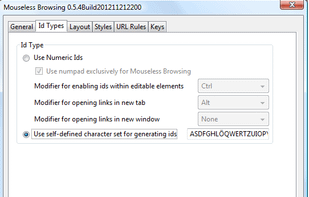
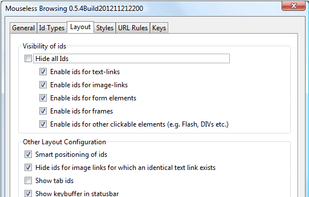
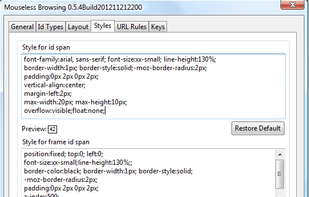
Mouseless Browsing (MLB) enables you to browse the web entirely with the keyboard. The basic principle is to add small boxes with unique ids behind every link and/or form element. You just have to type in the id to trigger the corresponding action i.e.



 Ukraine
 Germany
 EU
EU