



Gmail Template with Attachment
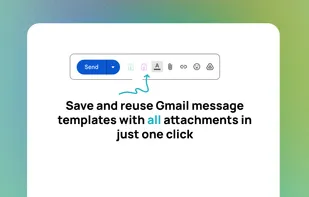
A Chrome extension that lets you save Gmail email templates with attachments directly in the compose window. Upload files once and insert the entire email — text and attachments — in one click.
Cost / License
- Free
- Proprietary
Platforms
- Gmail
- Google Chrome

Gmail Template with Attachment
Features
Properties
- Privacy focused
Features
- No Coding Required
- Email template editor
- Marketing Automation
- Ad-free
- Import CSV Data
- Gmail
Gmail Template with Attachment News & Activities
Recent activities
- HermannAntonov added Gmail Template with Attachment
- POX updated Gmail Template with Attachment
Gmail Template with Attachment information
What is Gmail Template with Attachment?
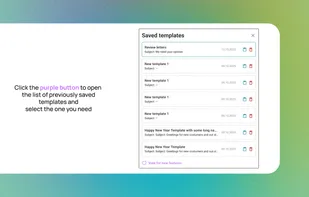
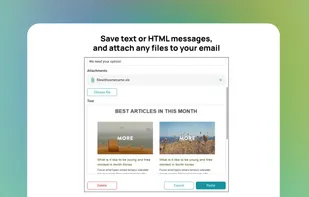
Gmail Templates with Attachments is a Chrome browser extension that lets you save email templates directly in the Gmail compose window, including file attachments. With a single click, you can insert previously saved emails together with their attachments.
The key difference from similar tools is the ability to store attachments in a compact way. Sales managers, marketers, and document management specialists no longer need to manually upload files from their computer’s file manager. You upload attachments to a template once and then insert the entire email — text and files — in just one click.
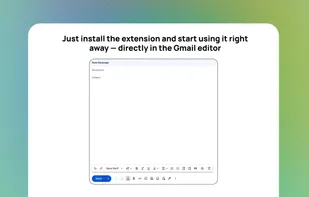
The save and load buttons are conveniently placed in the Gmail compose window.