

Gyan Reader
2 likes
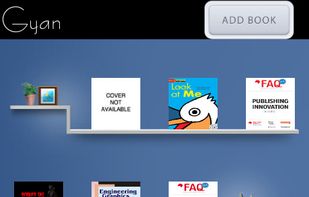
Gyan Reader is an eBook Reader that supports epub 3 format and is also backward compatible. It is an advanced epub3 rendering engine for Android platform.
Cost / License
- Free Personal
- Proprietary
Application type
Alerts
- Discontinued
Platforms
- Android
- Android Tablet

Discontinued
No updates since 2013.

Features
No features, maybe you want to suggest one?
Tags
- EPUB Reader
- EPUB
- mathml-epub
- video-epub
- Html5
- share-on-facebook
Gyan Reader News & Activities
Highlights All activities
Recent activities
No activities found.
Gyan Reader information
Developed by
Viraja NemaniLicensing
Proprietary and Free Personal product.Alternatives
53 alternatives listedSupported Languages
- English


No comments or reviews, maybe you want to be first?
What is Gyan Reader?
Gyan Reader is an eBook Reader that supports epub 3 format and is also backward compatible. It is an advanced epub3 rendering engine for Android platform.
Please Note
- Ensure you have a free internal storage capacity of minimum 300mb
- If you cannot open ePub file with our Reader for any reason, please contact us for support.
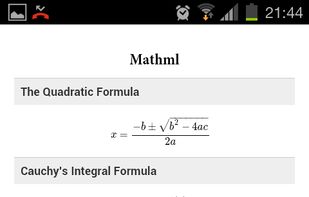
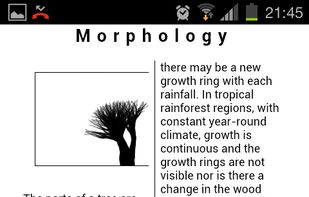
- The first ePub3 Reader for Android platform that supports Mathml, Audio, Video, SVG, webGL animation and 3d.
- Fixed Layout and accessibility not yet supported and will be updated in next version.
- Simple import books feature.
- Swipe Left to turn to the Previous page or swipe Right and turn to the Next page.
- Share your favorite books with your friends through Twitter, Facebook, and E-mail.
Here are the options within content view area:
- Font Size: Adjust font sizes with Smaller and Larger buttons.
- Last read position is saved automatically for each book.
- Add Bookmarks
- Easy to access table of contents and bookmarks
- Double tap on the screen to Turn On/Off internal UI.