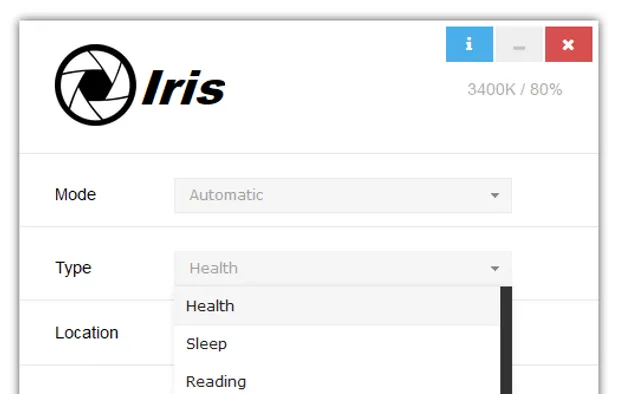

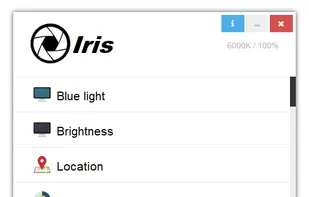
Reduces blue light and flicker for eye comfort, supports auto color temperature adjustment based on time, customizable modes, overlays, color and font options, docking station support, and accessible part-screen filtering for diverse needs.
 Bulgaria
 EU
EU


Healthy Tech is described as 'Healthy tech is an all in one solution for mitigating the health risks that are associated with computer use, it forces you to take frequent breaks, prevents excessive use and helps you adhere to your sleep schedule' and is a Health tool in the office & productivity category. There are four alternatives to Healthy Tech for Mac, Windows, Linux, Chrome OS and Google Chrome. The best Healthy Tech alternative is Iris, which is free. Other great apps like Healthy Tech are Take a Five, Look Up and Break.
Reduces blue light and flicker for eye comfort, supports auto color temperature adjustment based on time, customizable modes, overlays, color and font options, docking station support, and accessible part-screen filtering for diverse needs.

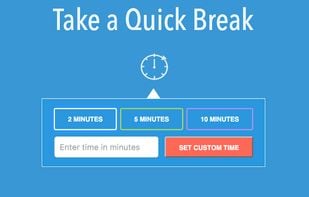
Take a quick break from work while staying focused with the Take a Five Chrome extension.


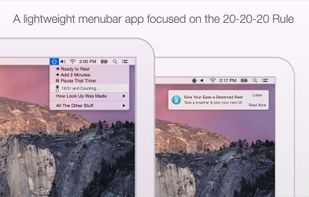
Look Up helps you remember to rest your eyes, using the 20-20-20 rule: every 20 minutes, look up for 20 seconds, at something more than 20 feet away. Look Up is a highly rated health app that helps you keep focused in a healthy way.
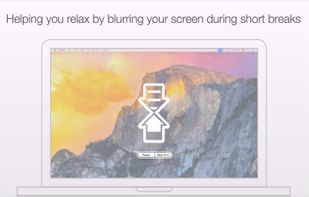
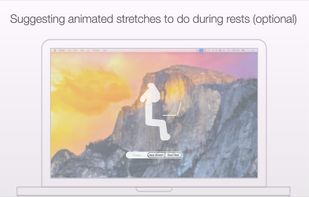
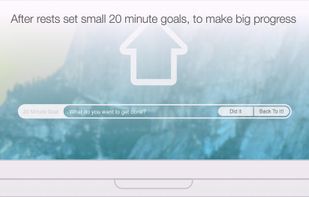


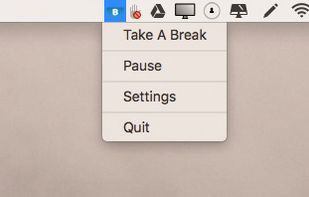
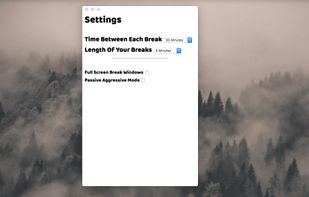
Break is a simple productivity app to remind you to take a short rest from your computer once in a while. Keep focused and stay productive by taking breaks when needed, using Break to help you remember.