Intelligent Copier AlternativesFile Managers and other similar apps like Intelligent Copier

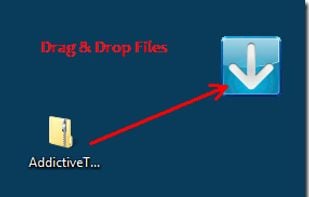
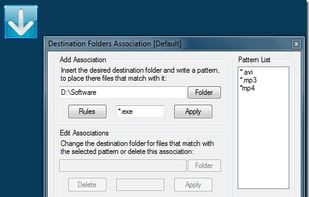
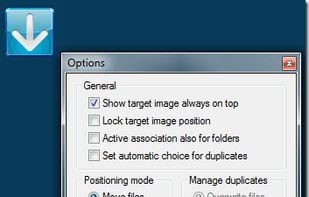
Intelligent Copier is described as 'Automatic file mover and copier. It offers a window that you can drag files onto, and will then copy or move them based on your settings. For example, you could choose to move all .mp3 files into the C:Music folder or copy any' and is a File Manager in the file management category. There are more than 10 alternatives to Intelligent Copier for Windows, Mac and Linux. The best Intelligent Copier alternative is DropIt, which is both free and Open Source. Other great apps like Intelligent Copier are Hazel, Organize, DeClutter: File Tagger and Organizer and Easy File Organizer.

Copy a direct link to this comment to your clipboard
Intelligent Copier alternatives page was last updated

Alternatives list

  1. DropIt icon
     76 likes

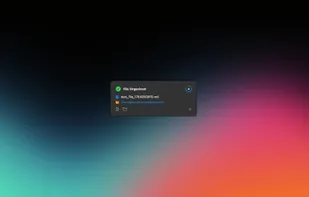
    Automates moving, sorting, compressing, and handling files and folders using 17 different actions, advanced filtering by properties and regular expressions, profile-based automation, scheduled folder scans, and seamless drag-and-drop bulk processing.

    17 DropIt alternatives

    Cost / License

    • Free
    • Open Source

    Application type

    Platforms

    • Windows
     
    • DropIt is the most popular Windows alternative to Intelligent Copier.

    • DropIt is the most popular Open Source & free alternative to Intelligent Copier.

    • DropIt is Free and Open SourceIntelligent Copier is Free and Proprietary
  2. Hazel icon
     53 likes

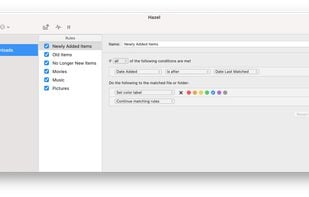
    Automated organization for your Mac.

    35 Hazel alternatives

    Cost / License

    • Pay once
    • Proprietary

    Platforms

    • Mac
     
    • Hazel is the most popular Mac alternative to Intelligent Copier.

    • Hazel is the most popular commercial alternative to Intelligent Copier.

    • Hazel is Paid and ProprietaryIntelligent Copier is Free and Proprietary
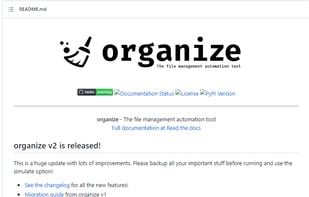
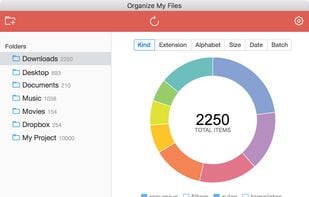
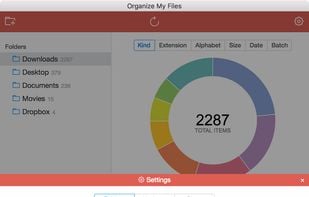
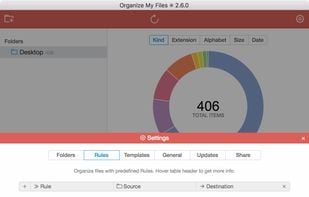
  3. Organize icon
     14 likes

    The file management automation software.

    32 Organize alternatives

    Cost / License

    • Free
    • Open Source (MIT)

    Application type

    Platforms

    • Mac
    • Windows
    • Linux
     
    • Organize is the most popular Linux alternative to Intelligent Copier.

    • Organize is Free and Open SourceIntelligent Copier is Free and Proprietary
    • Organize is LightweightIntelligent Copier is not according to our users
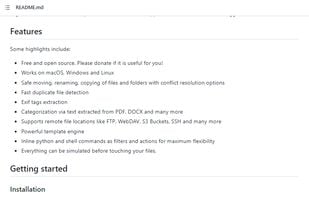
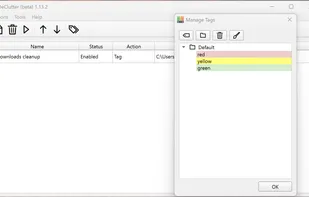
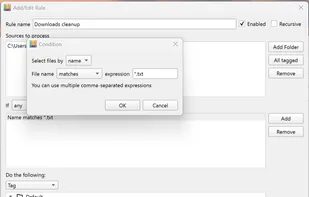
  4. The application automatically processes files and folders based on the rules specified by the user.

    The app is open source, based on Python/PySide6.

    18 DeClutter: File Tagger and Organizer alternatives

    Cost / License

    • Free
    • Open Source (MIT)

    Platforms

    • Mac
    • Windows
     
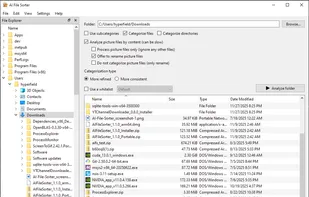
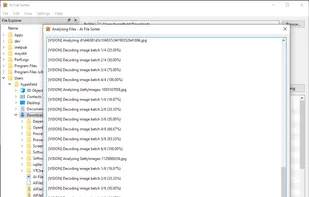
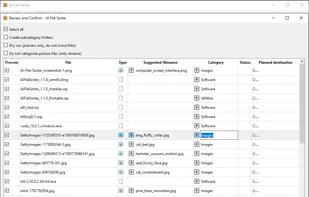
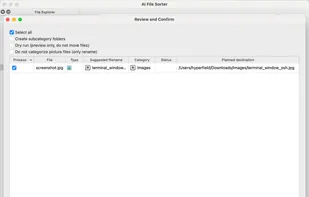
  5. AI File Sorter is a cross-platform desktop application that uses AI to organize all files and intelligently suggest better file names for image files, based on their visual content. It is designed to reduce clutter, improve consistency, and make files easier to find later...

    16 AI File Sorter alternatives

    Cost / License

    Application type

    Platforms

    • Windows
    • Mac
    • Linux
     
  6. Ornix icon
     1 like

    Ornix automatically organizes your messy Downloads folder. Set it once, and Ornix watches your folders, sorting files into categories like Documents, Images, Videos, and more.

    Cost / License

    • Freemium (Pay once)
    • Proprietary

    Platforms

    • Mac
     
  7. Drop Zone icon
     7 likes

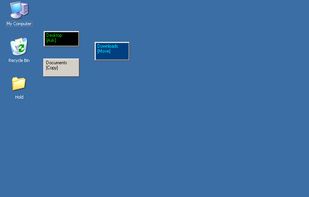
    Create simple drag-n-drop windows to quickly copy or move files. After dropping files or folders onto a Drop Zone window, a menu of paths you've configured will pop up, allowing you to quickly copy or move files to those destinations.

    12 Drop Zone alternatives

    Cost / License

    • Free
    • Proprietary

    Application type

    Platforms

    • Windows
     
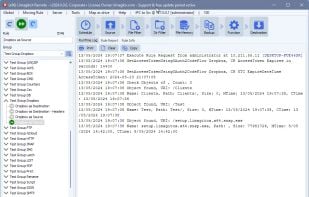
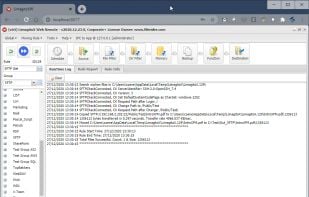
  8. Automates file transfers using rules and filters for moving, copying, deleting, or renaming; supports numerous cloud storage and protocols; handles multiple file transfer jobs with scheduling, admin monitoring tools, email notifications, and advanced error handling.

    21 Limagito FileMover alternatives

    Cost / License

    • Freemium (Pay once)
    • Proprietary

    Application type

    Platforms

    • Windows
     
  9. MoveOut icon
     2 likes

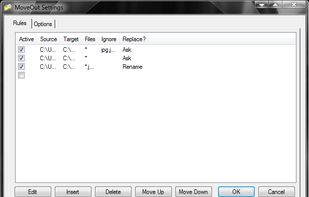
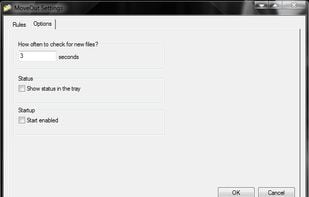
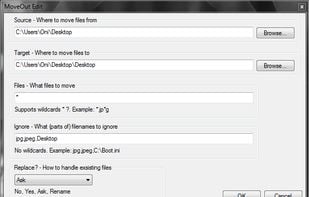
    MoveOut will help you make rules to move files automatically. Use it to make a rule that moves files from the desktop to a subfolder, based on file type, part of a filename, or whatever.

    Cost / License

    • Free
    • Proprietary

    Application type

    Platforms

    • Windows
     
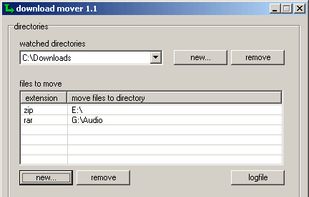
  10. Tool to check directories in regular intervals for new files and move specific files to another folder.

    Cost / License

    • Free
    • Proprietary

    Alerts

    • Discontinued

    Platforms

    • Windows
     
12 of 13 Intelligent Copier alternatives