KeyCue AlternativesCheat Sheets and other similar apps like KeyCue

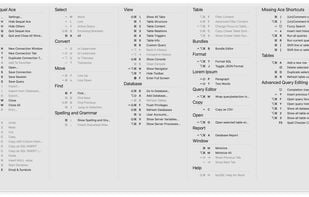
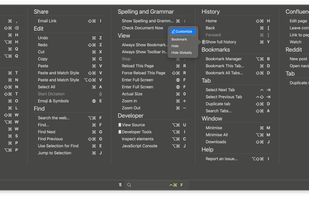
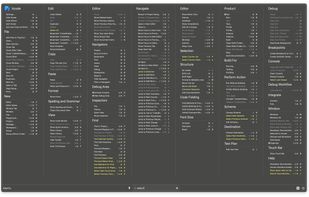
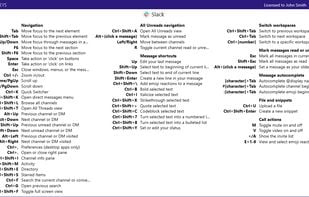
KeyCue is described as 'Menu shortcuts are supposed to provide quick access to frequently used menu commands. But honestly: how many menu shortcuts do you know by heart? KeyCue helps you to use your Mac OS X applications more effectively by displaying a concise table of all currently available menu' and is a Cheat Sheet in the os & utilities category. There are nine alternatives to KeyCue for a variety of platforms, including Mac, Windows, Linux, Web-based and Android apps. The best KeyCue alternative is KeyCombiner, which is free. Other great apps like KeyCue are Paletro, ShowMeYourHotKeys, KeyClu and CheatKeys.

Copy a direct link to this comment to your clipboard
KeyCue alternatives page was last updated

Alternatives list

  1. KeyCombiner icon
     9 likes

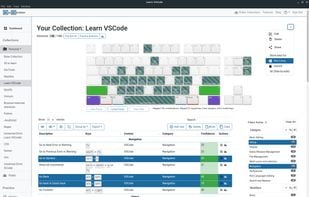
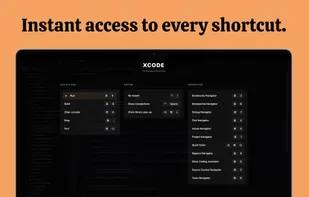
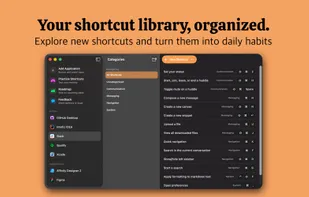
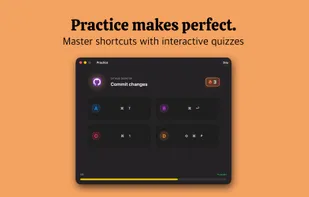
    KeyCombiner helps you learn exactly the keyboard shortcuts you need. Create your own shortcut collections by importing from a large public database of shortcuts (VSCode, Vim, IntelliJ, Gmail, Notion, Excel, etc.

    4 KeyCombiner alternatives

    Cost / License

    • Freemium (Subscription)
    • Proprietary

    Platforms

    • Mac
    • Windows
    • Linux
    • Software as a Service (SaaS)
     
    • KeyCombiner is the most popular Windows, Mac, Linux & SaaS alternative to KeyCue.

    • KeyCombiner is the most popular free alternative to KeyCue.

    • KeyCombiner is Freemium and ProprietaryKeyCue is Paid and Proprietary
  2. Paletro icon
     10 likes

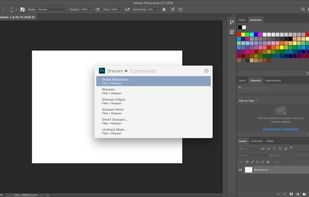
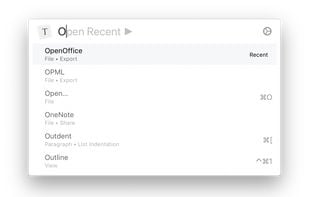
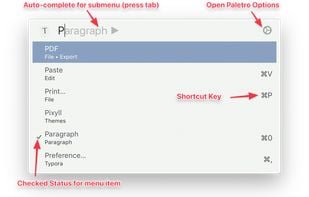
    With Paletro, by pressing ??P, you have access to all of the functionality of current focused app, including keyboard shortcuts for the most common operations.

    9 Paletro alternatives

    Cost / License

    • Pay once
    • Proprietary

    Application type

    Platforms

    • Mac
     
    |
    1
    Comments about Paletro as an Alternative to KeyCue
    steppinwolf
    Positive
    0

    Paletro is just as nice/powerful as KeyCue IMO at less than half the price. It's also included in Setapp if you subscribe to that.

    Review by a new / low-activity user.
    KeyCue Icon
    Paletro icon
    • Paletro is the most popular commercial alternative to KeyCue.

    • Paletro is Paid and ProprietaryKeyCue is also Paid and Proprietary
  3. ShowMeYourHotKeys is a macOS application that allows you to display the hotkeys of the foreground application.

    Cost / License

    • Freemium (Pay once)
    • Proprietary

    Application type

    Platforms

    • Mac
     
  4. KeyClu icon
     3 likes

    Simple and handy overview of applications shortcuts. Easy to use, just press Command twice and hold to see the list.

    8 KeyClu alternatives

    Cost / License

    • Free
    • Proprietary

    Application type

    Platforms

    • Mac
    • Homebrew
     
  5. CheatKeys icon
     7 likes

    Just hold the CTRL-Key a bit longer to see a list of available short-cuts in your current application. Smart rendering stacks short-cuts to fit the optimal screen space.

    6 CheatKeys alternatives

    Cost / License

    • Pay once
    • Proprietary

    Application type

    Platforms

    • Windows
     
  6. ShortcutFoo icon
     3 likes

    shortcutFoo is a fun and easy way to learn shortcuts and become a more productive programmer.

    Cost / License

    • Paid
    • Proprietary

    Platforms

    • Online
     
    • ShortcutFoo is the most popular Web-based alternative to KeyCue.

    • ShortcutFoo is Paid and ProprietaryKeyCue is also Paid and Proprietary
  7. This application helps you to learn computer shortcut keys, every computer shortcuts are contained simple descriptions and this is the best computer shortcut app.

    Cost / License

    • Free
    • Proprietary

    Platforms

    • Android
    • iPhone
    • iPad
     
    • Learn computer keyboard shortcut keys is the most popular Android, iPhone & iPad alternative to KeyCue.

    • Learn computer keyboard shortcut keys is Free and ProprietaryKeyCue is Paid and Proprietary
  8. Kommand icon
     Like

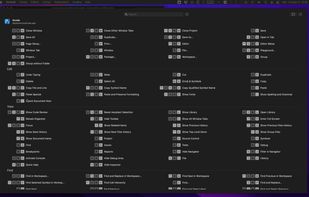
    Kommand shows you all keyboard shortcuts for your current app in a beautiful overlay, organized by category and ready to use. No more googling shortcuts or digging through menus. Just instant access to the commands you need.

    Cost / License

    • Freemium (Pay once)
    • Proprietary

    Application type

    Platforms

    • Mac
     
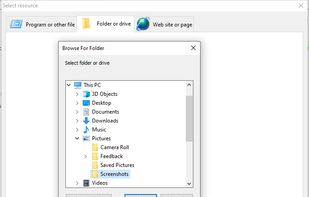
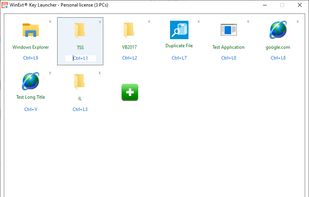
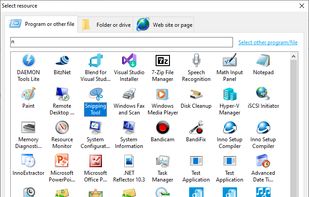
  9. WinExt Key Launcher is used to quickly open your resources by shortcut keys, you can press two keys (Ctrl+? or Alt+?) at any place of Windows to open the corresponding resource during it is running.

    Cost / License

    • Freemium (Subscription)
    • Proprietary

    Platforms

    • Windows
     
9 of 9 KeyCue alternatives