


Message Response Time Statistics
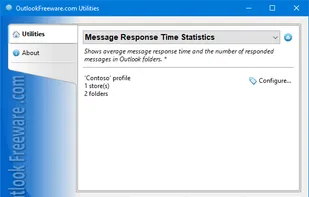
This free utility provides a set of 12 productivity reports for Outlook. Reports show how many messages have been received, replied, forwarded, or left with no action and how much time, on average, was spent on each of these actions.
Cost / License
- Free Personal
- Proprietary
Platforms
- Windows

Features
- Reporting
- Messages
Tags
- outlook
- add-in
Message Response Time Statistics News & Activities
Recent activities
Message Response Time Statistics information
Developed by
 Relief, LLC
 Licensing
Proprietary and Free Personal product.Alternatives
1 alternatives listedSupported Languages
- English
AlternativeTo Category
Office & Productivity
What is Message Response Time Statistics?
This free utility provides a set of 12 productivity reports for Outlook. Reports show how many messages have been received, replied, forwarded, or left with no action and how much time, on average, was spent on each of these actions. You can specify the desired Outlook mail folders and the required time period. All reports are divided into two categories: by the received time of the message ("Received messages" mode) and by the message response time ("Message actions" mode). If the first mode is selected, the utility uses message received time to count emails. In the second mode, the message reply date is used to count emails. Resulting data can be grouped by date, month, year, hour of day, day of week, or month. The easiest way to assess your productivity when working with Outlook email, as well as the effectiveness of the support team, and all professionals and staff who work with the email, is to count how many messages each employee handles and at what speed. These reports allow you to compare user measures and optimize your resources and resources of your company on different days and hours. In command line mode, you can build reports on other user Exchange Server mailboxes.ok folders.