

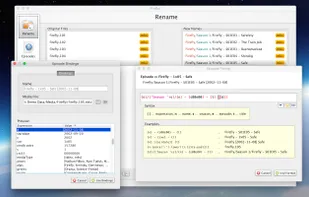
FileBot is the ultimate tool for organizing and renaming your movies, tv shows or anime, and music well as downloading subtitles and artwork. It's smart and just works.
 Austria
 EU
EU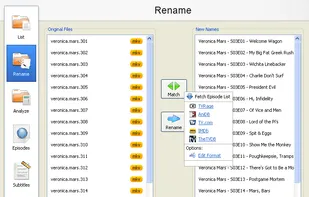
+2


Rename My TV Series is described as 'Easy to use application to assist you in Renaming your TV Show files based in TheTVDB.com data. The new TheTVDB API v2 has been implemented in this new version. Dark Theme is supported for macOS and Linux. macOS application is 64 bit and signed' and is a File Renamer in the file management category. There are five alternatives to Rename My TV Series for Windows, Linux, Mac and BSD. The best Rename My TV Series alternative is FileBot. It's not free, so if you're looking for a free alternative, you could try mnamer or TV Rename. Other great apps like Rename My TV Series are fixarr and EpNamer.
FileBot is the ultimate tool for organizing and renaming your movies, tv shows or anime, and music well as downloading subtitles and artwork. It's smart and just works.

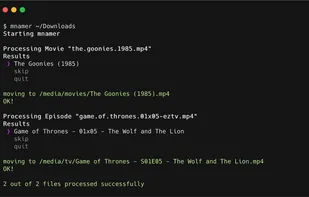
mnamer is an intelligent and highly configurable media organization utility. It parses media filenames for metadata, searches the web to fill in the blanks, and then renames and moves them.


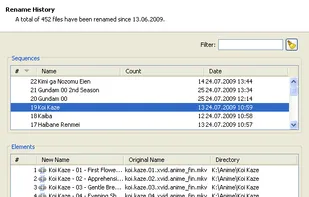
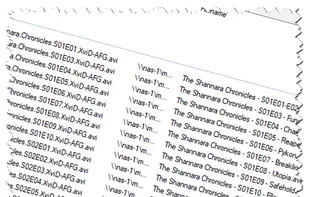
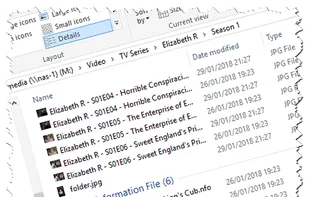
Move or copy and rename media files, download posters, banners and episode images, create .nfo files, search for missing episodes, calendarize your favourite TV shows - automatically….



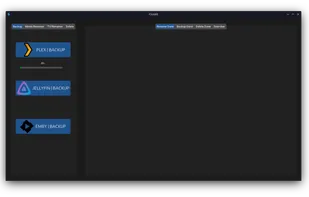
Fixarr is a free, open-source media renamer that can rename files, especially for movies, TV shows, and anime. It has features like movie renamer, TV renamer, anime renamer, Plex backup, multi threading, purging unnecessary files (NFO,SRT), Jellyfin backup, Emby backup, movie...


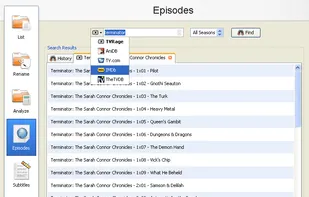
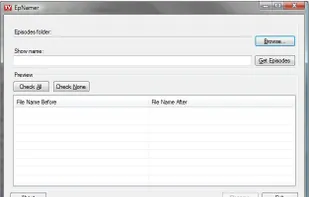
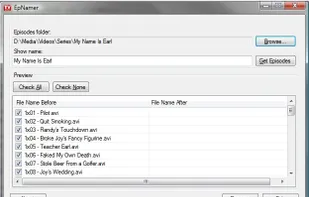
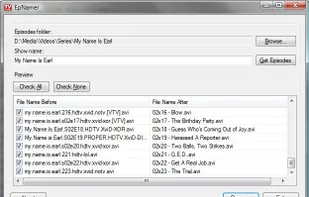
EpNamer allows you to automatically rename all of your tv episode media files in seconds. All you do is enter the name of the show and EpNamer will extract the episode id from the filename, download the episode name from the internet and let to you rename all your files in...


 United Kingdom

This was free and it worked more intuitively than any other alternative I tried. Super easy to use and a very fast rename process.