No Frills Parking
1 like
Are you in an unfamiliar city? At a festival or event with thousands of visitors, each bringing their own car.
Cost / License
- Paid
- Proprietary
Platforms
- Android
- Android Tablet

Features
No features, maybe you want to suggest one?
Tags
- automobile
- parking
- Find your car
- parking-lot
- Car
No Frills Parking News & Activities
Highlights All activities
Recent activities
- nancyjack236 A comment was removed from No Frills Parking
No Frills Parking information
Developed by
Unicorn SystemzLicensing
Proprietary and Commercial product.Alternatives
11 alternatives listedSupported Languages
- English


No comments or reviews, maybe you want to be first?
What is No Frills Parking?
Are you in an unfamiliar city? At a festival or event with thousands of visitors, each bringing their own car.
The No Frills Parking app takes away all of the stress in parking and then later retrieving your automobile.
It's so simple to use.
- Park your car.
- Start the No Frills Parking app and when your phone has connected to the GPS, press the I'm parking button.
- Turn off the app (so your phone doesn't use power connecting to a GPS satellite you're not using at that moment).
- Do your thing. Go shopping is a strange city. Attend a three day festival. Have lunch. Wander through the park. Enjoy yourself.
- When you're ready to return to your parked car, start the No Frills Parking app, wait momentarily for the GPS to kick in, and then press the find my car button.
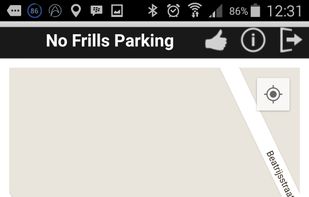
- Follow the map route back to your car, hop in and drive away.
Works 24/7 world-wide, so whether you're at home or on a vacation halfway around the world, with the No Frills Parking app it's impossible to lose your car after you've parked it.