NotCPUCores AlternativesProcess Monitoring Tools and other similar apps like NotCPUCores

NotCPUCores is described as 'GUI for quick CPU Resource Assignment and Priority adjustment, along with other minor tweaks. A lot of similar snake oil marketed Non-Free alternatives exist that like to call themselves names such as "Game Booster", "FPS Booster"' and is a process monitoring tool in the os & utilities category. There are seven alternatives to NotCPUCores for Windows. The best NotCPUCores alternative is Task Manager, which is free. Other great apps like NotCPUCores are Process Lasso, Process Governor, GiMeSpace Power Control Pro and CPUCores.

Copy a direct link to this comment to your clipboard
NotCPUCores alternatives page was last updated

Alternatives list

  1. Task Manager icon
     67 likes

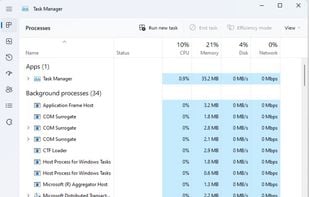
    Windows Task Manager is a task manager application included with Microsoft Windows NT family of operating systems that provides detailed information about computer performance and running applications, processes and CPU usage, commit charge and memory information, network...

    75 Task Manager alternatives

    Cost / License

    • Free
    • Proprietary

    Application type

    Platforms

    • Windows
     
  2. Process Lasso icon
     67 likes

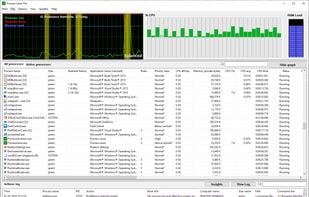
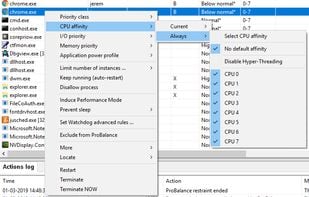
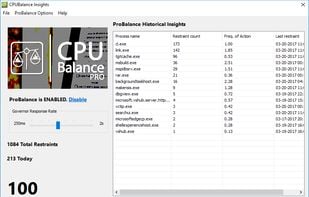
    Real-time process and CPU affinity optimization utility with ProBalance technology to preserve responsiveness. Automates rules, power schemes, and core selection. Mitigates system slowdowns, enables persistent affinities, watchdog monitoring, and instance limits, running lightweight.

    43 Process Lasso alternatives

    Cost / License

    • Freemium
    • Proprietary

    Application type

    Platforms

    • Windows
     
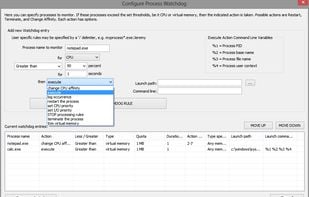
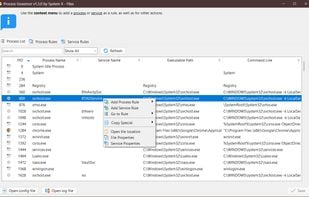
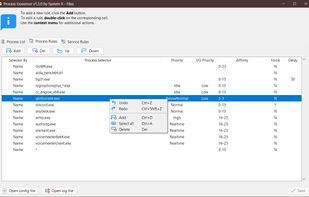
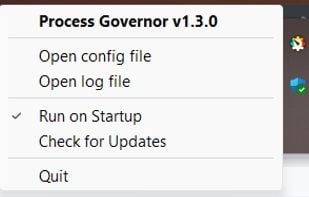
  3. Process Governor is a Python utility designed to manage Windows processes and services by adjusting their priorities, I/O priorities, and core affinity based on user-defined rules.

    Cost / License

    Application type

    Platforms

    • Windows
     
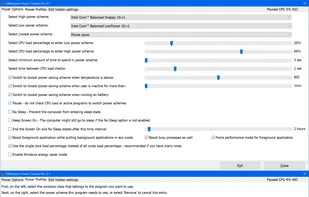
  4. This program is switching automatic between low and high power energy plans depending on the load of the CPU and CPU temperature. The Pro version adds new features to control individual programs including CPU core affinity, process and I/O scheduling priorities.

    Cost / License

    • Paid
    • Proprietary

    Application type

    Platforms

    • Windows
     
  5. CPUCores icon
     1 like

    CPUCores is a cutting-edge Windows based software built by gamers, specifically for gamers, with 1 thing in mind: INCREASE YOUR FPS! CPUCores does this by micromanaging your Windows OS and non-essential applications to focus your CPU power.

    Cost / License

    • Paid
    • Proprietary

    Platforms

    • Windows
     
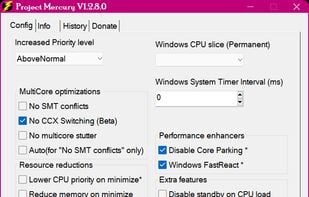
  6. Project Mercury is a lightweight and unobtrusive CPU tweak that allows you to prioritize programs in order of importance and use.

    Cost / License

    • Free
    • Proprietary

    Alerts

    • Warning

    Platforms

    • Windows
     
7 of 7 NotCPUCores alternatives