Pixaki Alternatives

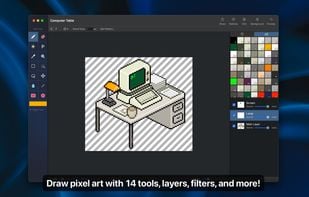
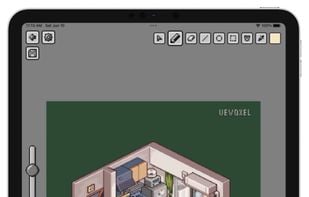
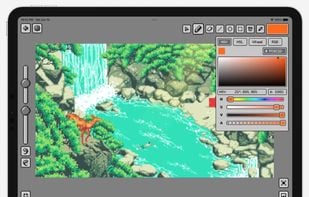
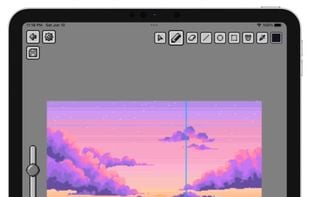
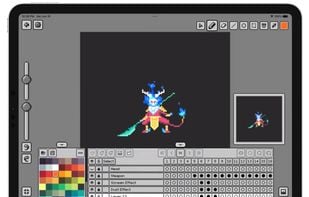
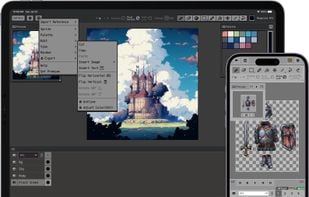
Pixaki is described as 'Powerful pixel art creation app for iPad. It features many of the same features found in desktop apps — such as custom canvas sizes, layers, precise colour selection and customisable palettes — but with a gorgeous multi-touch interface that is just right for iPad' and is an app. There are more than 10 alternatives to Pixaki for a variety of platforms, including Mac, Windows, iPad, iPhone and Linux apps. The best Pixaki alternative is Aseprite, which is free. Other great apps like Pixaki are Tilf, Pixen, Pixquare - Pixel Art Editor and Resprite.

Copy a direct link to this comment to your clipboard
Pixaki alternatives page was last updated

Alternatives list

  1. Aseprite icon
     76 likes

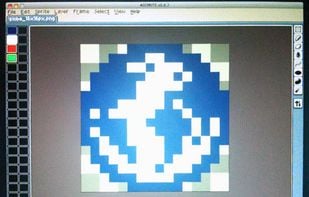
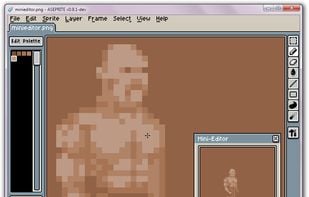
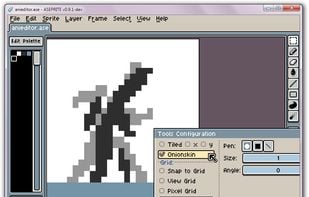
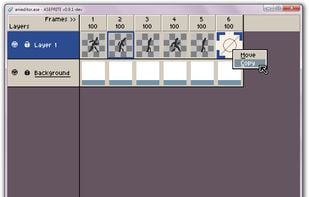
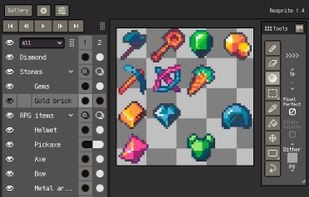
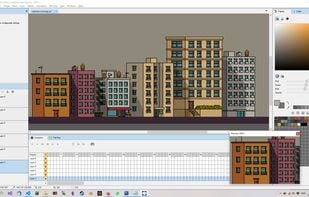
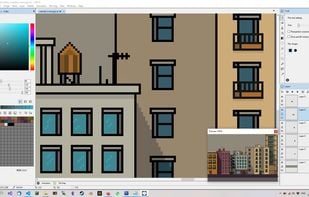
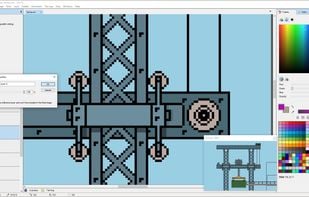
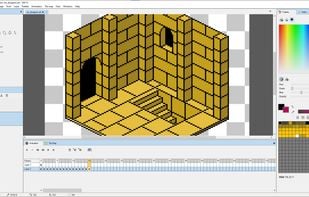
    Aseprite (previously ASE, aka Allegro Sprite Editor) is a program to create animated sprites & pixel art. Sprites are little images that can be used in your website or in a video game. You can draw characters with movement, intros, textures, patterns, backgrounds, logos...

    52 Aseprite alternatives

    Cost / License

    • Freemium
    • Proprietary

    Application type

    Platforms

    • Mac
    • Windows
    • Linux
     
  2. Tilf icon
     11 likes

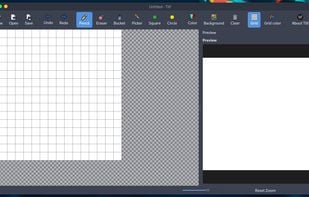
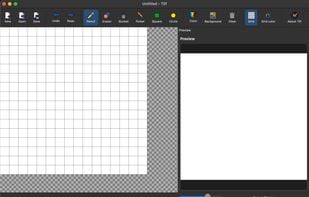
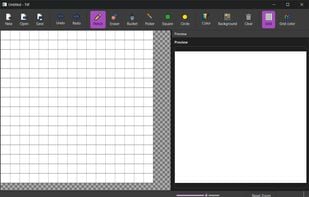
    Tilf (Tiny Elf) is a simple yet powerful pixel art editor built with PySide6. It’s designed for creating sprites, icons, and small 2D assets with essential drawing tools, live preview, undo/redo, and export options.

    Cost / License

    Platforms

    • Windows
    • Mac
    • Linux
     
  3. Pixen icon
     18 likes

    Pixen is a pixel art editor designed for working with low-resolution raster art, such as those 8-bit sprites found in old-school video games. With innovative features like a color palette system, patterns, and high-zoom support, Pixen packs all the tools pixel artists need in an...

    Cost / License

    • Free
    • Proprietary

    Application type

    Platforms

    • Mac
    • iPad
     
  4. Resprite icon
     2 likes

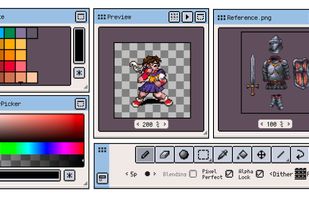
    Resprite is a powerful 8bit image painter and pixel art studio. It provides a powerful set of pixel art editing tools, an advanced layer and timeline system, and a high-performance rendering engine, which can help you create fascinating pixel art, exquisite spritesheet...

    Cost / License

    • Paid
    • Proprietary

    Application type

    Platforms

    • iPhone
    • iPad
     
  5. Pixelicious icon
     1 like

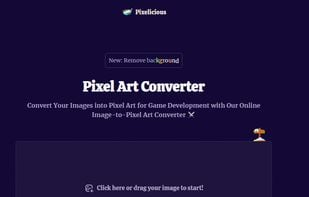
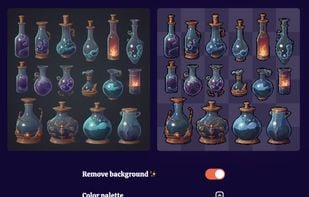
    Pixelicious is an online tool designed to transform images into pixel art, a process that can be particularly useful for game development. This image-to-pixel art converter allows users to take any image and convert it into pixelated form, making it suitable for use in various...

    Cost / License

    • Free
    • Proprietary

    Platforms

    • Online
     
  6. Jpixel icon
     8 likes

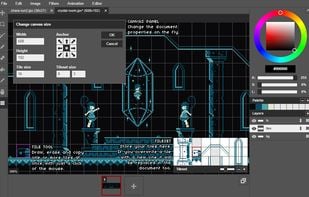
    JPixel is an editor for making pixel art animations and tilesets.

    Cost / License

    • Free
    • Proprietary

    Application type

    Alerts

    • Discontinued

    Platforms

    • Mac
    • Windows
     
  7. Lightcube icon
     2 likes

    Lightcube is a pixel art editing tool for game developers and artists alike, with a wide range of features including multiple layers, animation frames and a range of tools include pen, eraser, magic wand selection, paint bucket, line draw and pattern brushes.

    Cost / License

    • Paid
    • Proprietary

    Application type

    Platforms

    • Windows
    • Steam
     
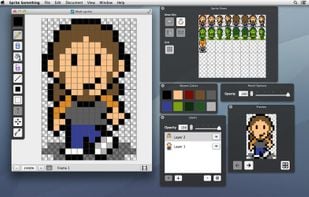
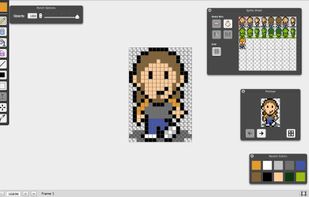
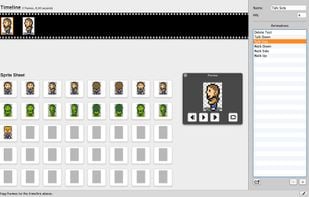
  8. Sprite Something is a drawing, animation and tilemap application for pixel artists and game developers. Draw multiple frames individually, then quickly drag and drop frames into an animation, or use your frames to draw tilemaps for your game levels.

    Cost / License

    • Paid
    • Proprietary

    Application type

    Platforms

    • Mac
     
  9. Pixy icon
     1 like

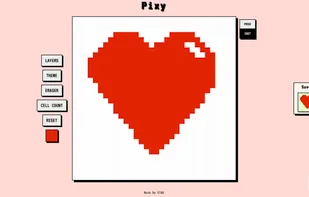
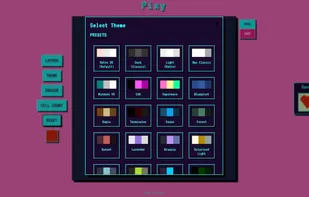
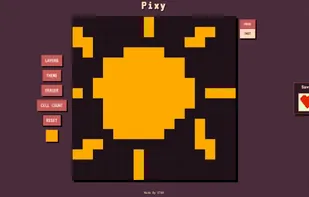
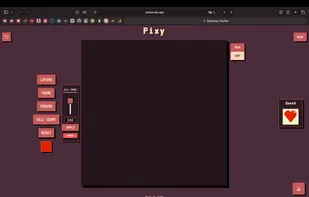
    Pixy Studio is a lightweight, web-based pixel art editor designed to be a free alternative to subscription-based or free with ads apps. It runs entirely in your browser but functions like a native app, saving your data locally to your device.

    Cost / License

    • Free
    • Proprietary

    Platforms

    • Online
     
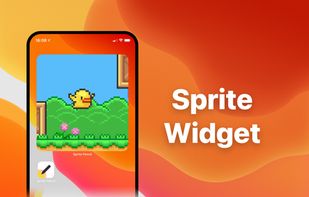
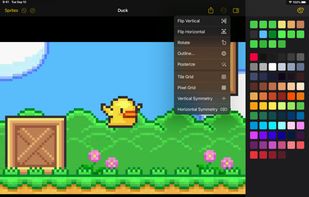
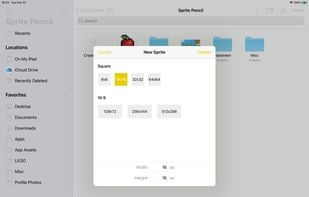
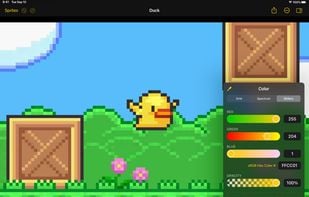
  10. Sprite Pencil enables you to create beautiful pixel art sprites on the go. Sprite Pencil has a simple set of tools, and a powerful drawing engine. Sprite Pencil allows you to open and edit pixel art images you may already have in Files.

    Cost / License

    • Paid
    • Open Source

    Platforms

    • Mac
    • iPhone
    • iPad
     
11 of 11 Pixaki alternatives