Point Blur DSLR Alternatives

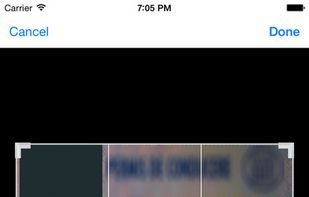
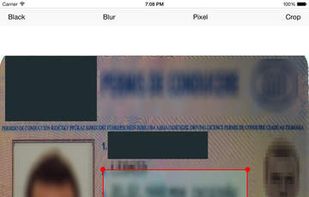
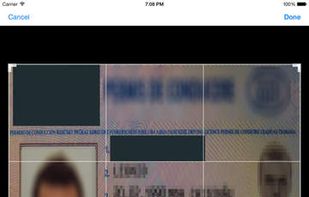
Point Blur DSLR is described as 'Point Blur lets you easily add beautiful blue effects to your photos, in whole or by tracing the parts you want blurred' and is an app in the photos & graphics category. There are nine alternatives to Point Blur DSLR for a variety of platforms, including iPhone, iPad, Windows Phone, Mac and Windows apps. The best Point Blur DSLR alternative is ObscuraCam, which is both free and Open Source. Other great apps like Point Blur DSLR are Motion Blur Photo Effect, Szoter, Touch Blur and QuickRedact.

Copy a direct link to this comment to your clipboard
Point Blur DSLR alternatives page was last updated

Alternatives list

  1. ObscuraCam icon
     3 likes

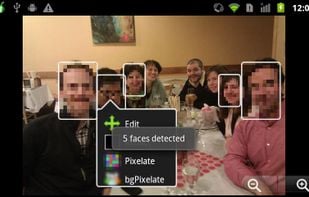
    In a world of viral videos and facial recognition, ObscuraCam helps you share photos and videos while protecting the privacy of you and those you care about. With ObscuraCam you can blur and disguise faces in your photos and videos.

    Cost / License

    Platforms

    • Android
     
  2. Transform your photos into stunning artworks with The Blur App—your ultimate tool for creating mesmerizing blur effects with a single tap! Whether you're looking to highlight a subject or hide something in the background, our app makes it incredibly simple and fast.

    Cost / License

    • Freemium
    • Proprietary

    Platforms

    • iPhone
     
  3.  Like

    Szoter is easy to use, free, online image annotation tool. It makes expressing Your ideas and thoughts easy. It can be used to share Your ideas with friends, highlight important parts of images or even to create readable bug reports.

    Cost / License

    • Free
    • Proprietary

    Platforms

    • Online
     
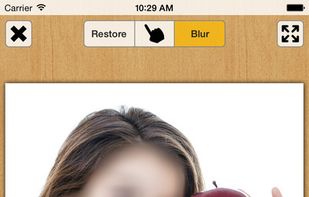
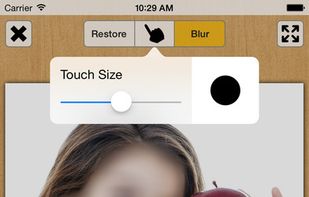
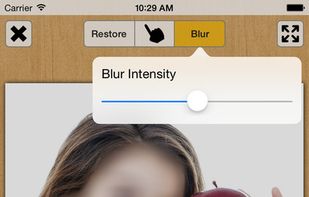
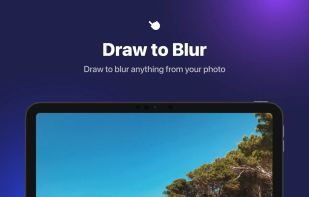
  4. Blur out parts of your photos by touch.

    Cost / License

    • Free
    • Proprietary

    Platforms

    • iPhone
    • iPad
     
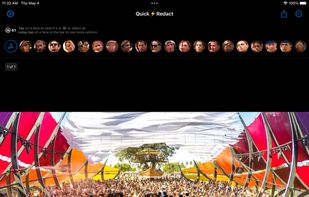
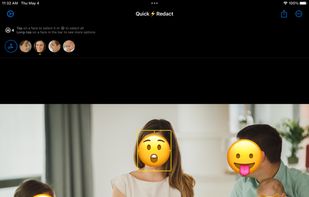
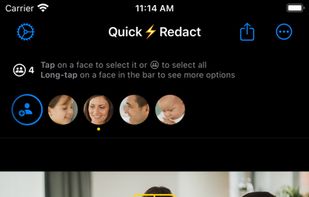
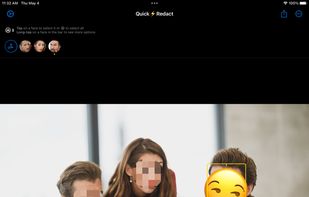
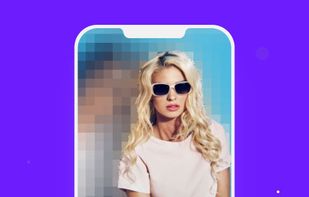
  5. Hide any number of faces in your photos automatically.

    Here are some of the reasons making QuickRedact unique:

    • State-of-the-art, robust face detection. Automatically detects any face in your photos. Yes, even hundreds.
    • Multiple photo support. You can import as many photos a.

    Cost / License

    • Paid
    • Proprietary

    Platforms

    • iPhone
    • iPad
     
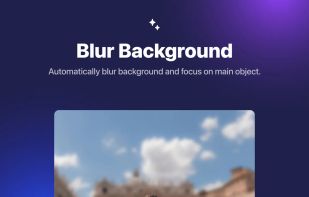
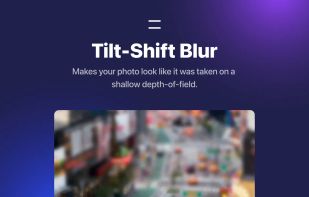
  6. Automatically blur image background, faces or subjects in your photo and add amazing blur effects.

    Cost / License

    • Free
    • Proprietary

    Platforms

    • iPhone
    • iPad
     
  7. Redacted icon
     Like

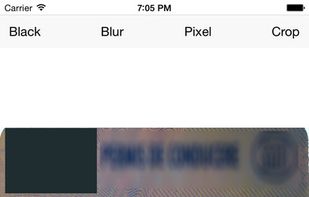
    Redacted is a fast and efficient way to quickly hide sensitive parts of an image, using a blur, pixelation or black bar. Just drop an image into the app or paste it in and make your changes. Then share on social networks right from the app.

    Cost / License

    • Paid
    • Proprietary

    Platforms

    • Mac
    • iPhone
    • iPad
     
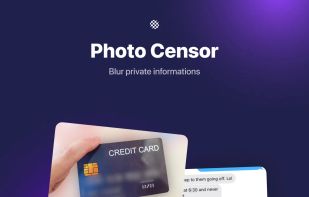
  8. Simply edit your photo with the tone of awesome blur effects. Blur photo editor helps you to obscure backgrounds, faces, and subjects. It enables you to remove objects and noise from the photos and dims the specific areas with stunning blur effects.

    Cost / License

    • Freemium
    • Proprietary

    Platforms

    • iPhone
    • iPad
     
  9. Blur FX icon
     Like

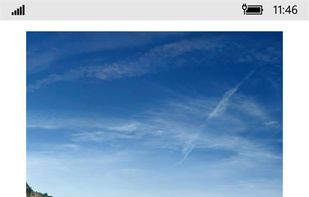
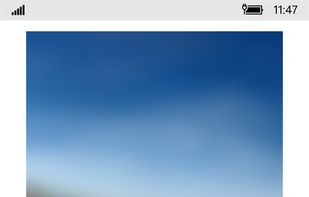
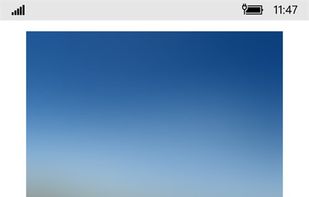
    Blur FX helps you quickly blur photos to use as wallpaper for your phone or PC. Cut out all the distractions by blurring seemingly ordinary photos into stunning backgrounds for your device. Use any photo.

    Cost / License

    • Freemium
    • Proprietary

    Platforms

    • Windows
    • Windows Phone
     
9 of 9 Point Blur DSLR alternatives