

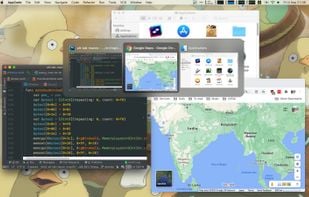


Quick Tab is described as 'How many times a day do you find yourself pressing Command+Tab and then endlessly clicking Tab until you locate the desired application?' and is a Window Manager in the os & utilities category. There are more than 10 alternatives to Quick Tab for Mac, Windows and Linux. The best Quick Tab alternative is AltTab, which is both free and Open Source. Other great apps like Quick Tab are Macscope, Spatial Dock, DockDoor and TabTab.

The intelligent window switcher that transforms how you navigate macOS. Built for developers, designers, and anyone who values efficiency.
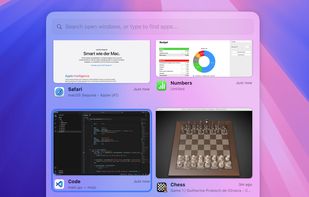


SpatialDock redefine how you switch between applications on macOS by introducing spatial consistency to your workflow.
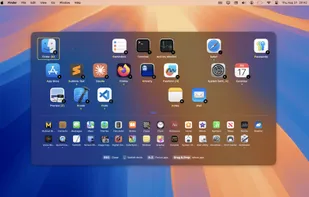
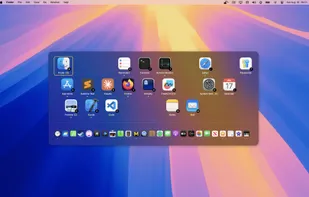

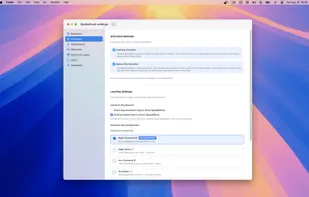


Enables seamless window management on macOS with dock peeking by hovering over icons, intuitive alt-tab navigation using Ctrl+Tab, native integration, open-source code, modern SwiftUI interface, straightforward usage, and developer-friendly enhancements.
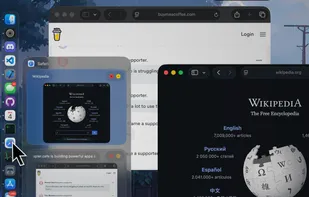
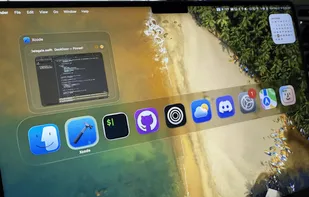

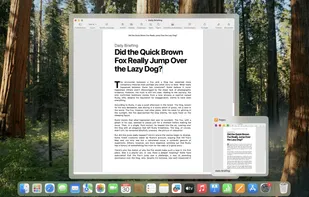


TabTab is a native macOS app that will seriously elevate your window and tab management. Switch seamlessly between windows, navigate to individual tabs in apps like Chrome, VSCode, and Figma, and quickly search for any window or tab with ease.
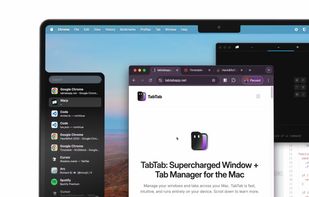
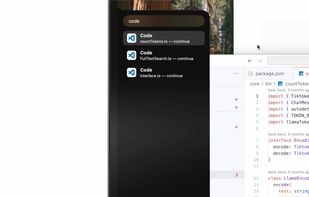
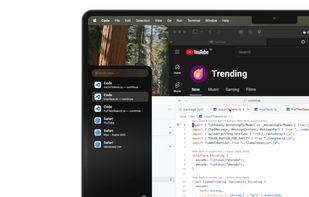
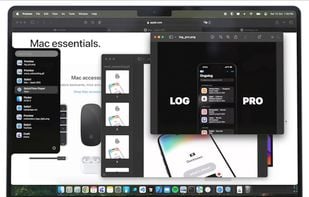

Switch between application windows effortlessly – with a click, a quick gesture, keyboard shortcuts or search; no matter how many of them you have open; even on multiple spaces & multiple displays.





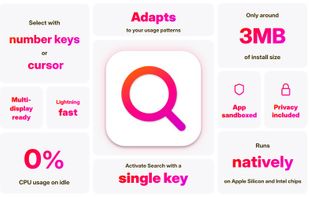


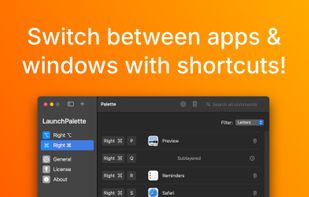
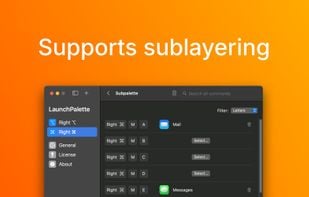
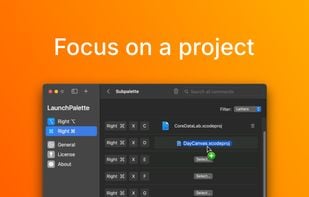
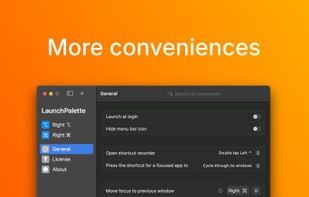
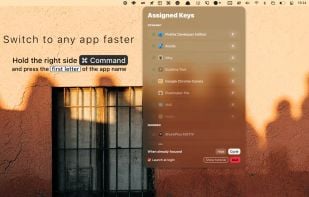
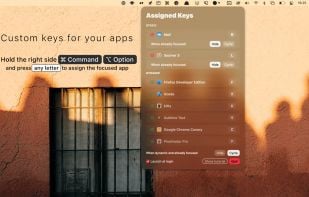
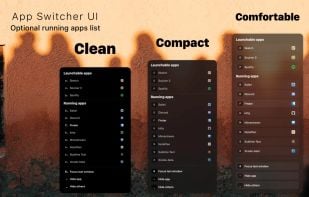
Elevate macOS multitasking with bespoke hotkeys to switch between apps and focus on windows, all in a sleek user interface.





Witch lets you access all of your windows by pressing a shortcut and choosing from a clearly arranged list of window titles.





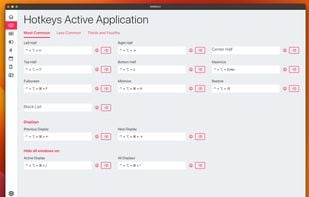
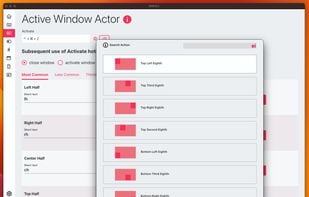
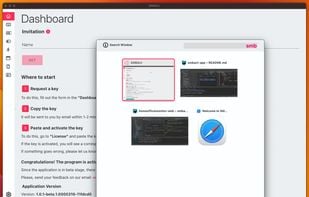
SMBAct is the all-in-one cross-platform solution that allows you to keep your windows and applications well-organized and significantly simplify the process of interaction with them.




 China
China


 Romania
 EU
EU

 Austria
 United States