SIS•SOFT Alternatives

SIS•SOFT is described as 'Innovative system that enables users to enjoy the features of a touch screen from their Android smartphone on their Windows computer' and is an app in the office & productivity category. There are more than 10 alternatives to SIS•SOFT for Windows, Linux, X11, Mac and Android. The best SIS•SOFT alternative is AutoHotkey, which is both free and Open Source. Other great apps like SIS•SOFT are AutoKey, xdotool, Jitbit Macro Recorder and Keyran.

Copy a direct link to this comment to your clipboard
SIS•SOFT alternatives page was last updated

Alternatives list

  1. AutoHotkey icon
     893 likes

    AutoHotkey is an open-source Windows scripting language for task automation. It crafts scripts for operations like form filling and auto-clicking, initially starting with hotkeys yet evolving into a complete script language. Converts scripts to executables, works offline, and supports debugging.

    162 AutoHotkey alternatives

    Cost / License

    Application type

    Platforms

    • Windows
     
  2. xdotool icon
     17 likes

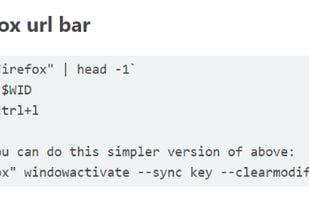
    This tool lets you simulate keyboard input and mouse activity, move and resize windows, etc. It does this using X11's XTEST extension and other Xlib functions.

    63 xdotool alternatives

    Cost / License

    • Free
    • Open Source

    Platforms

    • Linux
    • X11
     
  3. Keyran icon
     1 like

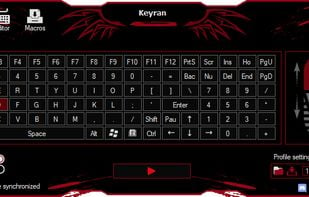
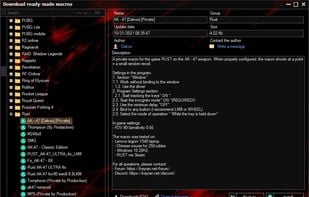
    The cutting-edge program for creating and using macros on any mouse and keyboard setup. Whether its suppressing recoil in combat or automating MMO tasks, Keyran has something for everybody. Over 5000 free macros for everyone to use.

    89 Keyran alternatives

    Cost / License

    • Freemium
    • Proprietary

    Platforms

    • Windows
     
  4. Shortery icon
     1 like

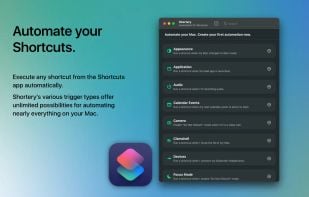
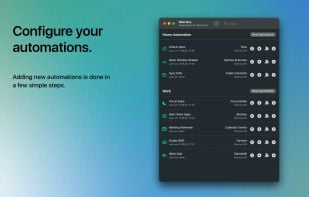
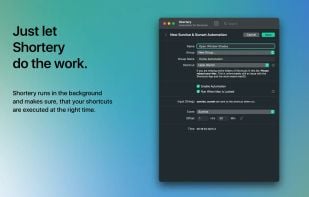
    Automates macOS Shortcuts with seven configurable triggers, including application launch or quit, system wake or sleep, scheduled times, login and logout, custom hotkeys, appearance mode changes, and power events, supporting complex automation for daily workflows.

    145 Shortery alternatives

    Cost / License

    • Freemium
    • Proprietary

    Application type

    Platforms

    • Mac
     
  5. Key Manager icon
     17 likes

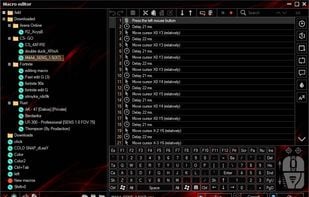
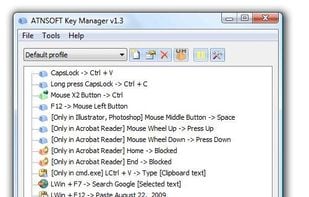
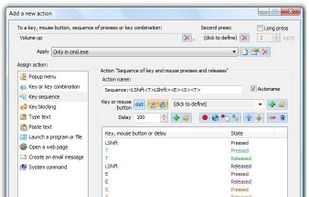
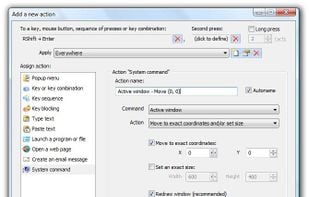
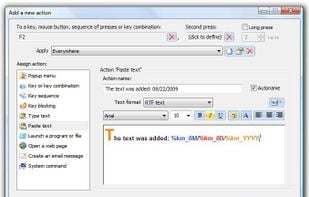
    Key Manager reveals the full potential of your keyboard and mouse and allows you to save time and efforts while working with your computer. Thanks to its flexible interface, you can now create various actions and execute them by pressing keys, mouse buttons and combinations of...

    71 Key Manager alternatives

    Cost / License

    • Paid
    • Proprietary

    Application type

    Platforms

    • Windows
     
  6. Stepwise icon
     15 likes

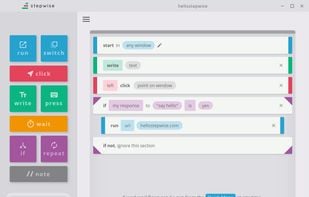
    Stepwise is a free automation tool for Windows. It's easy to learn, safe to use, and there's no coding required.

    Cost / License

    • Paid
    • Proprietary

    Application type

    Platforms

    • Windows
     
  7. Quick Macros icon
     9 likes

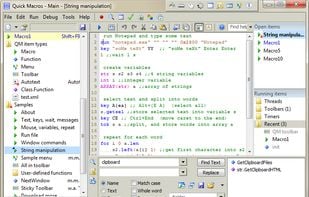
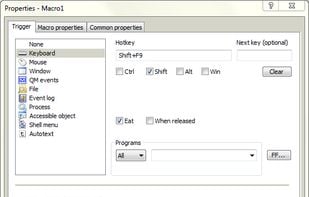
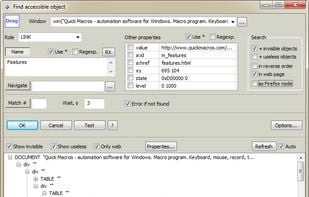
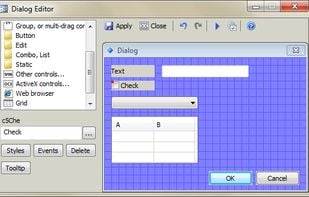
    Quick Macros automates repetitive tasks, even the most complex. Your macros can press keys, click buttons, links, menu items, on-screen images and other UI objects, manage windows, run and manage files, wait for various events, show dialogs, send/receive internet files and...

    98 Quick Macros alternatives

    Cost / License

    • Paid
    • Proprietary

    Application type

    Platforms

    • Windows
     
  8. MacroGamer icon
     11 likes

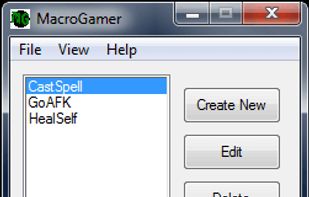
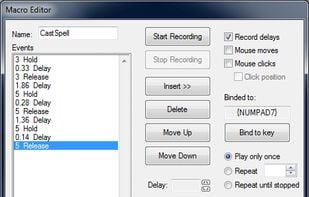
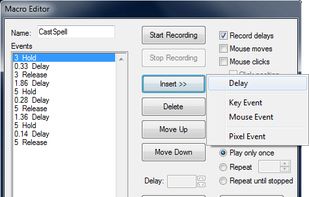
    MacroGamer gives the tools to write a macro. This is done through recording keystrokes in real-time as they are pressed. Each of the keystroke is recorded exactly as is. The owner can bind each macro to any key based on the user’s preference.

    Cost / License

    • Free
    • Proprietary

    Platforms

    • Windows
     
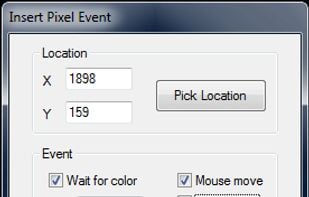
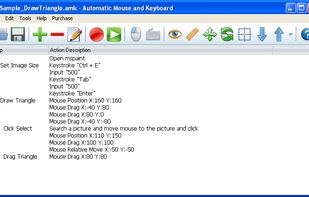
  9. Automatic Mouse and Keyboard is a really powerful and easy-to-use Mouse and Keyboard automation tool. It makes your mouse move and click automatically on locations that you defined. It can use a small picture to locate a point on the screen, which makes it very flexible.

    Cost / License

    • Paid
    • Proprietary

    Platforms

    • Windows
     
  10. Buwlink icon
     Like

    Buwlink gives you the possibility to simulate inputs like a keyboard, a mouse, a shortcut and others on your windows computer with your android smartphone.

    Cost / License

    • Free
    • Proprietary

    Platforms

    • Windows
    • Android
     
12 of 12 SIS•SOFT alternatives