

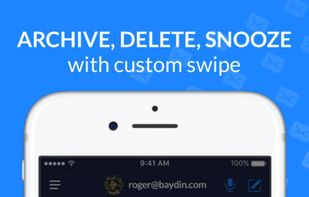
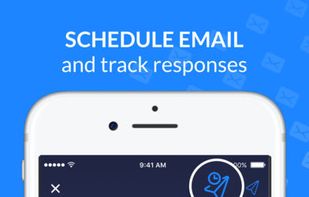
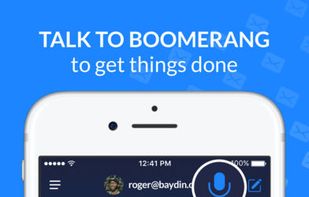
Schedule emails to send at optimal times, snooze messages, get read receipts & follow up reminders if someone doesn't respond to your email.
Cost / License
- Freemium
- Proprietary
 United States
Platforms
- Online
- Android
- iPhone
- Microsoft Office Outlook
- Gmail

+2


Tab Snooze is described as 'Save articles, videos and todos for later. They'll magically reopen when you need them' and is an website in the web browsers category. There are five alternatives to Tab Snooze, not only websites but also apps for a variety of platforms, including Google Chrome, Mozilla Firefox, Microsoft Outlook and Gmail apps. The best Tab Snooze alternative is Boomerang Mail, which is free. Other great sites and apps similar to Tab Snooze are Snoozz, Doze Tabs, FollowUpThen and AI Email Reminder.
Schedule emails to send at optimal times, snooze messages, get read receipts & follow up reminders if someone doesn't respond to your email.

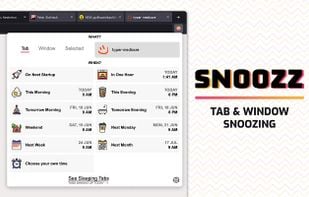
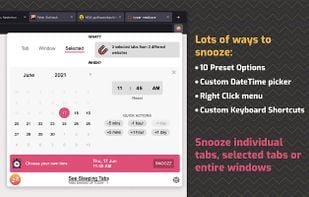
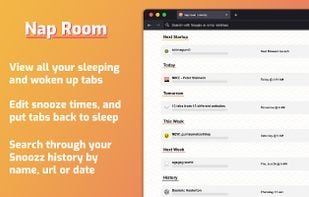
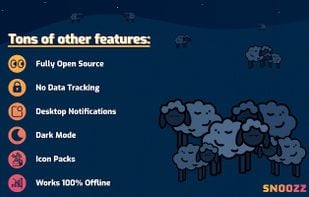
Declutter your browser by snoozing tabs and windows until you actually need them. Snoozz tabs and windows now and have them reopen automatically later.




Email followups, scheduled as easily as this: 2minutes@followupthen.com. Clear out your inbox by forwarding emails to FollowUpThen. Make sure your emails get responses. SMS Reminders. Easy reminders — an email away.

AI Email Reminder is a Chrome extension that helps users never forget to follow up on important emails. It intelligently detects when an email requires a response or follow-up and automatically creates reminders without manual setup.
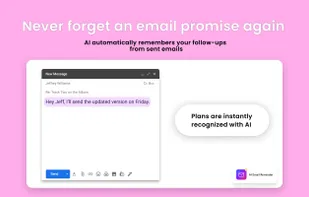
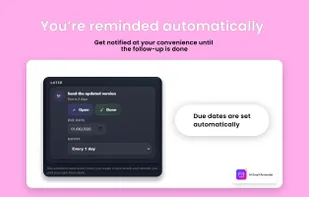


It actually works in the latest version of Chrome, unlike Tab Snooze. And it is a drop-in replacement, even more fully featured.