


Tomato Clock
1 like
Easily divide work into 25-minute 'Tomatoes' with customizable timer lengths. Receive browser notifications, track productivity with stats, and ensure breaks for improved focus. Available as a browser extension.

Features
Properties
- Privacy focused
- Distraction-free
Features
- Goal Setting
- Subtasks
- Pomodoro Timer
- No Tracking
- Reminders
- Task Time Tracking
- No registration required
- Goal Tracking
- Browser extension
Tags
Tomato Clock News & Activities
Highlights All activities
Recent activities
No activities found.

Tomato Clock information
Developed by
Samuel JunLicensing
Open Source (GPL-3.0) and Free product.Written in
Alternatives
25 alternatives listedSupported Languages
- English

AlternativeTo Categories
Office & Productivity, Web BrowsersGitHub repository
- 347 Stars
- 59 Forks
- 23 Open Issues
- Updated


No comments or reviews, maybe you want to be first?
What is Tomato Clock?
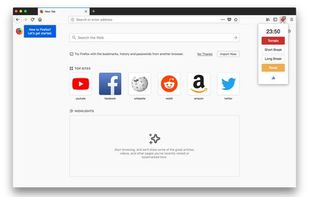
Use Tomato Clock to break down your work sessions into 25 minute 'Tomato' intervals separated by short breaks. Take a longer break after completing four Tomato intervals.
Features:
- Customizable timer lengths
- Browser notifications
- Stat tracking
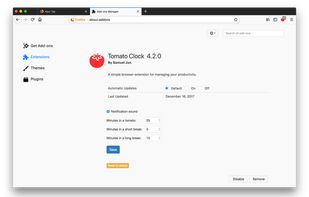
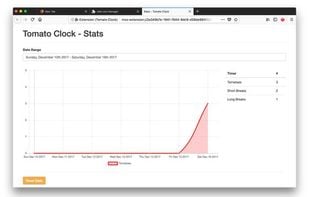
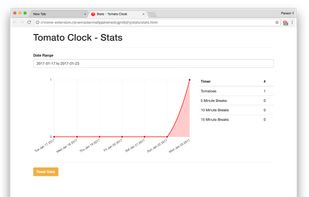
You can customize the length of the Tomatoes and breaks in the extension page. Tomato Clock uses the default browser notification system, accompanied by a sound, to let you know when the timer is up. Tomato Clock also features stats for tracking how many Tomatoes you complete.