

Collect active network systems, like a network ascanner, in the local network and send WOL packets to wake up them using their MAC address.
Cost / License
- Free
- Proprietary
Platforms
- Windows
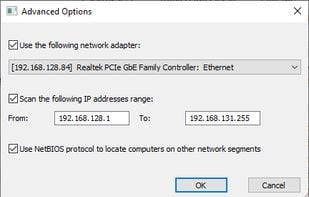
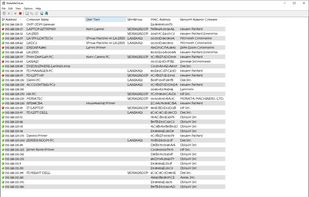
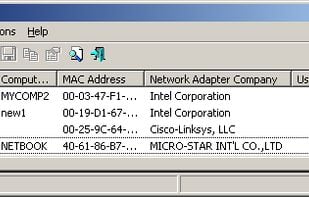


Wake on LAN Tool is described as 'If you're looking for a Freeware Wake on LAN Tool which features a modern user interface, fast performance and strong useability, this tool should be your pick' and is an app in the network & admin category. There are eight alternatives to Wake on LAN Tool for a variety of platforms, including Windows, Linux, Flathub, Flatpak and Mac apps. The best Wake on LAN Tool alternative is WakeMeOnLan, which is free. Other great apps like Wake on LAN Tool are MiniWOL, AquilaWOL, Turn On and Awake on LAN.
Collect active network systems, like a network ascanner, in the local network and send WOL packets to wake up them using their MAC address.
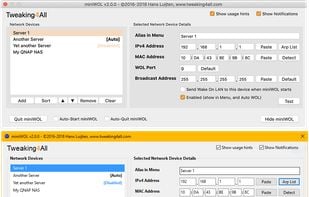
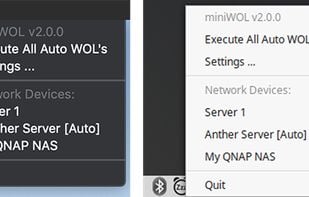
Small, very easy to use, and free application for Windows, macOS and Linux to send Wake On LAN magic packets to network connected device(s) and wake them up without having to touch their power buttons 😊.


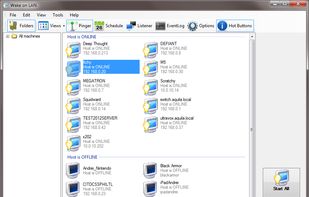
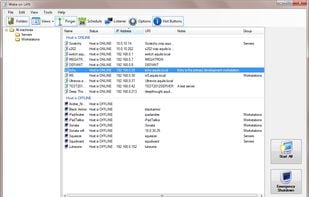
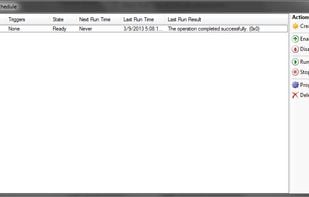
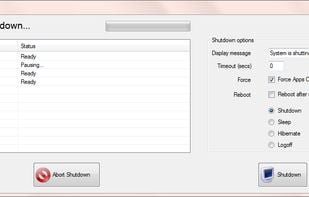
WakeOnLAN is WOL / Shutdown software for Windows. A powerful WOL, ping, shutdown, GUI application. Do you need a robust, reliable solution for remote computer control and access? WakeOnLAN might be the program you want to use if you’re looking for something that is both powerful...

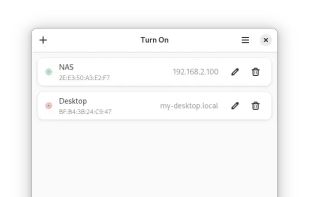
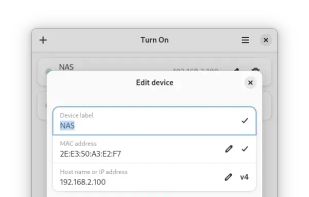
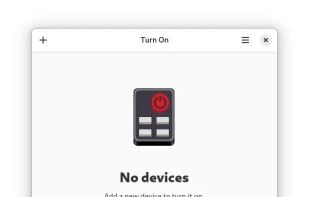
Conveniently turn on devices in your network, such as a NAS or a gaming console, using Wake On LAN (WoL).
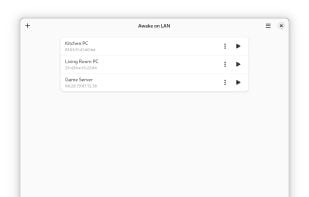
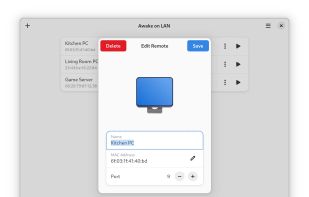
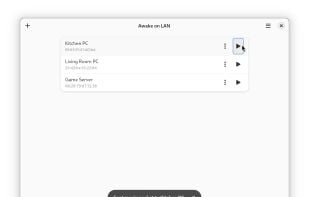
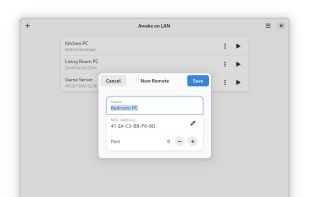
Awake on LAN is a simple application that allows you to wake up computers remotely using Wake-on-LAN packets. You can keep track of computers by adding, removing, and editing them with their MAC addresses, and you can start them remotely with the click of a button.


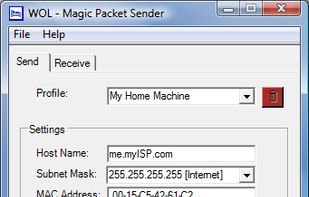
A free magic packet sender for Windows - wake-up computers with the touch of a button.


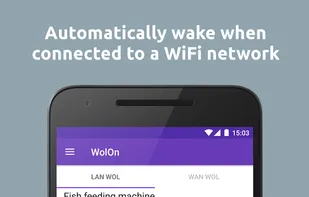
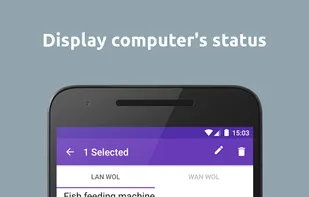
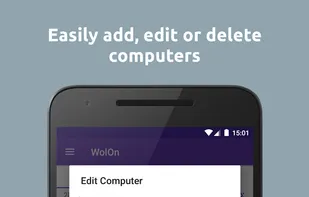
WolOn is a simple and lightweight application to help you turn on or wake your computer from your home network (Wake on LAN) or over the Internet (Wake on WAN).


 Netherlands
 EU
EU
 United States
 Germany

