Winxvideo AI AlternativesVideo Editors and other similar apps like Winxvideo AI

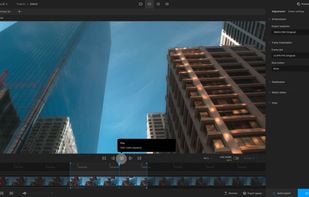
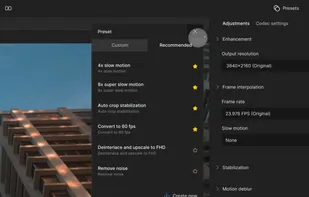
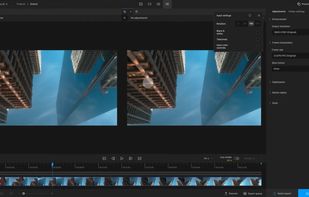
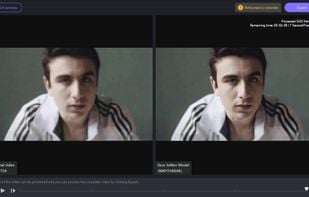
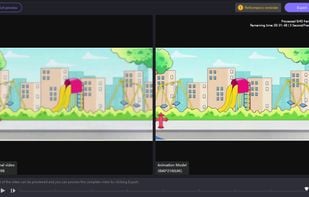
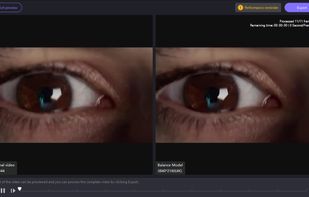
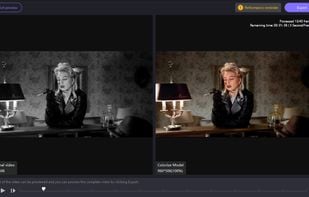
Winxvideo AI is described as 'AI-powered tool enhances and upscales old, blurry, or noisy videos and images, stabilizes footage, converts, compresses, and edits 4K/8K/HDR files with GPU acceleration' and is a Video Editor in the video & movies category. There are more than 10 alternatives to Winxvideo AI for a variety of platforms, including Windows, Mac, Web-based, Linux and Flathub apps. The best Winxvideo AI alternative is Video2X, which is both free and Open Source. Other great apps like Winxvideo AI are Topaz Video AI, AVCLabs Video Enhancer AI, Ashampoo Video Optimizer Pro and lada.

Copy a direct link to this comment to your clipboard
Winxvideo AI alternatives page was last updated

Alternatives list

  1. Video2X icon
     26 likes

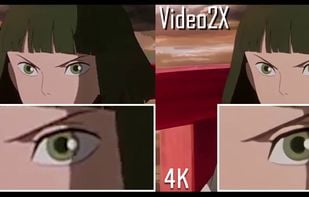
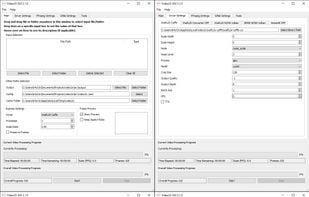
    Video2X is a video/GIF/image upscaling software based on Waifu2X, Anime4K, SRMD and RealSR written in Python 3. It upscales videos, GIFs and images, restoring details from low-resolution inputs. Video2X also accepts GIF input to video output and video input to GIF output.

    30 Video2X alternatives

    Cost / License

    Application type

    Platforms

    • Mac
    • Windows
    • Linux
    • Docker
     
  2. Topaz Video AI icon
     10 likes

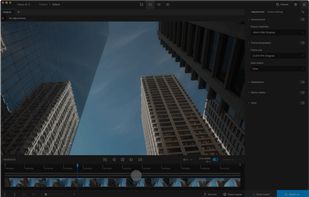
    Enhance videos with AI technology, upscale to 16K, correct compression artifacts, and distinguish noise from detail. Topaz Video AI generates frames for smooth playback, boosts fps, and stabilizes footage. Works on Mac or PC, standalone or as a plugin, optimized with Nvidia, AMD, Intel.

    24 Topaz Video AI alternatives

    Cost / License

    • Paid
    • Proprietary

    Application type

    Platforms

    • Mac
    • Windows
     
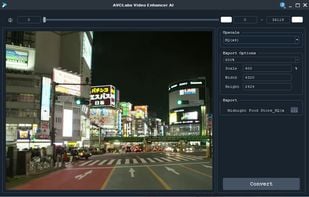
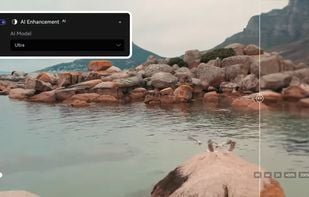
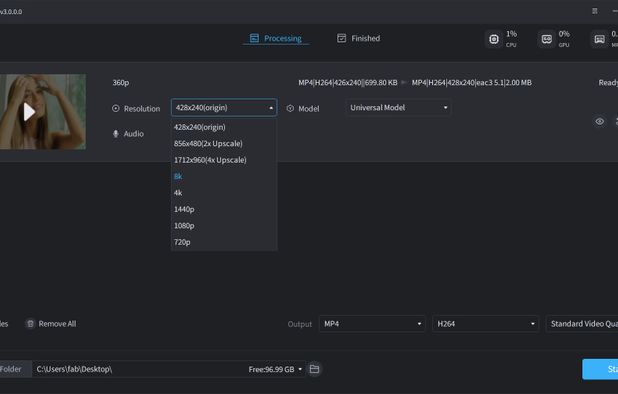
  3. AI video enhancer optimizes low-res videos, transforming them into high-resolution up to 8K using neural deep learning for enhanced color, detail, and clarity, with features like super-resolution, denoising, sharpening, and scratch removal, fit for modern displays.

    Cost / License

    • Paid
    • Proprietary

    Application type

    Platforms

    • Mac
    • Windows
    • Software as a Service (SaaS)
     
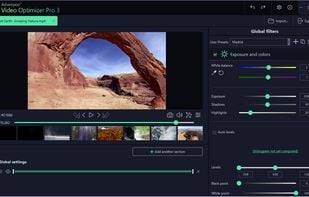
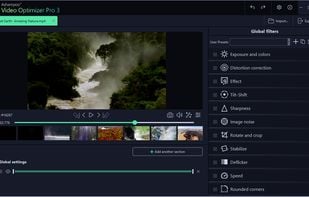
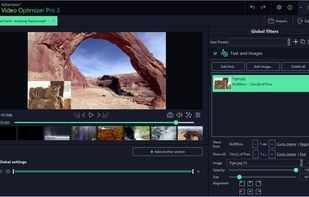
  4. Automatically stabilizes footage, enhances sharpness, optimizes color and contrast, removes noise and flicker, corrects lens distortion, provides manual adjustments, batch processing, and fast encoding, plus slow-motion, time-lapse, and text overlays for refined editing.

    Cost / License

    • Paid
    • Proprietary

    Application type

    Platforms

    • Windows
     
  5. lada icon
     2 likes

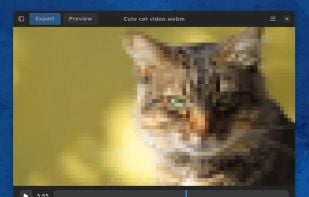
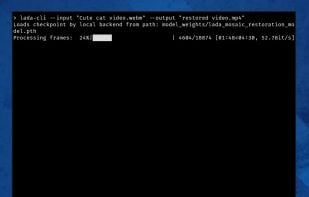
    Remove and recover pixelated content in adult videos (mostly present in Japanese sources (JAV)). Watch or export your recovered videos via CLI or GUI.

    Cost / License

    Application type

    Platforms

    • Linux
    • Flathub
    • Flatpak
    • Windows
    • Mac
    • Python
     
  6. HitPaw VikPea icon
     6 likes

    Advanced AI enhances video to 8K, repairing and unblurring content. Compatible with Mac and Windows, it colorizes, restores old footage and removes video backgrounds with seven AI models.

    16 HitPaw VikPea alternatives

    Cost / License

    • Freemium
    • Proprietary

    Application type

    Platforms

    • Mac
    • Windows
    • Online
     
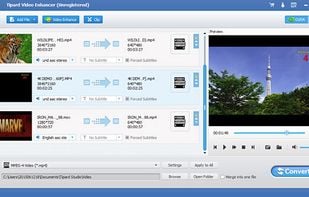
  7. Boost video quality by upscaling resolution, optimizing brightness and contrast, and removing noise. Includes editing options like cropping, trimming, merging, and converting across various formats. Compatible with Mac and PC.

    Cost / License

    • Paid
    • Proprietary

    Application type

    Platforms

    • Mac
    • Windows
     
  8. Use this video enhancer tool to easy adjust brightness, contrast, and more, elevating low-resolution videos to high quality.

    Cost / License

    • Free
    • Proprietary

    Platforms

    • Online
     
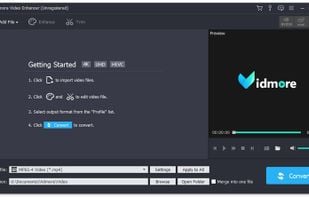
  9. Vidmore Video Enhancer could upscale the resolution or optimize brightness and contrast of your videos. In addition, you could remove annoying noise from your videos and reduce video shaking.

    Cost / License

    • Freemium
    • Proprietary

    Application type

    Platforms

    • Windows
     
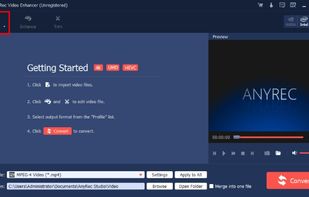
  10. AnyRec Video Enhancer also has many features that other upscaling resolution software does not have. You can not only change the resolution but also remove the noise including dirt-like spots or background noise and reduce the camera shaking. Key Features: 1.

    Cost / License

    • Freemium
    • Proprietary

    Application type

    Platforms

    • Windows
     
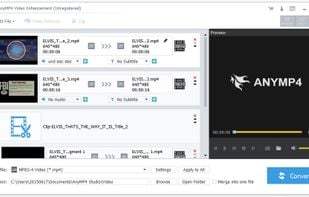
  11. AnyMP4 Video Enhancement is able to enhance video quality greatly. It can upscale resolution, optimize brightness and contrast, and remove video noise. It can also rotate or flip video by 90 clockwise/counterclockwise or horizontal/vertical flip.

    Cost / License

    • Freemium
    • Proprietary

    Application type

    Platforms

    • Windows
     
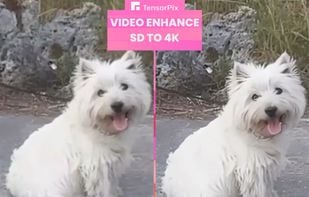
  12. Online AI tools for video and image quality upscaling & enhancing.

    Cost / License

    • Freemium
    • Proprietary

    Application type

    Platforms

    • Online
     
12 of 16 Winxvideo AI alternatives