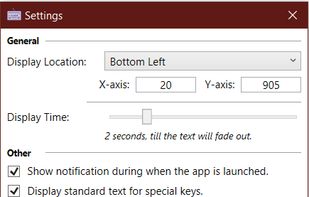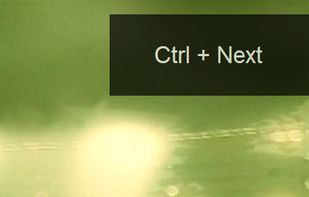

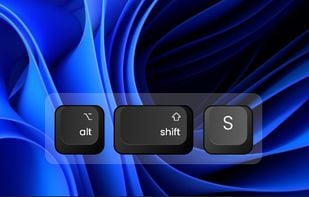
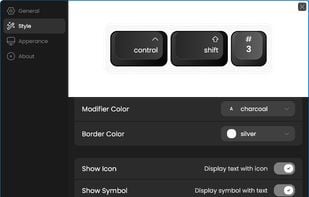
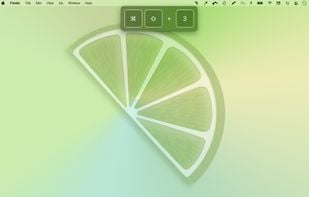
Keyviz is a free and open-source tool to visualize your keystrokes and mouse actions in real-time.
 India
India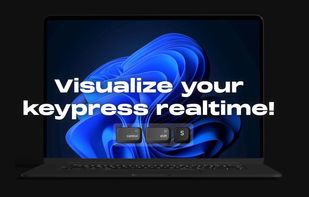

+3
Best alternatives are  Key'n'Stroke and
 Screenkey
21 alternativesKey'n'Stroke andScreenkey

Keyviz is a free and open-source tool to visualize your keystrokes and mouse actions in real-time.
Key'n'Stroke andScreenkey
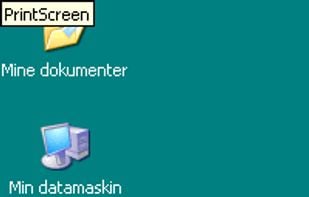
Key'n'Stroke (previously named PxKeystrokesForScreencasts) displays keystrokes and mouse clicks in an overlay window.
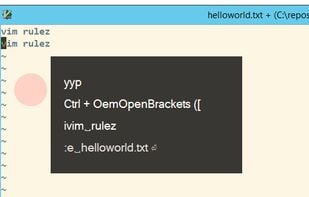

YAKD (Yet Another Key Displayer) is a lightweight, open-source Windows tool for displaying keyboard and mouse button presses on-screen, typically for use with screen recording and screen-casting. RTSS Rivatuner Statistics Server is supported.
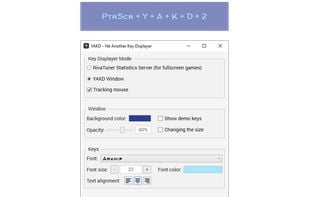
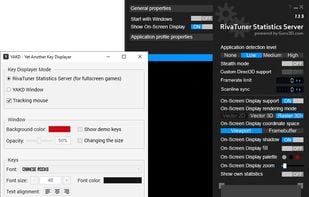

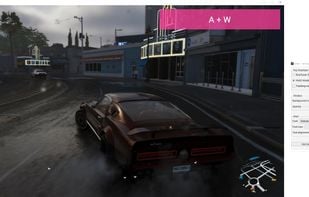
Show keys you typed on screen, so your audiences can see what you do clearly while you are streaming or recording.
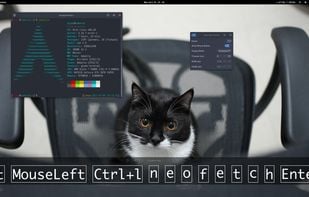

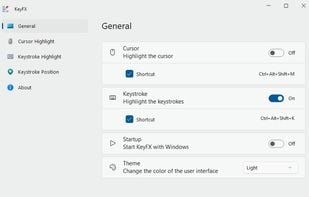
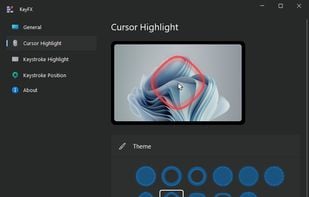
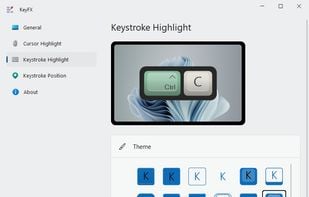
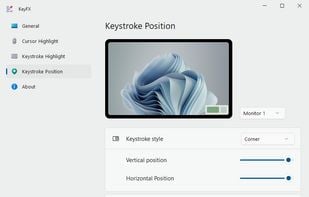
KeyFX is a screencast and presentation utility that allows you to highlight the mouse cursor and visualize your keystrokes.
 Screenkeyand
 Show Me The Key
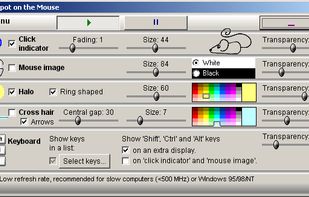
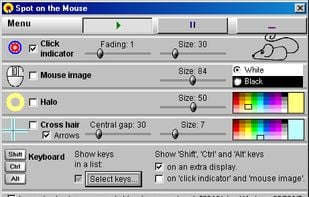
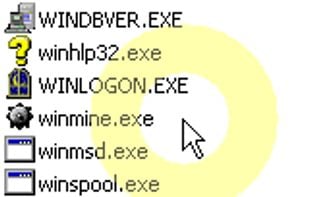
SpotOnTheMouse is a mouse pointer and keyboard action visualization software. It makes mouse clicks visible, it improves the perceptibility of the mouse pointer & it shows the special keys and combinations of keys pressed on the keyboard.
 Key'n'Stroke and
 FocusCursor
 Key'n'Stroke and
 Carnac
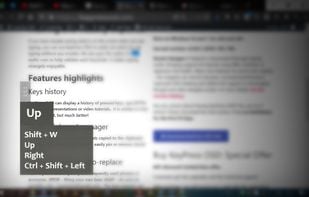
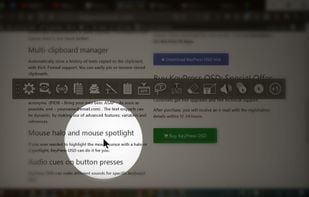
KeyPress OSD is a full-featured screencasting tool for displaying key-presses on Windows. Beyond on-screen keypress display, it features text-expansion, mouse-highlighting and a multi-clipboard manager.
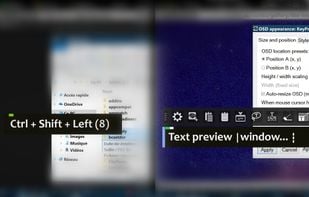
KeyScreen makes your keystrokes visible on screen-perfect for tutorials, presentations, and screen recordings.
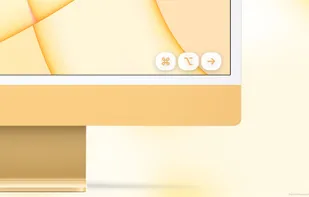
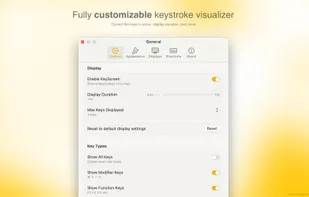
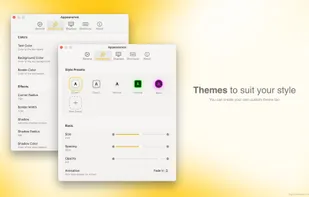
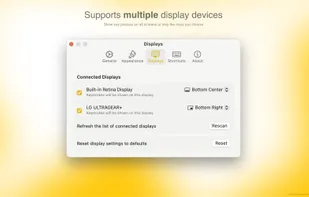
Customizable widget displays keystrokes and highlights your cursor with adjustable styles, themes, and placement, while realistic mechanical keyboard sounds enhance recordings on Windows and macOS.
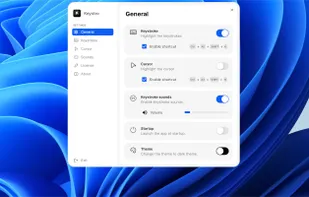
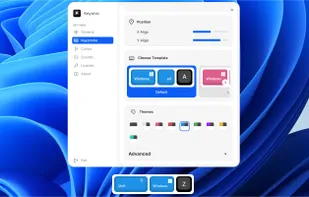

 Keyvizand
 MechvibesDX
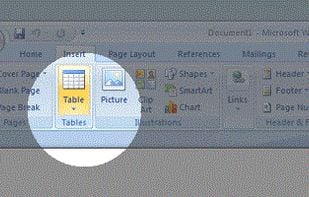
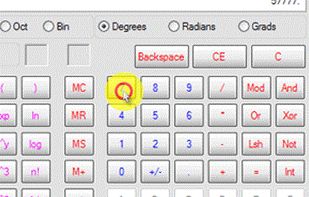
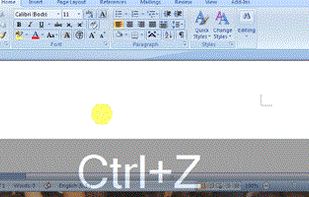
Allows you to highlight the cursor using either the toolbar or hotkeys. Options include spotlight, highlight, drawing on the screen, magnifier or show keystrokes.
 Googly Eyesand
 Dockitty
 Key'n'Stroke
KeyDrawer draws keypresses on the screen of your Mac with a style that matches your Mac's look and feel. It will make your tutorial videos, video streams and presentations look elegant and professional.
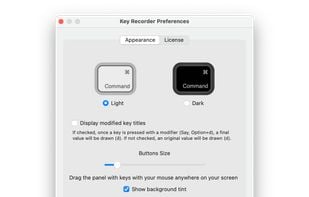
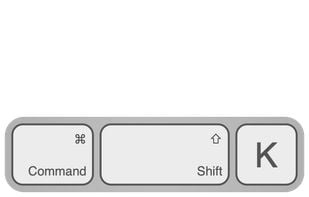
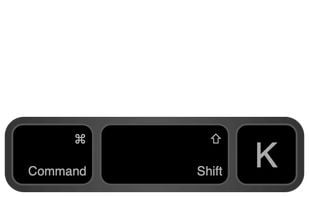
“Keystroke Pro” visualizes single and combined keypresses in an unique and elegant way. It’s the perfect companion for capturing tutorials, ?recording screencasts and performing presentations.
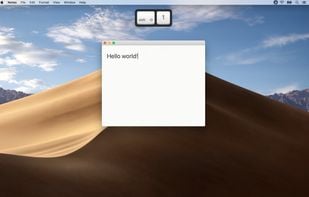
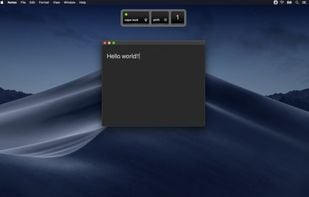
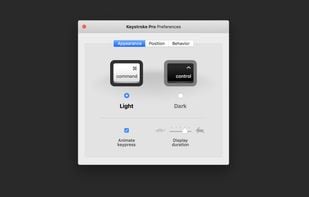
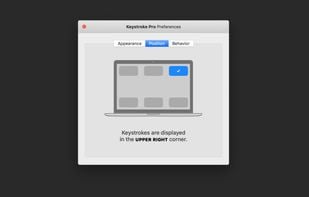
KeyTrails helps you present your keyboard input on your screen. Whether you are making a tutorial video, streaming your gaming session, or giving a business presentation, KeyTrails makes your content just a bit catchier.
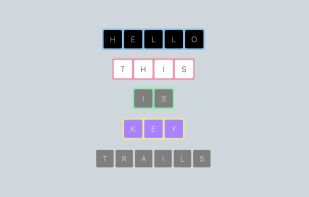
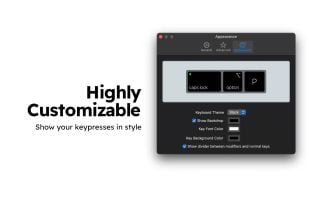
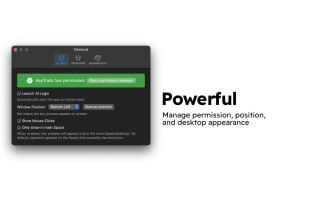
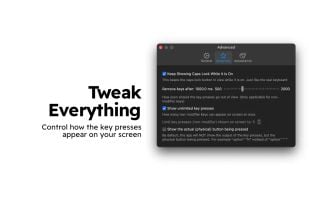
Display your keystrokes clearly during screen recordings, presentations, and video calls. Fully customizable and built for macOS full-screen and dark mode.
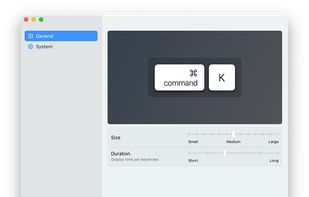
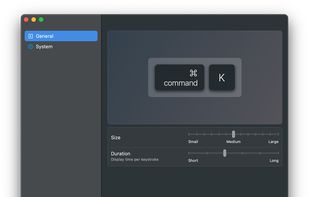
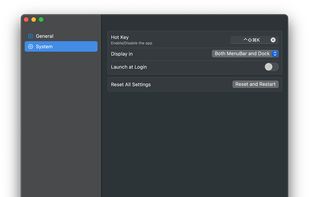
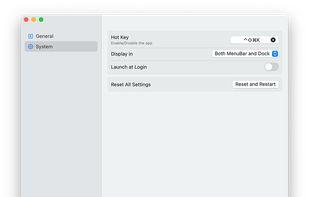
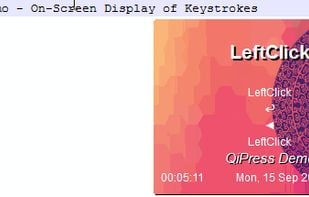
QiPress is a portable Windows program that displays key presses on the screen. The keyboard input display takes minimal space, and highly customizable.


 Romania
 EU
EU
 Germany
 United States

 Ireland


 China
China