

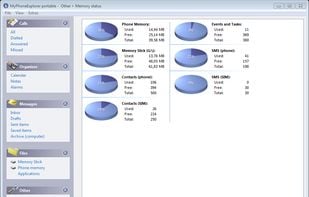
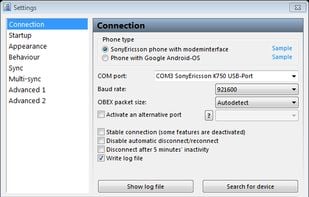
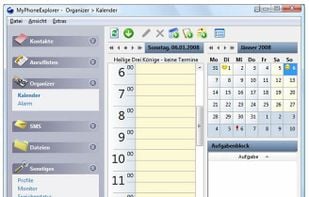
MyPhoneExplorer is a proprietary freeware desktop application allowing management of Android mobile phones.
 Austria
 EU
EU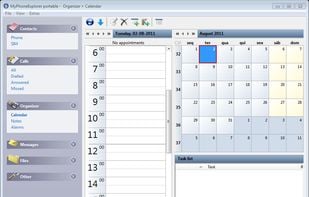
+3


Androidscreencast is described as 'Desktop app to control an android device remotely using mouse and keyboard. Should work on Windows/Linux/MacOS with any Android device' and is an app in the file management category. There are seven alternatives to Androidscreencast for a variety of platforms, including Windows, Android, Android Tablet, Mac and Linux apps. The best Androidscreencast alternative is MyPhoneExplorer, which is free. Other great apps like Androidscreencast are Vysor, Wormhole - Control Phone from PC, Screen Stream over HTTP and Pocket Controller.
MyPhoneExplorer is a proprietary freeware desktop application allowing management of Android mobile phones.

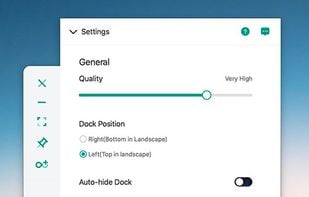
Vysor lets you view and control your Android on your computer. Use apps, play games, control your Android with your mouse and keyboard. Go wireless, and mirror your Android to your desktop; great for presentations.
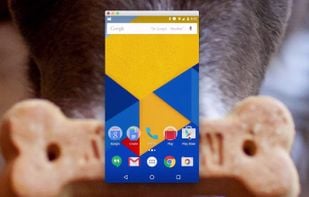


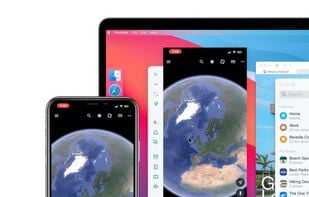
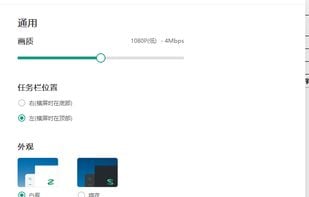
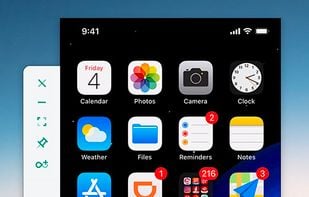
Control phone from computer with Wormhole. Support PC and Mac, iPhone and Android. Multi-connection is supported.


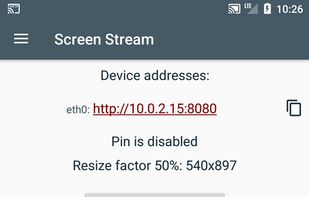
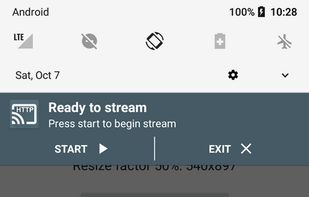
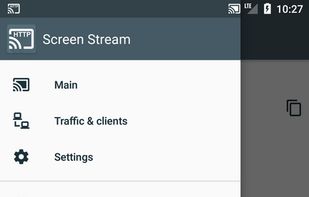
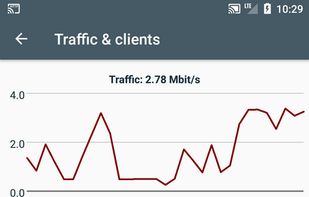
Screen Stream over HTTP allows viewing the device screen in your web browser. No need of any additional software except for this app and a web browser. No annoying ads or pop-ups. The application works via WiFi and/or 3G/LTE network. It uses MJPEG to encode screen images and send.

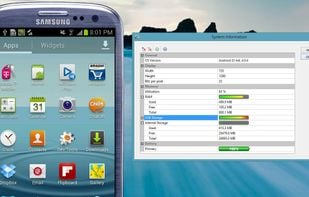
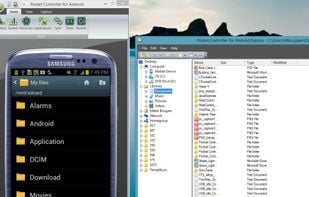
Pocket Controller is an application for Windows which allows you to control your Android, Blackberry or Pocket PC device from your desktop.

The MyMobiler desktop application controls your Android device through USB connection or WiFi. It allows you to see your mobile device remotely and capture the screen or video. What you see in the desktop application is mirroring your device screen and you can interact with your...
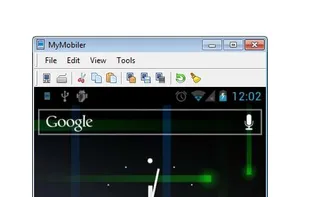
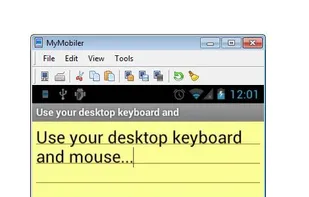
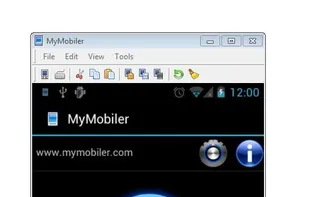


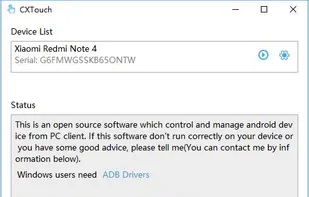
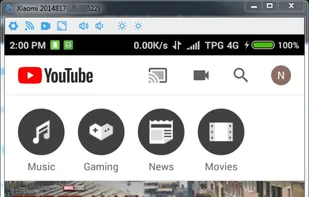
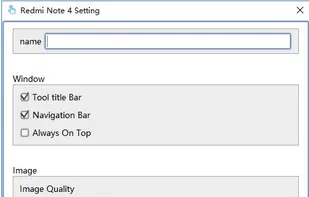
Control and manage android device from PC client with keyboard & mouse over USB or Wireless network. Runs on Windows, Linux and MacOS with installed JRE (support Java 7 and later). No root required.


 United States

 Russia

