

App Swap Drawer
App Swap Drawer is a software tool that seamlessly integrates with various launchers to offer quick access to apps and contacts, featuring smart ordering, categorization, app search, editing capabilities, and developer options.

Cost / License
- Freemium
- Proprietary
Platforms
- Android



Features
- File Tagging
- Folders
- Categories
- Search by tags
Tags
- drawer
App Swap Drawer News & Activities
Recent activities
App Swap Drawer information
Developed by
net.ebtLicensing
Proprietary and Freemium product.Pricing
free version with limited functionality.Alternatives
8 alternatives listedSupported Languages
- English


What is App Swap Drawer?
App Swap Drawer is a software tool that integrates with existing launchers like Google Now, Nova, Yahoo Aviate, Everything Me, or Action Launcher to provide quick access to apps and contacts. It can be launched directly from the home screen or through a Google Now swipe from the navigation bar. The application also offers edge launch capabilities, enabling users to initiate it from the left or right edge of the screen from any application.
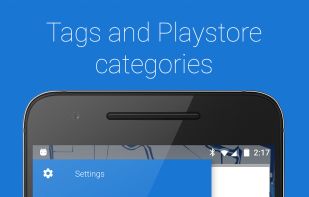
The software includes features such as smart ordering and categorization based on Google Play Store categories. Users have the ability to tag apps, edit their names and icons, and organize them as they wish. App Swap Drawer also supports app search, including Pinyin search, and filtering by primary color. QuickSwipe provides instant access to up to eight apps.
For developers, App Swap Drawer provides the option to force quit debug apps and display package names. It can also open apps in a floating window, given the Xposed XHaloFloatingWindow module is installed. The theme can be customized, with options including dark or material design colors. Additional features include the ability to hide apps, a contextual menu with app info, store links, uninstall options, and compatibility with icon packs and app normalization.