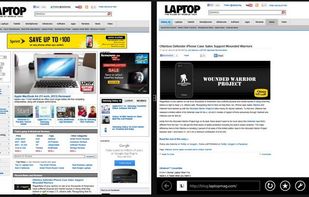
Sometimes a lot of deskop clutter can hide a window (eg, open file, programs, files-explorer, dialogs)
Cost / License
- Free
- Proprietary
Application type
Platforms
- Windows
 United States


AutoSizer is described as 'Automatically resizes programs for you, keeping them at a specific size or keeping them maximized. One popular use is to keep Internet Explorer maximized when you go on the web. It works with most software programs, and supports maximizing to specific monitors on' and is an app in the os & utilities category. There are more than 25 alternatives to AutoSizer for Windows, File Explorer and Mac. The best AutoSizer alternative is SmartSystemMenu, which is both free and Open Source. Other great apps like AutoSizer are Sizer, SmartContextMenu, Preme for Windows and Actual Window Manager.
Sometimes a lot of deskop clutter can hide a window (eg, open file, programs, files-explorer, dialogs)
United States
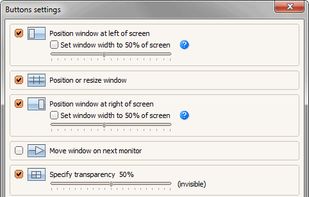
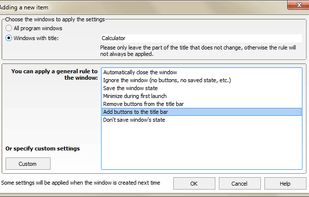
Chameleon Window Manager will allow you to control the windows of your programs using customizable buttons added to the title bars of the windows (Always on Top, Minimize to Tray, Minimize to Caption, Specify Transparency, Position window at left/right of screen).
 Russia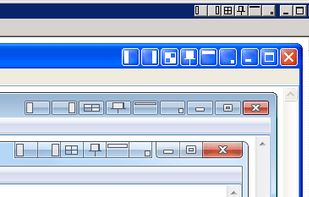
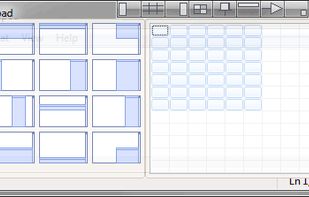


Ever try to size a window so it just touches the edge of the screen? It’s tedious (at least for me). FreeSnap allows you to instantly resize any window edge to the corresponding screen edge. Want that window to touch the right edge of the screen?
United States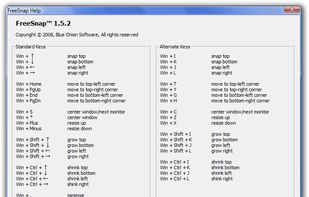


WinLayout is a program with keyboard hotkeys to move, resize, and snap windows all around the desktop area.


TaskLayout is a small portable layout manager which allow saving/restoring of desktop layout (a set of specified apps/windows with corresponding position on screen) in a single click/hotkey.
United States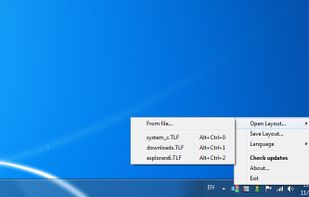
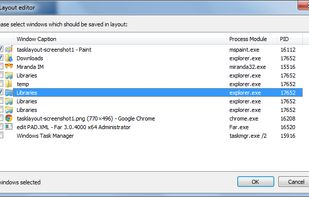


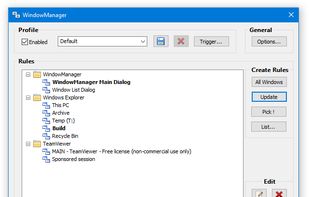
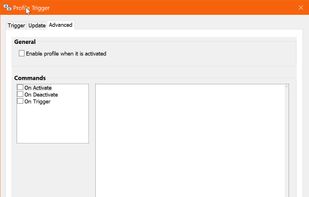
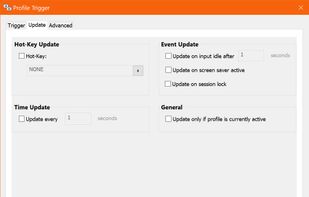
WindowManager helps you to improve your work flow by remembering and restoring the position and size of your programs and windows.
 Austria
 EU
EU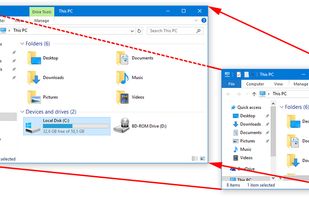


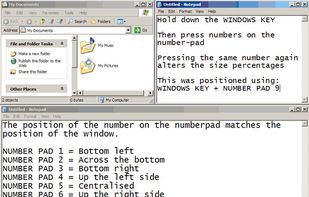
WinNumpad Positioner is a lightweight and snappy Windows management tool that repositions Windows using simple Windows Key + Numpad combinations.


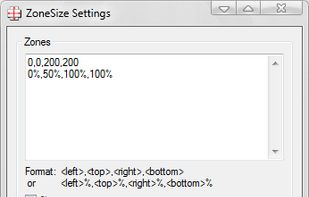
Define zones that autosize windows dropped on them.
Features:


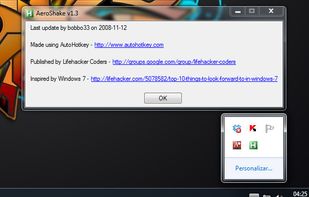
Aero Shake is a new feature for windows 7. It allows you to minimize and restore the windows that are open in your desktop. This awesome and practical trick allows you to focus in the windows that you have chosen.


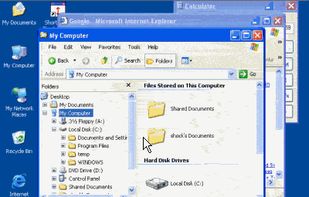
Make Windows in caption bar size and recover again. Version 1.5 available. Version 1.1 download is compromised.


SplitView enables dual monitor usage with Remote Desktop and widescreen monitors.