
Batch Audio Silence Remover AlternativesAudio Editors and other similar apps like Batch Audio Silence Remover

Batch Audio Silence Remover is described as 'Can trim a bunch of audio files that have silence at the beginnings and ends automatically. This software scans each audio file for when sound starts and ends, then clips off any silence' and is a Audio Editor in the audio & music category. There are seven alternatives to Batch Audio Silence Remover for a variety of platforms, including Windows, Linux, Web-based, iPhone and BSD apps. The best Batch Audio Silence Remover alternative is Audacity, which is both free and Open Source. Other great apps like Batch Audio Silence Remover are AudioMass, DarkAudacity, mpTrim and Microncode Audio Tools.

Copy a direct link to this comment to your clipboard
Batch Audio Silence Remover alternatives page was last updated

Alternatives list

  1. Audacity icon
     2360 likes

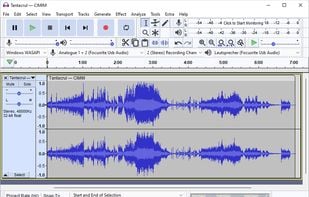
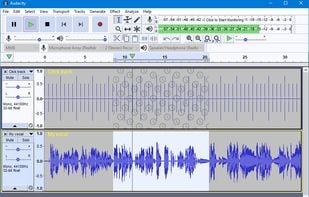
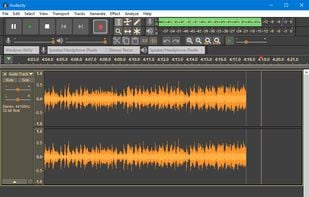
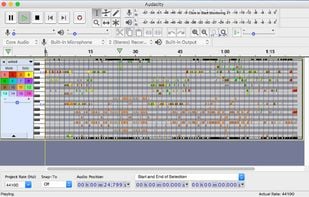
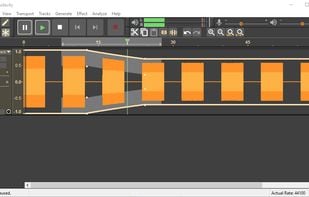
    Audacity, a free open-source multi-track editor, enables high-quality audio processing across platforms. Supports diverse formats, plugins, and scripting languages, offering robust features like batching, visual tools, and accessibility.

    125 Audacity alternatives

    Cost / License

    Application type

    Platforms

    • Mac
    • Windows
    • Linux
    • BSD
    • AppImageHub
    • Flathub
    • PortableApps.com
    • Haiku
     
  2. AudioMass icon
     13 likes

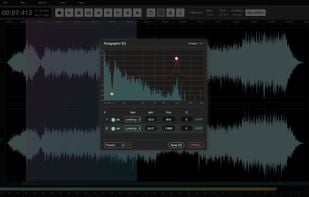
    AudioMass lets you record, or use your existing audio tracks, and modify them by trimming, cutting, pasting or applying a plethora of effects, from compression and paragraphic equalizers to reverb, delay and distortion fx.

    Cost / License

    • Free
    • Open Source

    Application type

    Platforms

    • Online
    • Self-Hosted
     
  3. DarkAudacity icon
     10 likes

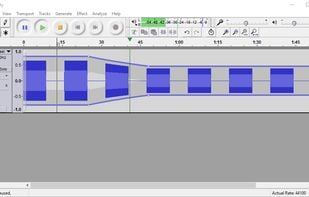
    DarkAudacity is a build/fork of the the well known free sound editor, Audacity, customized with a darker, more modern theme - and a few small tweaks. The audio engine underneath is the same audio engine. The same code powers it. Like Audacity, it is completely free.

    Cost / License

    • Free
    • Open Source

    Application type

    Alerts

    • Discontinued

    Platforms

    • Windows
     
  4. mpTrim icon
     5 likes

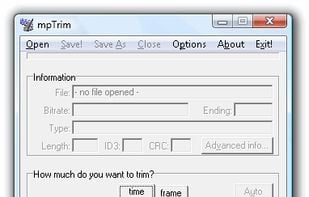
    mpTrim is a simple and easy to use MP3 editor that can trim silence, adjust the volume, fade-in/out (to fix abrupt beginning/ending) and clean-up MP3 audio files fast, and with no loss in quality.

    60 mpTrim alternatives

    Cost / License

    • Freemium
    • Proprietary

    Application type

    Alerts

    • Discontinued

    Platforms

    • Windows
     
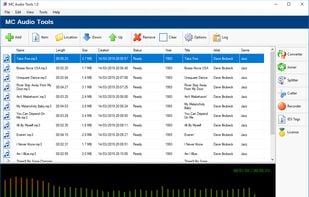
  5. The Microncode Audio Tools is an app for Windows desktop which allows you to do many operations on audio (and video) files, fast and easily. You can convert, join, split and cut multimedia files, record audio from any source in your PC, set the ID3 tags of many types of...

    Cost / License

    • Paid
    • Proprietary

    Application type

    Platforms

    • Windows
     
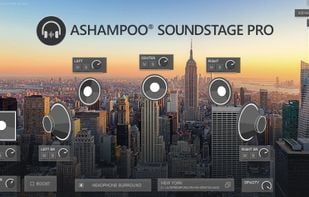
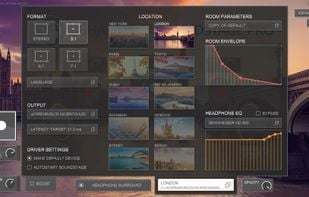
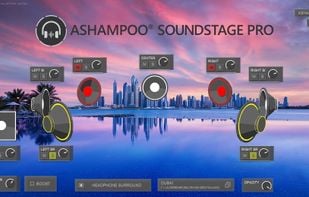
  6. Ashampoo Soundstage Pro processes all audio signals on your PC and alters them to simulate how they would sound on an actual surround system.

    Cost / License

    • Paid
    • Proprietary

    Platforms

    • Windows
     
  7. Tape It icon
     Like

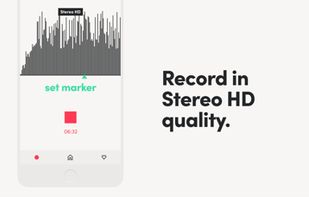
    Record with incredible stereo quality, mark the best moments of your session, and stay on top of your library with Tape It. Made by musicians, for musicians.

    116 Tape It alternatives

    Cost / License

    • Freemium
    • Proprietary

    Application type

    Platforms

    • iPhone
     
7 of 7 Batch Audio Silence Remover alternatives