Batch Image Splitter AlternativesImage Editors and other similar apps like Batch Image Splitter

Batch Image Splitter is described as 'Split multiple pictures into specified number of slices by rows and columns or into tiles of desired size. Use over 130 Actions like resize, crop, contrast, etc. Convert to/from and save results in any of 30+ formats. Add watermarks and more!' and is a Image Editor in the photos & graphics category. There are more than 25 alternatives to Batch Image Splitter for a variety of platforms, including Windows, Mac, Android, Web-based and Linux apps. The best Batch Image Splitter alternative is Image Toolbox, which is both free and Open Source. Other great apps like Batch Image Splitter are FastStone Photo Resizer, Light Image Resizer, Easy Watermark and Image Normalizer.

Copy a direct link to this comment to your clipboard
Batch Image Splitter alternatives page was last updated

Alternatives list

  1. Image Toolbox icon
     66 likes

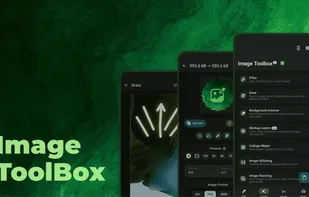
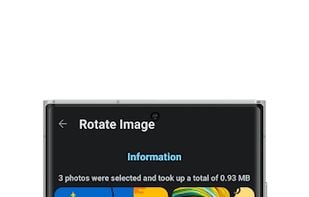
    Versatile image editing app with cropping, filters, quality and format options, EXIF metadata editing, PDF conversion, background removal, batch processing and color picking, all in an open-source package for Android with a clean interface and no in-app ads.

    77 Image Toolbox alternatives

    Cost / License

    Application type

    Platforms

    • Android
    • F-Droid
     
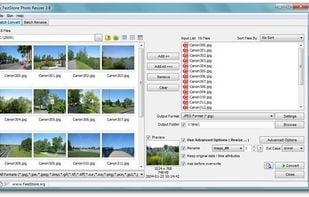
  2. Batch process photos with resizing, cropping, color adjustments, text or watermark overlays, preview changes before saving, automate renaming with custom patterns, support for major formats, folder structures, preset settings, and drag-and-drop management.

    110 FastStone Photo Resizer alternatives

    Cost / License

    • Free Personal
    • Proprietary

    Application type

    Platforms

    • Windows
     
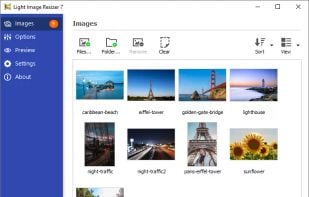
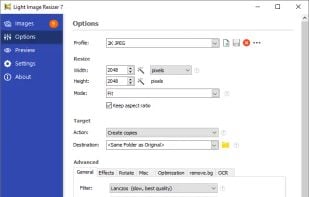
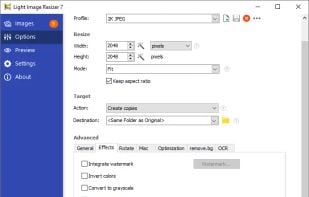
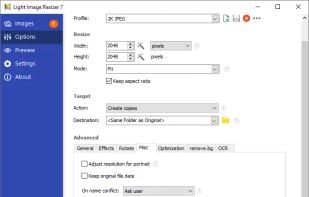
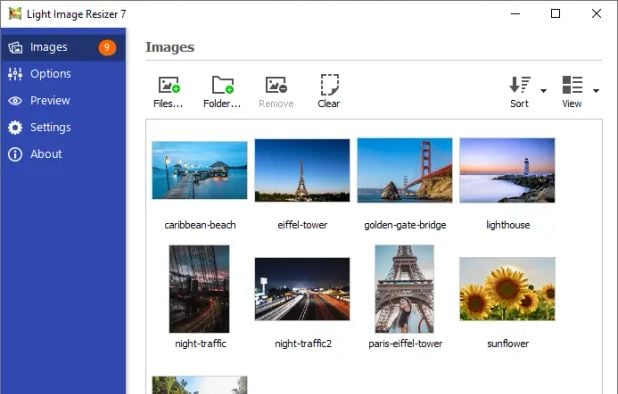
  3. Create email-friendly images, resize in batches, convert formats, and compress using high-quality filters. Integrated in Windows Explorer, it offers high-res settings, watermarking, a profiles library, PDF creation, and supports devices like iPad and iPhone.

    91 Light Image Resizer alternatives

    Cost / License

    • Paid
    • Proprietary

    Application type

    Platforms

    • Windows
     
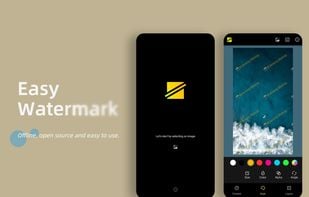
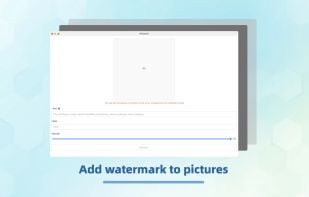
  4. Securely, easily add a watermark to your sensitive photos. To prevent them from being leaked or exploited by the BAD GUY.

    Of course, it is also suitable for making emojis. After all, it supports image watermarking with very ghostly effects.

    23 Easy Watermark alternatives

    Cost / License

    • Free
    • Open Source (MIT)

    Application type

    Platforms

    • Android
    • F-Droid
     
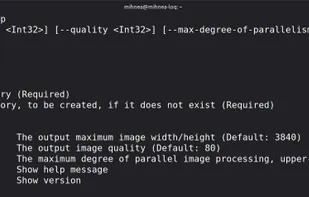
  5. Image Normalizer is a cross-platform command-line batch-processing tool that resizes and compresses images, transforming each image by:

    Cost / License

    Application type

    Platforms

    • Windows
    • Linux
     
  6. PicGuard icon
     2 likes

    This app can add watermarks to pictures to prevent them from being used maliciously.

    Cost / License

    Platforms

    • Flathub
    • Flatpak
    • Linux
    • Mac
    • Windows
    • iPhone
    • iPad
    • Android
    • Android Tablet
    • Snapcraft
     
  7. Watermarking icon
     1 like

    Your sensitive images should be watermarked before sending to someone to protect against exploitation by unkind or immoral people.

    Cost / License

    • Free
    • Open Source (MIT)

    Platforms

    • Android
    • F-Droid
     
  8. uMark icon
     Like

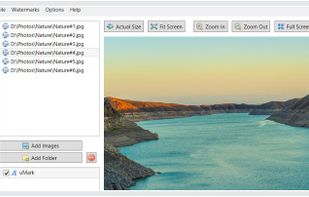
    Uconomix specializes in digital media protection software for Windows and Mac desktops. Our flagship product uMark is an industry leading solution for digital photo and video watermarking.

    Cost / License

    • Freemium
    • Proprietary

    Platforms

    • Mac
    • Windows
     
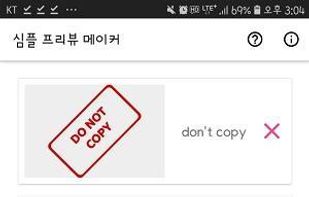
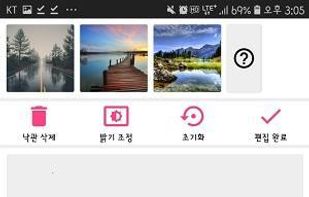
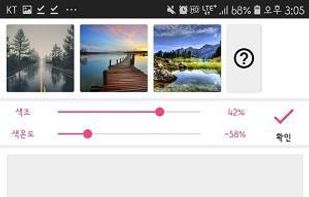
  9. PreviewMaker helps you to put watermarks on a lot of photos. You can use multiple templates (like „do not copy“ stamps or a „sample“ background-writing), chose size and position where the watermark should appear, and even edit color temperature, hue, brightness and contrast.

    Cost / License

    Platforms

    • Android
    • F-Droid
     
  10. Watermark icon
     2 likes

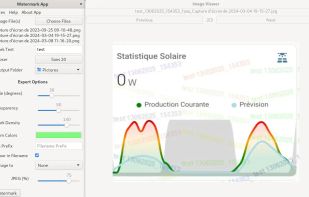
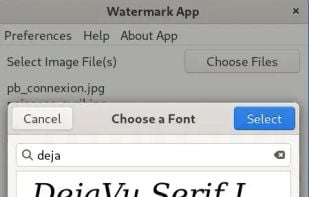
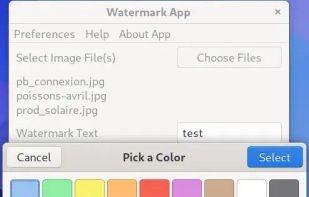
    Python Application to Add a Watermark to Image(s). An expert mode is available to customize the watermark. This application is used to combat identity theft by securing official documents with a watermark.

    Cost / License

    Application type

    Platforms

    • Linux
    • Flathub
    • Flatpak
    • Windows
    • Mac
    • Python
     
  11. ImageCraft icon
     1 like

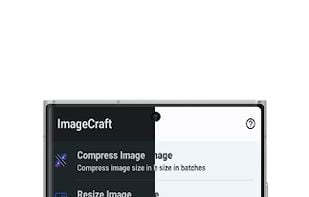
    Effortlessly edit images with batch compression, scaling, cropping, rotation, and format conversion. Convert PDFs to images, create PDFs from images, package images, and more. Explore EXIF data, preview material themes, and pick colors from images.

    Cost / License

    Platforms

    • Android
     
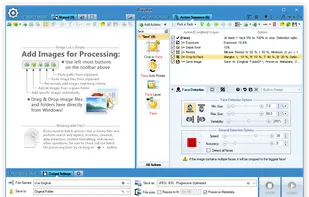
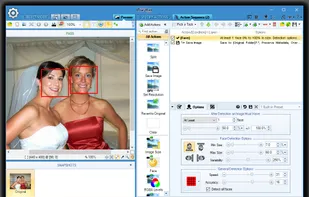
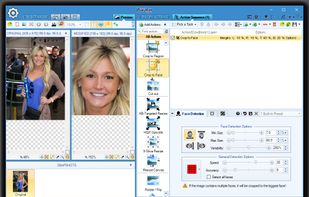
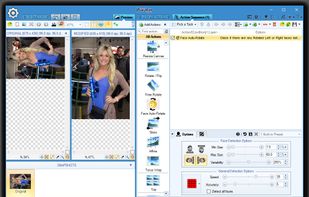
  12. Automatically recognize faces in 1000s of photos and process images based on face detection results! Use over 130 Actions and Filters like resize, crop, contrast, etc. Convert to/from and save results in any of 30+ formats. Add watermarks and more!.

    Cost / License

    • Freemium
    • Proprietary

    Platforms

    • Windows
     
12 of 32 Batch Image Splitter alternatives