


Black Icon Pack
Like
How to Apply the Theme (GO LAUNCHER):.
Cost / License
- Free
- Proprietary
Platforms
- Android

Features
No features, maybe you want to suggest one?
Tags
- icon-replacement
Black Icon Pack News & Activities
Highlights All activities
Recent activities
No activities found.
Black Icon Pack information
Developed by
UnknownLicensing
Proprietary and Free product.Alternatives
201 alternatives listedSupported Languages
- English


No comments or reviews, maybe you want to be first?
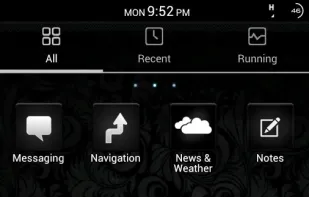
What is Black Icon Pack?
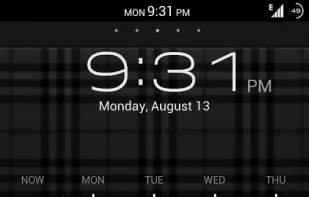
How to Apply the Theme (GO LAUNCHER): 1.Please Do Not open directly after it's installed. 2.Back to GO Launcher EX: MENU > theme preferences. 3.Choose and apply the theme.
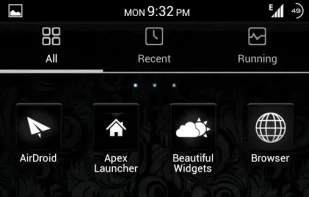
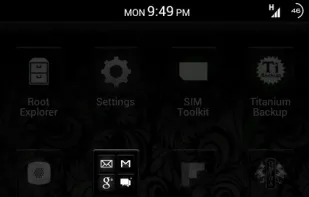
Change icons: Some devices may not change the icons automatically. 1.Tab and hold an app in desk screens.(Not available in app list.) 2.Replace > Choose the theme's icons.
How to Apply the Theme (APEX LAUNCHER) PRO VERSION ONLY: After Installing Theme – Complete the following steps Apex settings > Theme settings > BLACK THEME > Apply