

Comprehensive photo management software for viewing, batch converting, editing and resizing images and creating thumbnail sheets.
 France
 EU
EU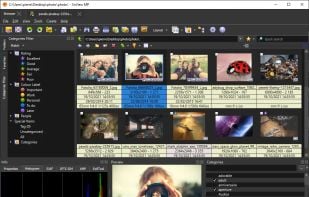
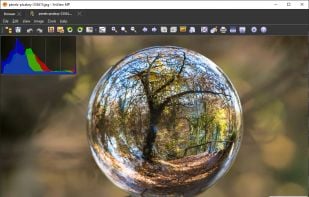
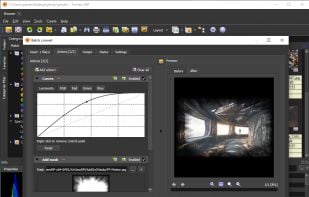


Bloom Image Viewer is described as 'Fast, cross-platform, and free image viewer and converter with support for most file formats in existence, including all RAW formats' and is an app in the photos & graphics category. There are eight alternatives to Bloom Image Viewer for a variety of platforms, including Mac, Windows, Linux, iPhone and iPad apps. The best Bloom Image Viewer alternative is XnView MP. It's not free, so if you're looking for a free alternative, you could try XnView MP or qView. Other great apps like Bloom Image Viewer are Phiewer, Viso, ImageOne and Image Viewer Pro.
Comprehensive photo management software for viewing, batch converting, editing and resizing images and creating thumbnail sheets.
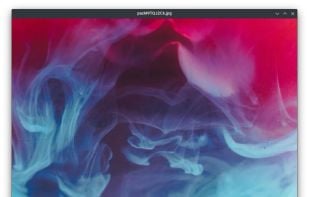
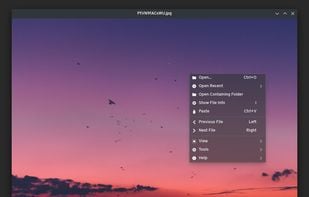
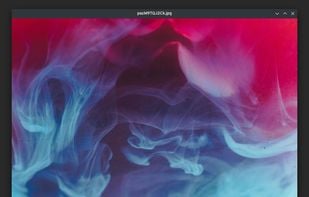
Fast and lightweight Qt-based image viewer with support for Windows, macOS, and Linux. Features include multiple format support, customizable interface, GIF playback, high-resolution display compatibility, and efficient navigation through keyboard shortcuts.

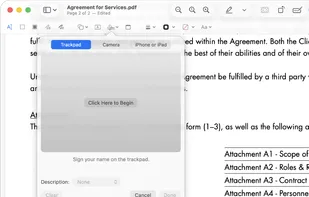
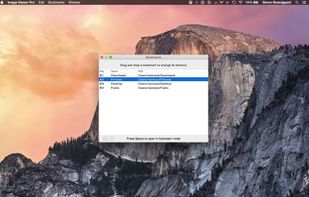
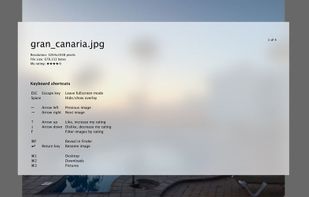
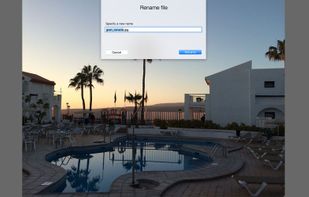
Native macOS app for viewing, annotating, and editing images and PDFs, featuring tools for cropping, rotating, resizing images, rearranging pages, full-screen viewing, markup, document merging, batch conversion, and export in multiple formats.
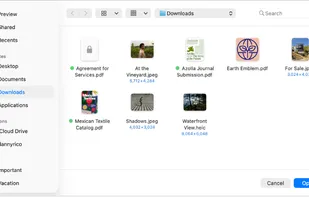
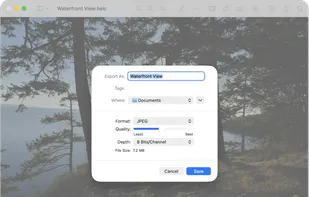
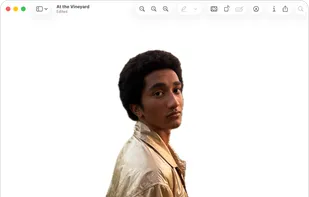


Phiewer is the easiest and fastest way to view your images, videos and even audio files. It's folder based so you can just browse your media in one window without any extra clicking and selecting.
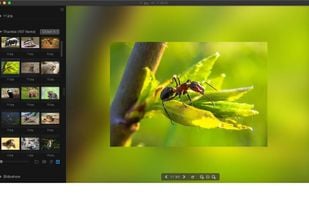
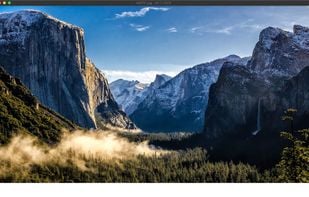
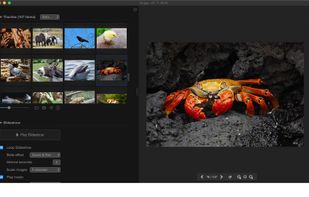



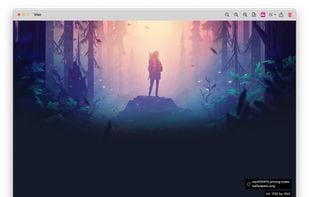
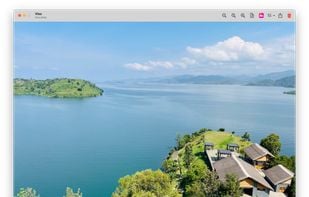
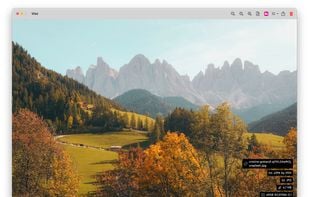
Viso is a beautiful minimal image viewer for MacOS. Features a non intrusive UI that allows you to get the most viewing experience out of your images.


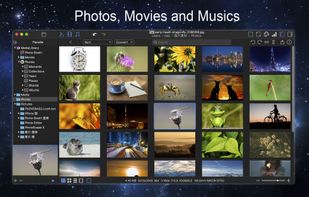
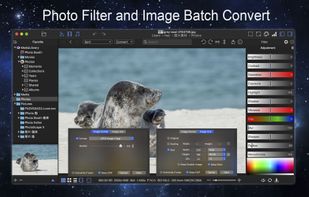
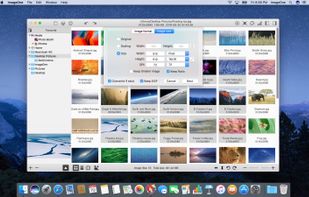
ImageOne is a quick and easy-to-use photo and image management tool which integrates the functions of image file organization management, browsing view and batch conversion, is the all-in-one management center for your photos and image files.






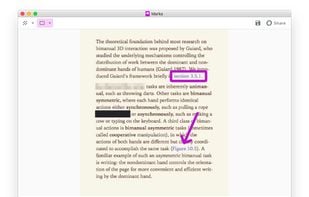
Redact & Annotate images. Hide or mark up essential parts of your image by simply clicking and dragging on it.


 United States

 Austria


