


Clapet is a utility that aims to improve clamshell mode on your Macbook by automatically managing sleep when an external display is detected.
Cost / License
- Free
- Open Source (GPL-3.0)
Application type
Platforms
- Mac


Caffeinated by Yugen UG is described as 'Anti-Sleep App for your Mac' and is a prevent sleep mode app in the os & utilities category. There are more than 10 alternatives to Caffeinated by Yugen UG for a variety of platforms, including Mac, Linux, Web-based, Flathub and Homebrew apps. The best Caffeinated by Yugen UG alternative is goguma app, which is both free and Open Source. Other great apps like Caffeinated by Yugen UG are Amphetamine, Stimulator, caffeinate & disablesleep and nosleep.page.
Clapet is a utility that aims to improve clamshell mode on your Macbook by automatically managing sleep when an external display is detected.

A small GNOME utility application to send Wake On LAN (WoL) magic packets to devices in a network.
 Germany
 EU
EU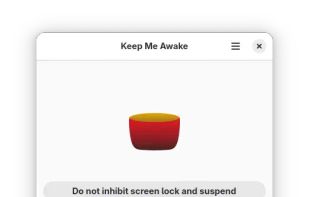

 China
China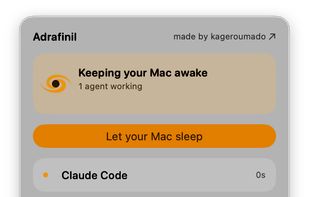
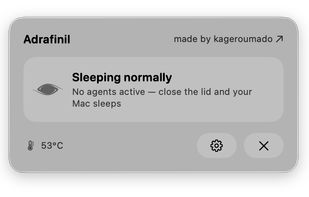


Prevent your Mac from falling asleep, dimming your screen or starting the screensaver. Theine keeps macOS awake just like caffeine does with you.
GermanyEU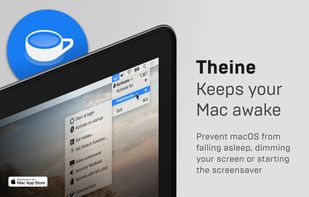
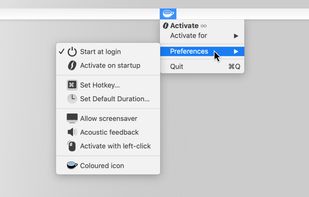
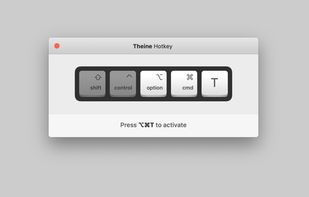
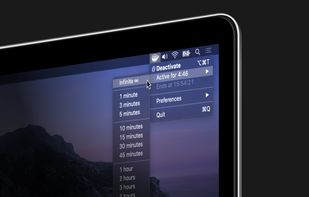


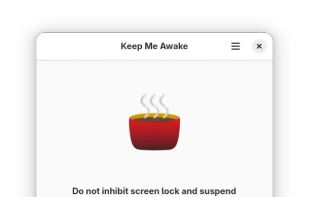
Coffee allows you to keep the display awake without having to change the device settings. It can be toggled at various places:
GermanyEU

Keep your Mac awake only when needed, with a minimal control surface built for focused workflows.
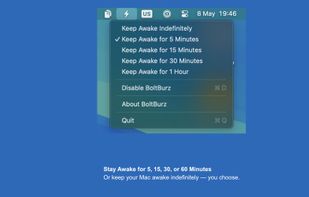
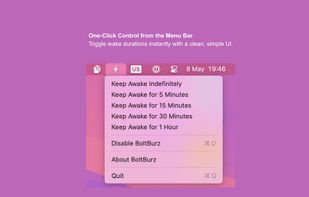
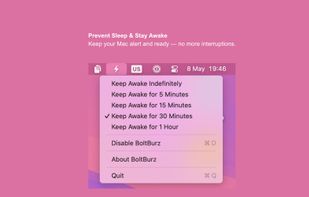
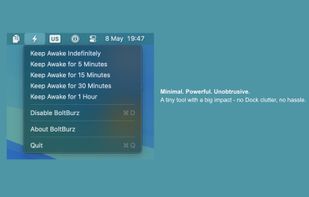

Close the lid. Keep coding. Hold My Lid keeps your Mac awake while Claude Code, Codex, and your other agents finish the job — lid shut, in your bag.
 India
India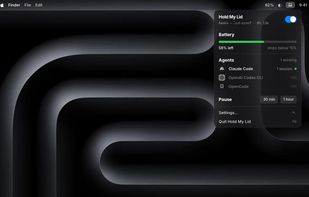

A tiny macOS menu-bar app that keeps your Mac running even with the lid closed — so coding agents (Claude Code, Codex, etc.) keep working while you move around.
 Vietnam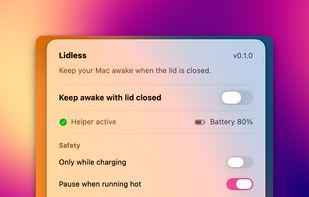


macOS CLI that keeps your Mac awake with the lid closed on battery, so a local Codex, Claude Code, or Cursor session keeps running.
GermanyEU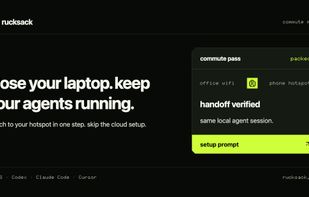

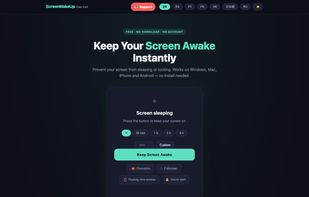
ScreenWakeUp is a free, browser-based tool that keeps your screen from sleeping or locking. It uses the modern Screen Wake Lock API — nothing to install, no admin rights, no account. Open it in any browser on Windows, macOS, Linux, ChromeOS, Android or iPhone and click one...


 Canada


