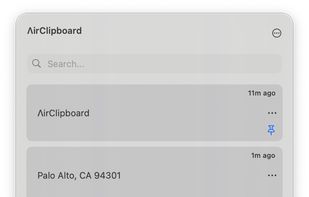
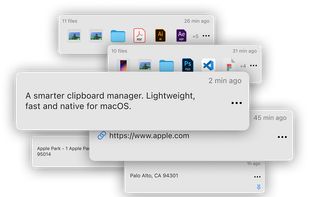
Access your last copied items near the cursor, organize your clipboard with text, images and files — all with a native and elegant UI.
Cost / License
- Paid
- Proprietary
Application type
Platforms
- Mac
 Brazil





Charmstone is described as 'The quicker switcher launcher for macOS' and is a application launcher in the office & productivity category. There are more than 50 alternatives to Charmstone for a variety of platforms, including Mac, Windows, Linux, Homebrew and Flatpak apps. The best Charmstone alternative is Vicinae, which is both free and Open Source. Other great apps like Charmstone are Tuna, Tinycast, QuickKeyLauncher and Snippet – Visual clipboard.
Access your last copied items near the cursor, organize your clipboard with text, images and files — all with a native and elegant UI.
Brazil
Copy Better keeps all the things you need to copy and paste in one place, available at a simple tap.





Advanced resource launcher designed to open apps, files, and websites in custom window layouts, organize resources into named workspaces, assign hotkeys for instant switching, enable pixel-perfect window snapping, and streamline repetitive workflows for deep focus.
 India
India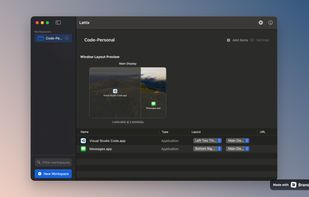


Tired of losing important copied content? AegisClip is your solution – a sleek, privacy-focused clipboard manager designed to supercharge your productivity while maintaining a clean, distraction-free interface.
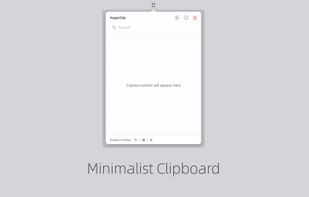

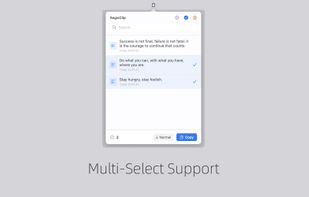



Mage, originally a Raycast clone, is a lightweight and fast app launcher for Windows, built with Electron, Vite, and Vue 3. It features custom applications, live activities, a modern UI and a batteries-included SDK for developers.

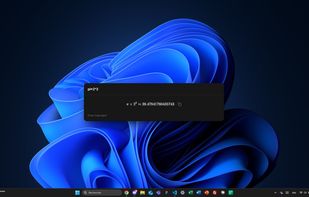


ClipBear is a smart macOS clipboard manager for developers. It detects and transforms developer content — JWTs, JSON, colors, cron, timestamps, ObjectIDs — inline and on-device. Free to use; Pro ($15/yr) unlocks unlimited history. 14-day Pro trial.
 Germany
 EU
EU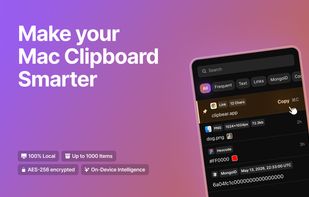
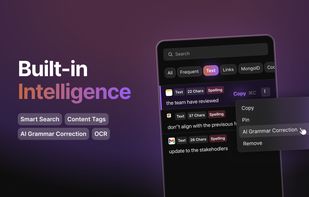
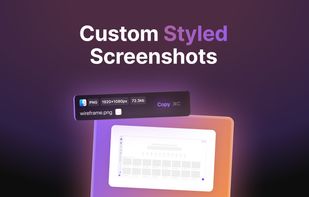
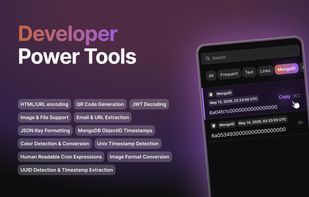


iCliper is the ultimate tool for managing your clipboard. With iCliper, you can access and organize clipboard history across different apps. No more copying and pasting the same text repeatedly.





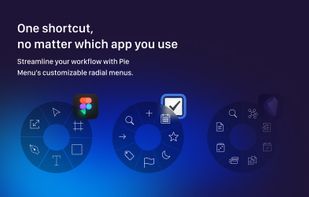
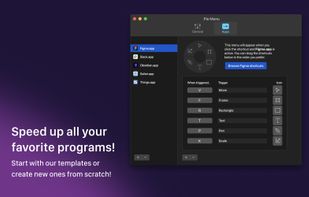
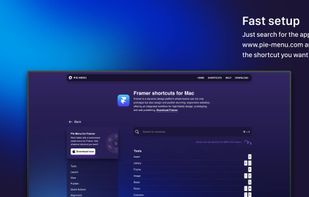
Introducing the all-new radial menu app that revolutionizes the way you work on your device! With Pie Menu, you can customize shortcuts for every app, making your life easier and more organized.
 Norway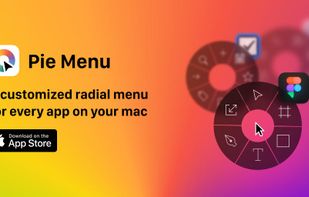


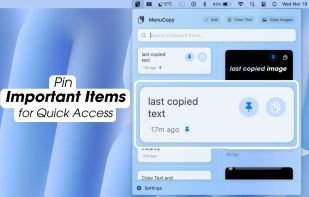
Pin clipboard information selectively and safely without a program by saving everything you copy.


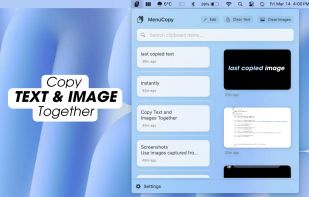
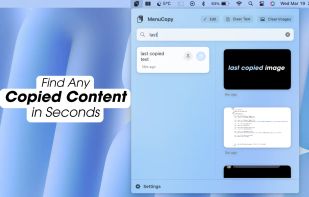
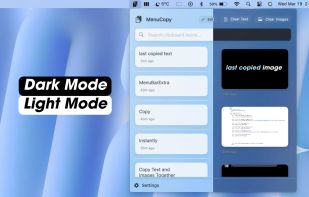
Access your last copied text and photo instantly from the menu bar. Boost productivity with MenuCopy on macOS!


 FranceEU



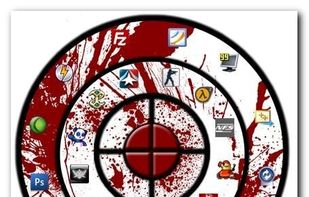
The idea behind Circle Dock is that the dock should appear where your mouse is instead of you having to move your mouse to the dock like with other programs. This is accomplished by making the dock a circular or spiral shape so that it can be placed anywhere, even near the edge...