



Cost / License
- Free
- Open Source (GPL-3.0)
Application type
Platforms
- Mac
 South Korea
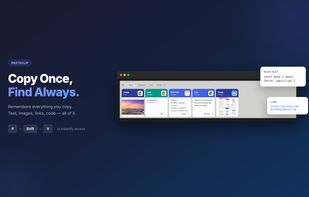


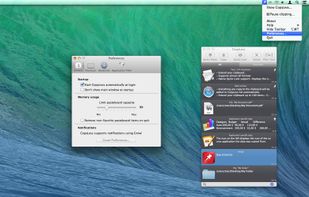
Clip-It is described as 'Clip-it is a local, offline and private clipboard history, where you can take control of your copied data. Boost your productivity with this app that should come pre-installed with every Mac sold' and is a clipboard manager in the office & productivity category. There are more than 50 alternatives to Clip-It for a variety of platforms, including Mac, Windows, Linux, iPhone and iPad apps. The best Clip-It alternative is CopyQ, which is both free and Open Source. Other great apps like Clip-It are Ditto, PasteBar, Planck and CopyCat Clipboard.
South Korea
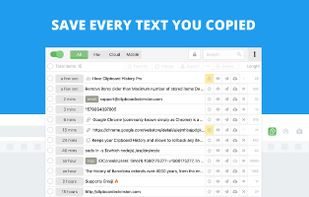
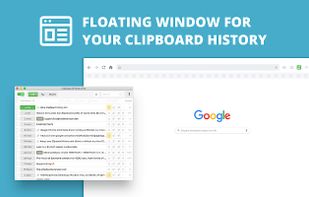
Clipboard manager extension for your browser: history of copied text, favorite items, instant paste.




Flycut is a clean and simple clipboard manager for developers. It based on open source app called Jumpcut.
 United States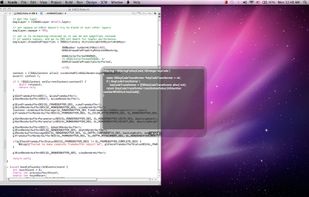


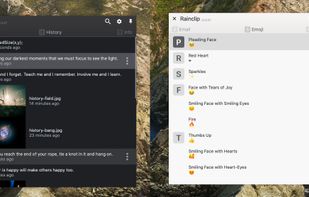
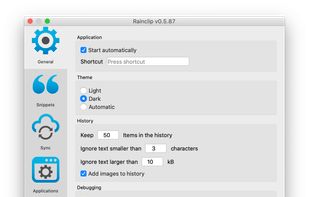
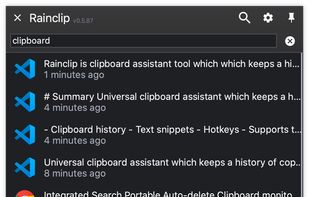
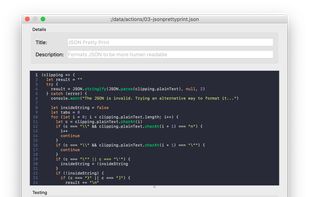
Universal clipboard assistant which keeps a history of copied texts and images and securely syncs them between computers. Keeps also your most used text snippets ready to be pasted into anywhere.


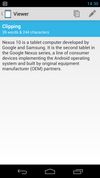
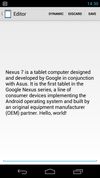
Clipper is a free clipboard & snippet manager for Android. View, edit or send clippings to your friends, or store important pieces of text you find yourself typing over and over again as snippets!
 Finland
 EU
EU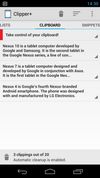

 IrelandEU
A basic clipboard manager for Wayland, with support for persisting copy buffers after an application exits.

Inky is a clipboard app for designers, developers and creatives. Save text, links, images, and colors effortlessly to streamline your creative workflow.
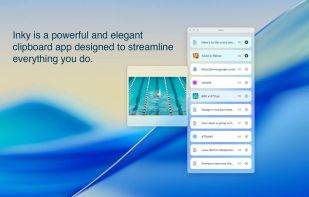
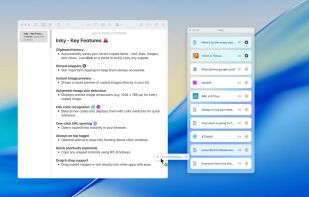
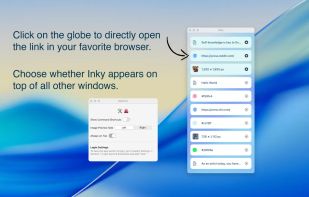


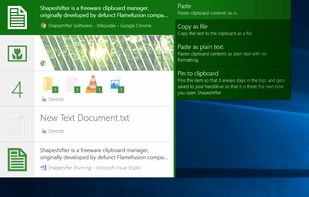
Shapeshifter is a clipboard manager that allows you to copy multiple items and keep them.
 DenmarkEU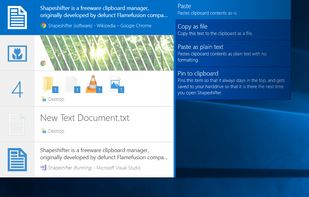


Pastebot is a versatile clipboard manager for your Mac that stores what you recently copied so you can quickly retrieve them later. Create custom pasteboards for frequently used clippings. Build powerful filters that you can apply as you paste.
United States

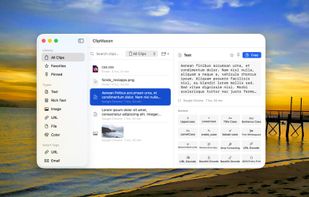
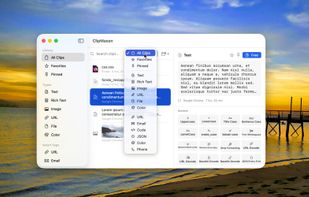
ClipMason is the clipboard manager that goes far beyond copy and paste. It automatically detects the type of content you copy — text, images, URLs, colors, files, or rich text — and offers smart contextual actions to transform it instantly.
 SpainEU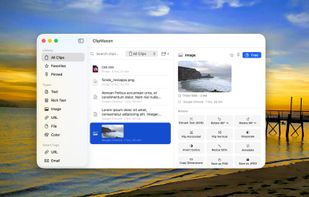


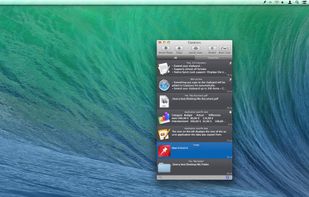
CopyLess was designed not to replace the system clipboard, but to extend it in many ways. Everything you copy to the system clipboard is captured automatically, so you do not need to care how to get the data to CopyLess.



 France


