


Platforms
- Mac
 Italy
Italy EU
EU



+2


Clipy is described as 'Clipboard extension for macOS' and is a clipboard manager in the office & productivity category. There are more than 100 alternatives to Clipy for a variety of platforms, including Mac, Windows, Linux, iPhone and iPad apps. The best Clipy alternative is CopyQ, which is both free and Open Source. Other great apps like Clipy are Ditto, PasteBar, CopyCat Clipboard and Planck.
ItalyEU
Clipstory, Clipboard with History - unlimited copy and paste right at your fingertips.
 United States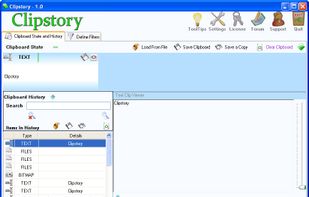


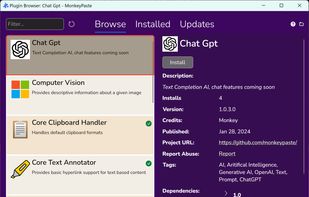
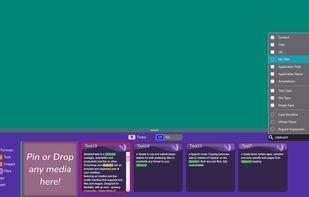
MonkeyPaste is a clipboard manager, automation and productivity tool with extensive hotkey, plugin and drag-and-drop features with more platforms coming soon.
United States


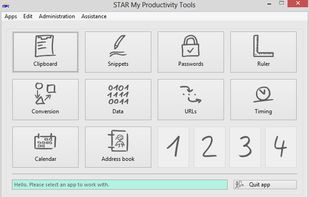
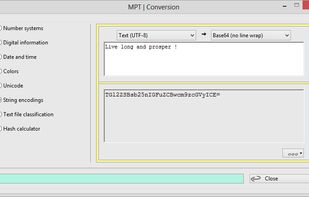
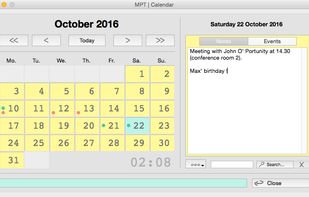
Desktop utilities and tools for PC and Mac power users, frequent writers and programmers. Includes ten+ apps like a notepad texteditor, calendar, unit conversion tool, password manager, stop watch, smart clipboard and much more.
 GermanyEU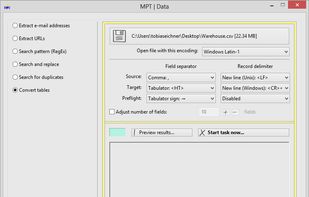


ClipboardZanager is a modern, quick and smart clipboard manager for Windows 10. It creates a historic of what you copy and let you paste the data at any time on any device.
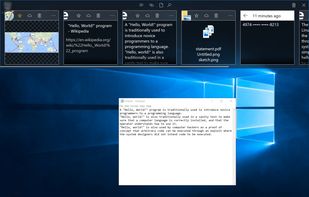


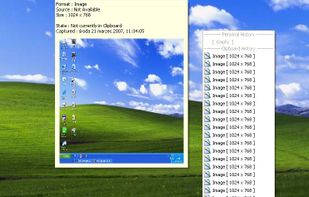
ClipTray is a small taskbar application that maintains a history of all the Clipboard operations. Then you can recover an old or previously copied element and re-use it in your own way.

 United States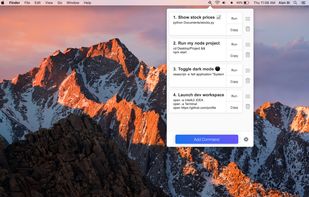


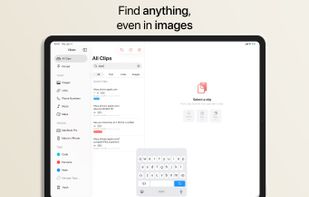
Clippo is the clipboard manager with a taste — a fast, polished Universal app for iPhone, iPad and Mac that remembers everything you copy: text, links and images. Your history syncs automatically across all your devices via iCloud, so you can always pick up right where you left...

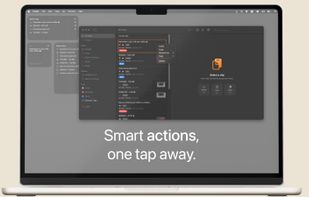



ClipCapsule is a minimalist clipboard manager for Linux. It supercharges your productivity by allowing you to manage and switch clipboard entries using only keyboard shortcuts—no mouse or GUI required.


Copy-paste nicely styled text to apps like GMail and Google Docs without learning new shortcuts.
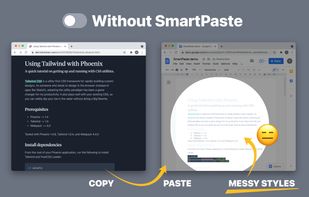
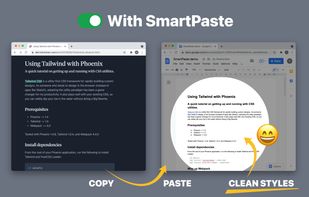
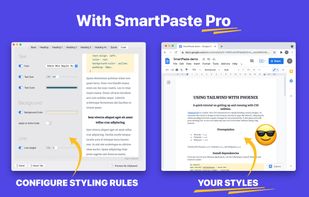


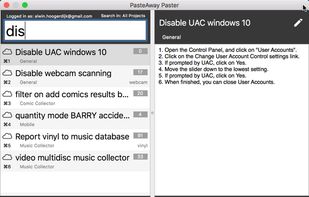
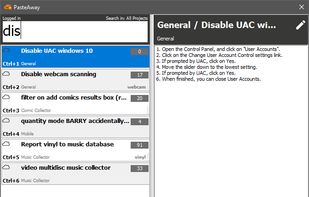
The PasteAway Paster is a client app that lets you easily paste clips from your online repository into any application.


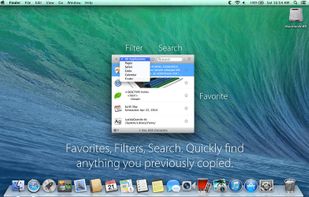
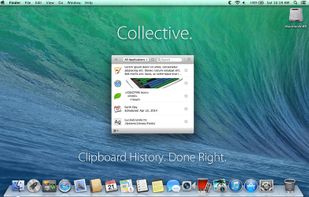
Meet Collective. Clipboard history for your Mac. Done right.
Nearly anything you can copy, Collective will remember.
Text, images, PDFs, movies, URLs, appointments, files: Collective keeps track of whatever you copy.
With a simple key combination (?-Shift-V) Collective appears.
United States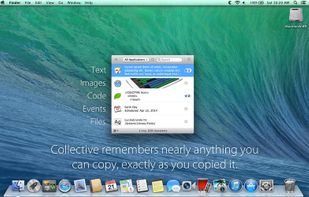



 Nigeria


