Cost / License
- Free
- Open Source (MIT)
Platforms
- Linux
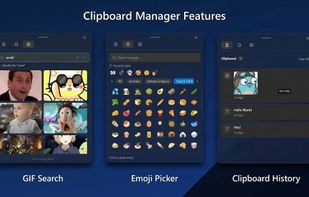


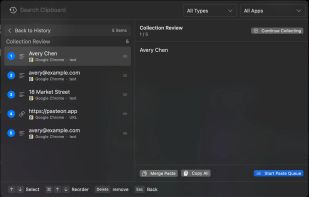
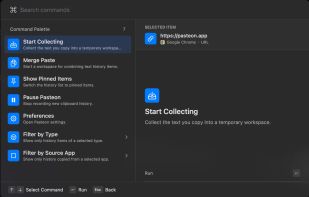
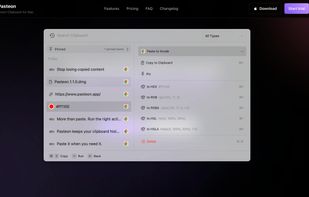
CopyCat Clipboard is described as 'Sync clipboard across devices in real-time, organize unlimited copied items into searchable collections, retrieve past content, and personalize settings' and is a clipboard manager in the security & privacy category. There are more than 100 alternatives to CopyCat Clipboard for a variety of platforms, including Mac, Windows, Linux, iPhone and iPad apps. The best CopyCat Clipboard alternative is CopyQ, which is both free and Open Source. Other great apps like CopyCat Clipboard are Ditto, Rememory, UniClipboard and Vorssaint.

Gisti keeps everything you write, copy or capture on your Mac in one panel and lets you search it by meaning rather than by exact words. A month later you remember what something was about, not how it was worded: type "flight to Berlin" and Gisti finds the note that...
 Kazakhstan


 India
India
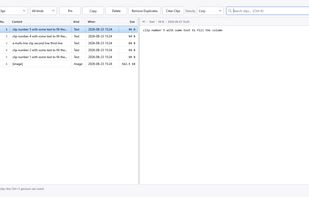
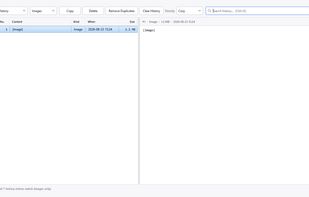
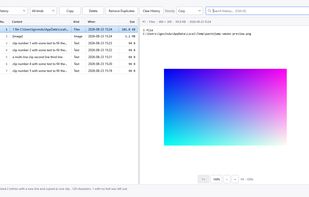

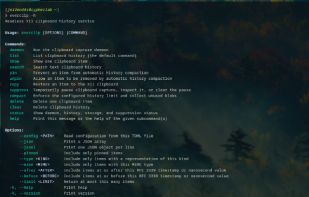
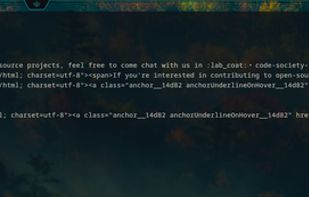
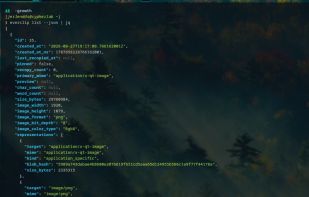
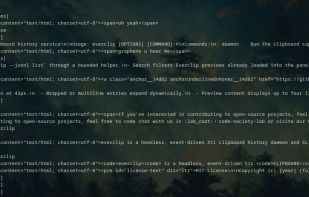
everclip is a headless, event-driven X11 CLIPBOARD history daemon and pipe-first CLI. It stores stable history records in a Turso database (sqlite3) while keeping each original X11 target payload in a deduplicated blob store.


CleanBoard is a lightweight clipboard utility for macOS that removes unwanted formatting from copied text—so you can paste clean, plain text into any app with ease.
 Sweden
 EU
EU


Welcome to Clipsync: clipboard Manager, the ultimate cross-platform clipboard efficiency tool designed to enhance your productivity across all your MacOS devices. Store and easily manage various data types—text, images, files, and more—with ease.
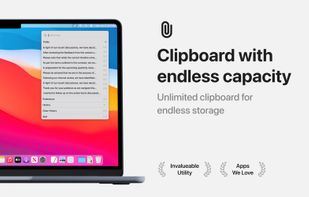

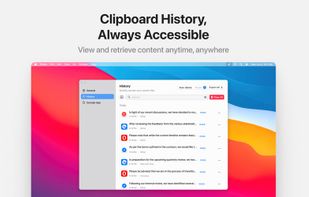



A native macOS clipboard manager that turns everything you copy into a searchable, visual timeline — including your screenshots.
 DenmarkEU
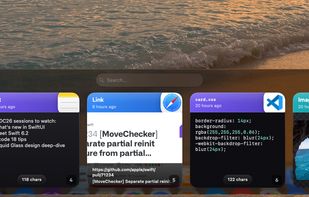
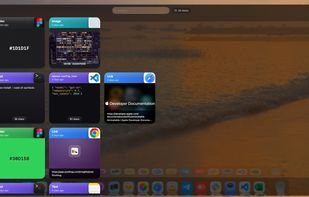
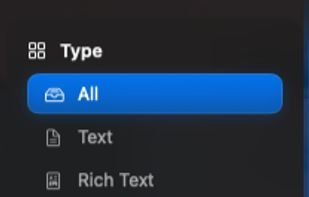


ClipMax is a next-generation clipboard manager that enhances productivity by automating, organizing, and integrating copied content with AI.
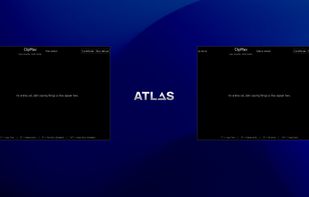
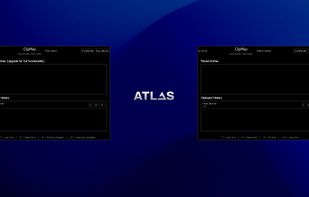
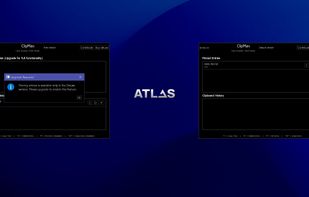


ClipSync is the ultimate tool to synchronize your clipboard across Android and Mac—instantly and securely. Copy on your Mac, paste on your Android. It's that simple. Open Source, Secure, and Blazing Fast.


 NetherlandsEU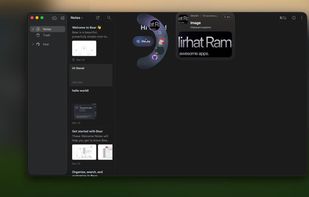
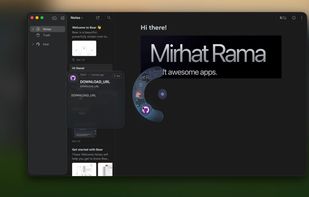
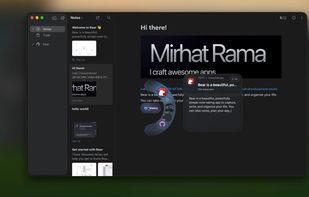


Clipboard history remains searchable and actionable with local network sync, no cloud, content-aware actions, OCR, previews, batch copy, merge, split, paste queue, keyboard controls, URL cleanup, metadata inspection, color conversions, and privacy.
 China
China