


Stack is a productivity tool, that helps managing multiple open windows. It is most useful on big screens, very wide screens and multiple monitor configurations.
Cost / License
- Paid
- Proprietary
Application type
Platforms
- Windows
 United States


DisplayFusion is described as 'Provides multi-monitor taskbars, customizable window management, advanced wallpaper options, and free basic features for efficient screen control' and is a very popular Window Manager in the os & utilities category. There are more than 50 alternatives to DisplayFusion for a variety of platforms, including Windows, Mac, Linux, KDE Plasma and Google Chrome apps. The best DisplayFusion alternative is Rectangle, which is both free and Open Source. Other great apps like DisplayFusion are Dual Monitor Tools, AquaSnap, SnapZones and Dual Monitor Taskbar.
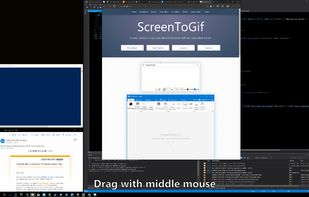
Stack is a productivity tool, that helps managing multiple open windows. It is most useful on big screens, very wide screens and multiple monitor configurations.
United States
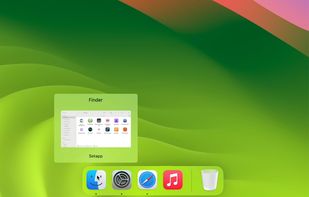
Wins is a Windows Manager, which brings system-level arrange window features to Mac.
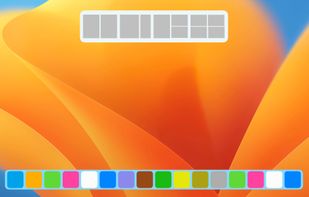
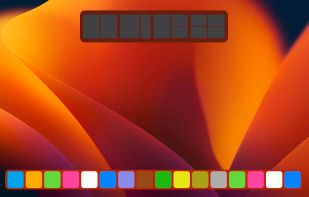
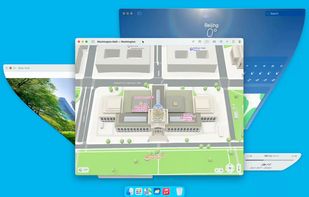

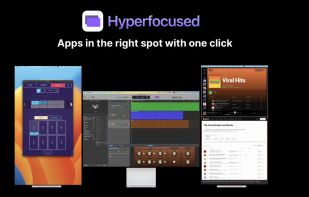
A simple yet powerful tool for managing and switching between multiple screen profiles. Perfect for users with multi-monitor setups!.

TaskLayout is a small portable layout manager which allow saving/restoring of desktop layout (a set of specified apps/windows with corresponding position on screen) in a single click/hotkey.
United States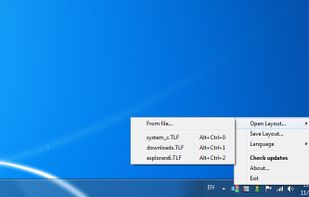
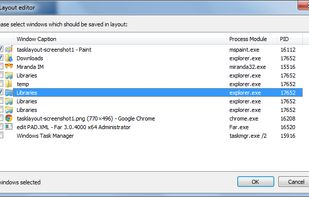

Annoyed again because one of your apps is offscreen? Do you have to struggle with keyboard shortcuts, to bring it back or do they not work again? Borderline moves all windows back into the screen bounds.

MultiMonitor TaskBar A shiny new windows task Bar for your multiple monitors!.
 Canada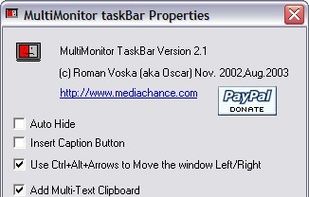


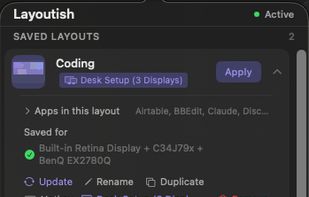
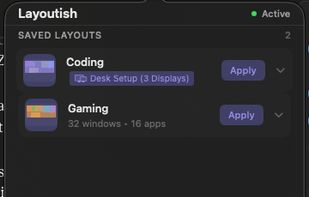
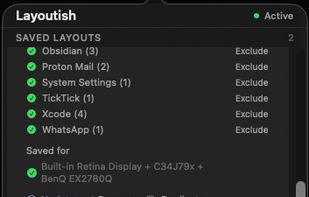
Saves complete macOS window layouts and restores them with one click or hotkey, including multi-monitor and multi-Space setups.
 United Kingdom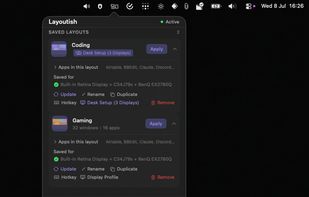



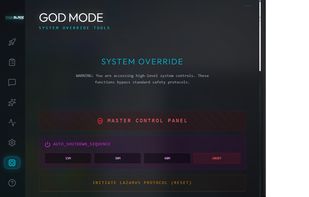
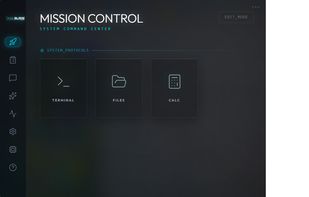
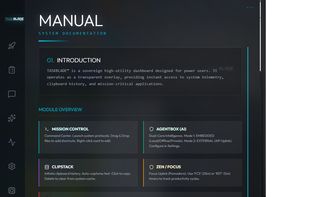
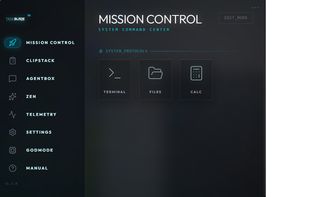
A 'God Mode' desktop manager with a built-in AI agent that runs 100% locally on your machine—no cloud, no data leaks, total sovereignty.


Displayflow is a comprehensive, high-performance display management utility for Linux, designed to give users granular control over hardware settings and monitor brightness through both a Command Line Interface (CLI) and a background Hotkey daemon.


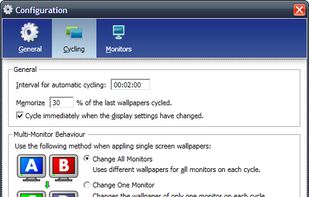
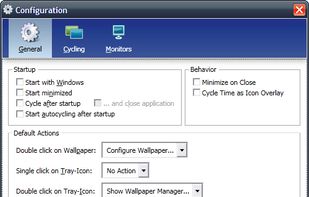
Wallpaper Manager is a wallpaper cycling and management tool especially designed for multiscreen systems.




 Germany
 EU
EU


