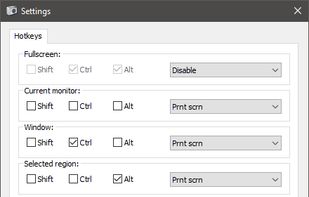
Freeware tool for taking fast and simple screenshots of the entire screen, windows and regions.
Cost / License
- Free
- Open Source (GPL-3.0)
Application type
Platforms
- Windows
 Kazakhstan




+1


Fii Project is described as 'Fii is a completely free online sharing application which brings visualization to your online conversation. You can show your co-worker, friend, teacher, boss, parents or whomever you want a part of your screen with a single mouse click' and is a screenshot capture tool in the photos & graphics category. There are more than 50 alternatives to Fii Project for a variety of platforms, including Windows, Mac, Linux, Web-based and Google Chrome apps. The best Fii Project alternative is ShareX, which is both free and Open Source. Other great apps like Fii Project are Greenshot, PicPick, Snipping Tool and FastStone Capture.
Freeware tool for taking fast and simple screenshots of the entire screen, windows and regions.
Kazakhstan
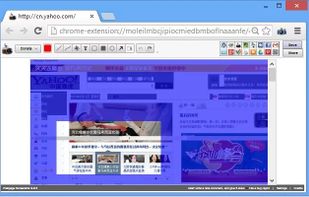
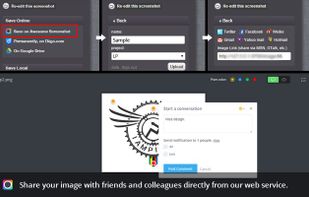
Capture the whole page or any portion, annotate it with rectangles, circles, arrows, lines and text, one-click upload to share.
 United States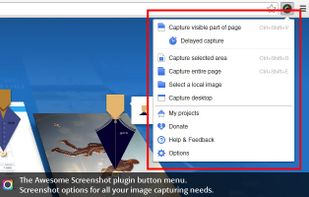



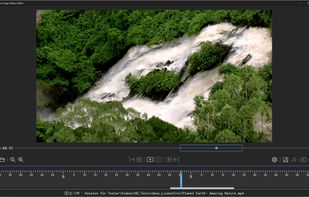
Capture screenshots or record videos with Ashampoo Snap’s efficient tools. Enjoy easy editing, multi-display support, OCR for 180 languages, and instant sharing capabilities. Revamp your projects with video cutting, annotations, and custom capture options.
 Germany
 EU
EU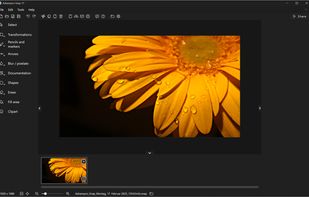

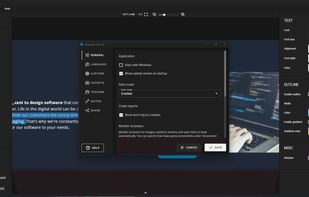


This extension is able to capture 100% of both the vertical and horizontal content appearing on any webpage on the Internet.


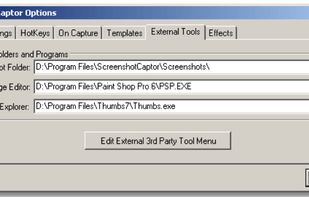
Screenshot Captor is a program for taking screenshots on your computer. Its different from other screenshot utilis in several notable ways:
United States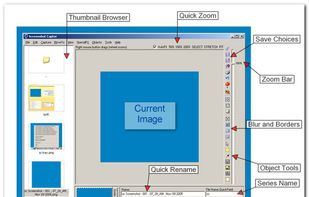
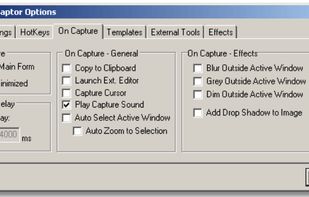
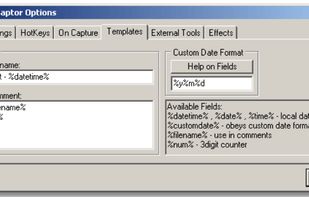


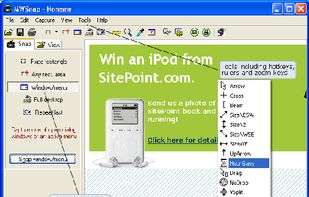
MWSnap is a small yet powerful Windows program for snapping (capturing) images from selected parts of the screen.
 PolandEU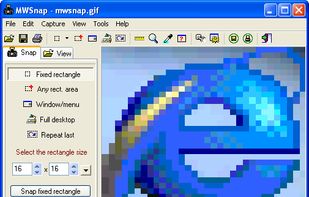


Hotshots is a screenshot tool with some editing features. It is particularly suitable for writing documentation (as used in the following chapters) but you can use it to highlight some details on a map image or what ever you want.


 GermanyEU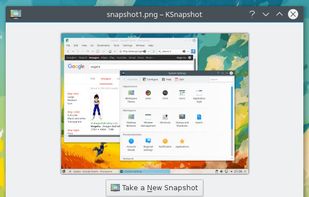


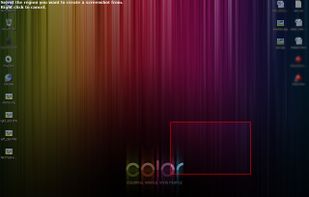
This application allows you to capture the entire screen, the active window or a selected region. You can set the delay that elapses before the screenshot is taken and the action that will be done with the screenshot: save it to a PNG file, copy it to the clipboard, open it...
GermanyEU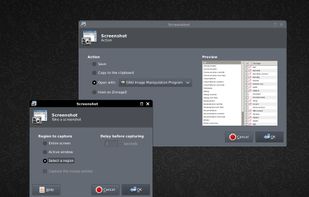


Taking screenshots with Shotty is so natural and easy, you just have to try it. Edit them in minimalistic editor and the upload them with one click. Focusing on simplicity and usability, this tool is probably the most intuitive screenshot utility out there.
GermanyEU




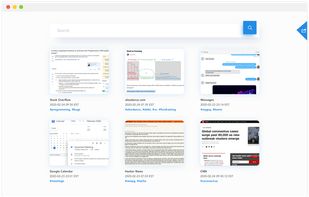
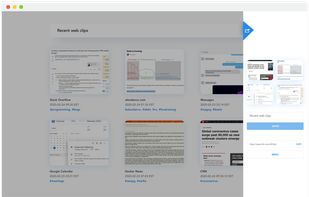
Screenshot organization and smart search, for effortless memory retrieval. Categorized screenshots by keywords, topic, and source -- so that you can find the memory you're looking for.



This extension is able to capture 100% of both the vertical and horizontal content appearing on any webpage on the Internet.