

Forget about the mess in your Downloads folder! This extension allows you to set custom download locations with a flexible and strong RegExp-based rules.
Cost / License
- Free
- Open Source (MIT)
Platforms
- Mac
- Windows
- Linux
- Online
- Google Chrome


File Juggler is described as 'Windows utility for automatic file management. Set up rules and have filejuggler move your files to their correct locations automatically' and is a File Manager in the os & utilities category. There are more than 25 alternatives to File Juggler for a variety of platforms, including Windows, Mac, Linux, Android and F-Droid apps. The best File Juggler alternative is TagStudio, which is both free and Open Source. Other great apps like File Juggler are Mouzi, FilePipe, DropIt and Floxtop.
Forget about the mess in your Downloads folder! This extension allows you to set custom download locations with a flexible and strong RegExp-based rules.

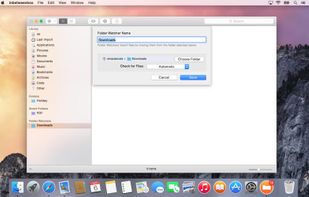
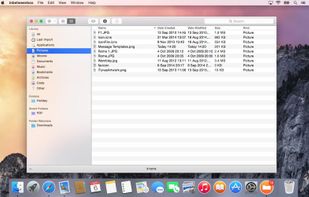
inbetweenbox sits in between your organized file system and the files that you get sent and download everyday. Import these files into inbetweenbox, and inbetweenbox with organize them within it's own library system.
 United Kingdom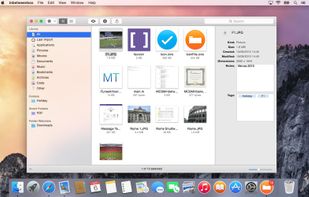

Automatically organizes the Android Downloads folder by sorting files into images, videos, documents and apps.
 India
India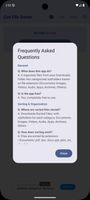


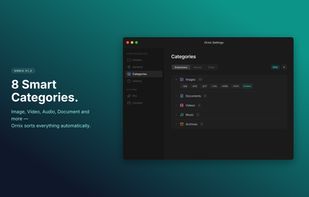
Ornix automatically organizes your messy Downloads folder. Set it once, and Ornix watches your folders, sorting files into categories like Documents, Images, Videos, and more.
 South Korea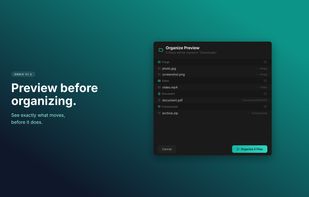
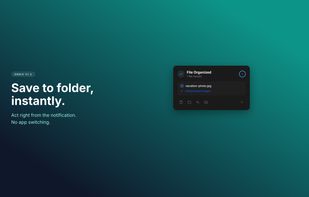
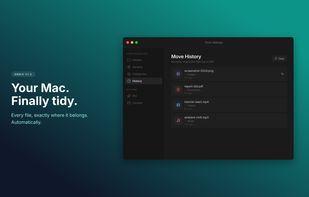


Your Downloads folder is where files go to die. IMG_3427.png, Untitled_document_final_v2.pdf, a hundred things you'll never find again. Waypost fixes that. Waypost reads folders of your choice, then renames, sorts, and tags dropped files based on what's actually inside.
 United States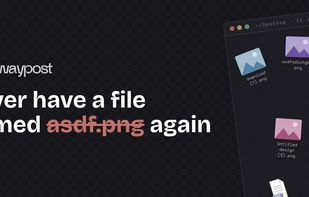
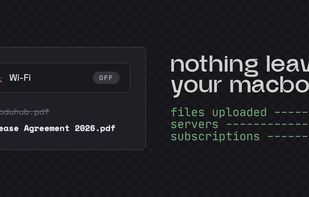
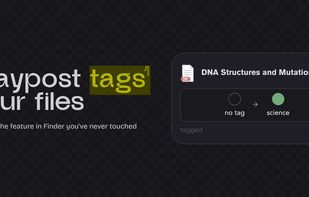
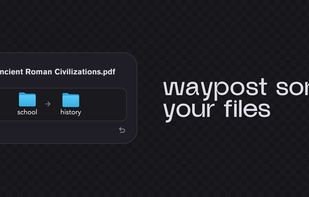

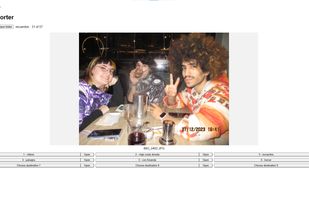
Image Sorter is a lightweight, keyboard-first desktop application for quickly reviewing and sorting large folders of photos and videos.
 Spain
Spain EU
EU