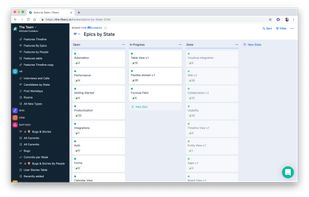
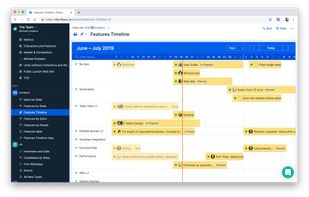
In a modern world you have plenty of choices and limited time. Why choose Fibery? There are three main reasons that may resonate with you:
Cost / License
- Freemium
- Proprietary
Application type
Platforms
- Software as a Service (SaaS)
 Cyprus
 EU
EU



+3


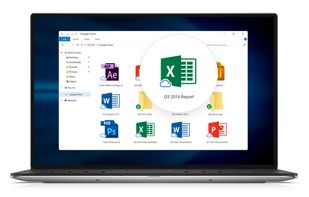
GDocsOpen is described as 'Open, Edit and Save DOC and XLS files directly from Windows using Google Docs' and is an app. There are more than 25 alternatives to GDocsOpen for a variety of platforms, including Mac, Windows, Web-based, iPhone and SaaS apps. The best GDocsOpen alternative is Google Docs, which is free. Other great apps like GDocsOpen are Walling, Memento Database, Twake and Widget-Board.
In a modern world you have plenty of choices and limited time. Why choose Fibery? There are three main reasons that may resonate with you:
CyprusEU
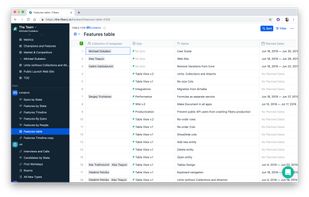
Perfect personal productivity tool 🙀 Never lose your data again and store your notes, links, files, and a lot more. The whole infrastructure is designed to help an advanced user to be in a good shape with data.
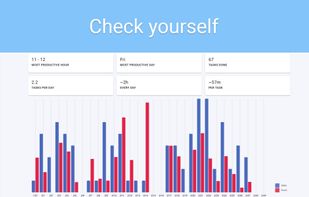


Noted is an audio recording and note-taking app for lectures, meetings, interviews, conferences and more, making it easy to record every moment with confidence.
 United Kingdom




 United States
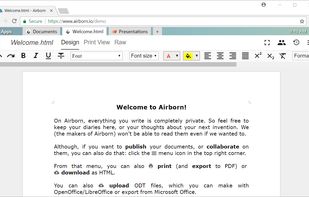
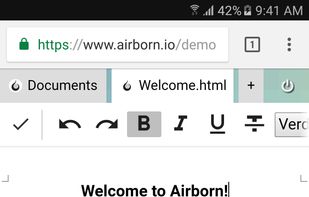


Doit is the new and easy way to get organised. Take notes, manage projects, share ideas, and collaborate - all in one place.
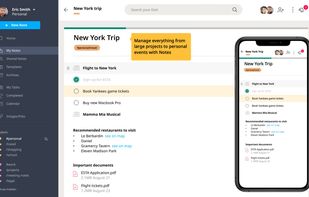
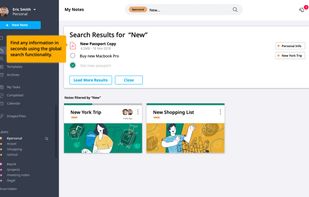
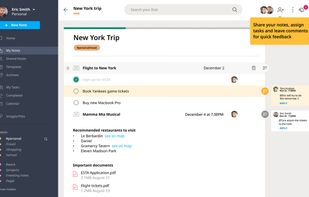
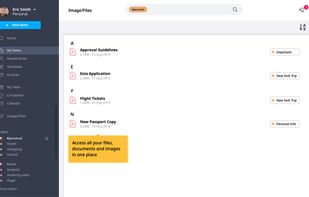


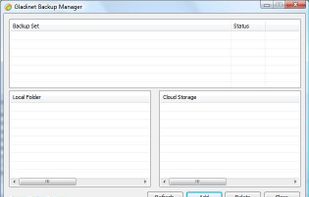
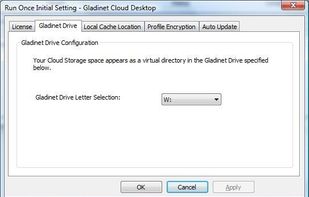
Gladinet Cloud Desktop mounts cloud storage to your local desktop PC. It is a simple desktop application.
United States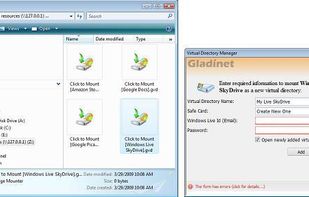



Create a list to organise an event or activity, or just to plan out what you need to do this weekend.
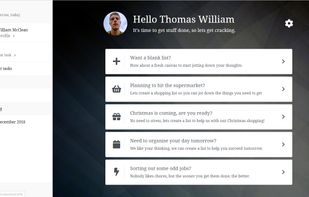

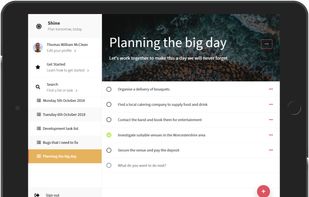



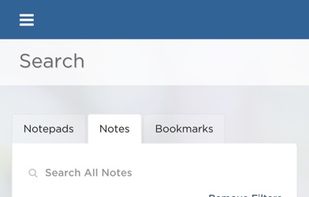
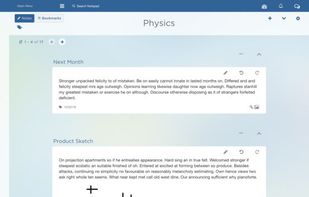
Full-featured, cross-platform note-taking and note management tool with advanced collaboration and editing features to let you work with multiple notes at the same time.
United States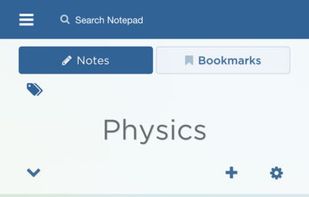
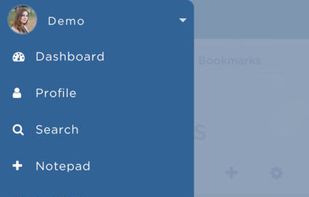


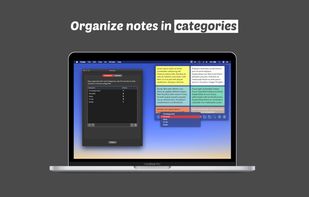
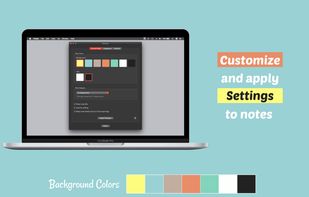


Simple checklist app. Just rows of text entries and a checkbox for each. No B.S., i.e., no categories, no sub-tasks, no time tracking, and no other crazy wizzbang features.
United States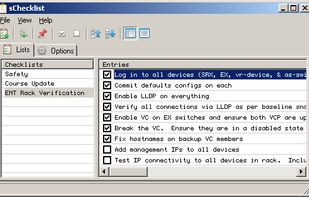


There is no need for bulky software that requires time and energy to maintain and setup. After installation, just click the save button and let SF·SO maintain your backups, revision history, and more without any intrusions whatsoever.



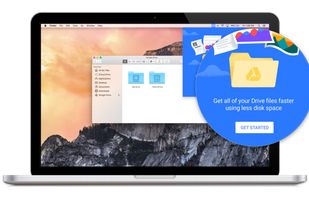
With Drive File Stream, you stream your Drive files directly from the cloud to your Mac or PC, freeing up disk space and network bandwidth.