


Go Mail Merge
1 like
Easily schedule multiple email campaigns and automate your email sequence follow-ups quickly and securely.
Cost / License
- Subscription
- Proprietary
Application type
Platforms
- Software as a Service (SaaS)
- Google Apps
- Google Drive - Sheets

Features
- Mail Merge
Tags
- drip-campaign
- mailmerge
- cold-email
Go Mail Merge News & Activities
Highlights All activities
Recent activities
No activities found.


Go Mail Merge information
Developed by
 Go Ideal Software LLC
 Licensing
Proprietary and Commercial product.Pricing
Subscription that costs $10 per month.Alternatives
16 alternatives listedSupported Languages
- English


No comments or reviews, maybe you want to be first?
What is Go Mail Merge?
Easily schedule multiple email campaigns and automate your email sequence follow-ups quickly and securely. Go Mail Merge is the most advanced Mail Merge add-on for Gmail.
1-month fully-featured free trial upon installing.
Exclusive features:
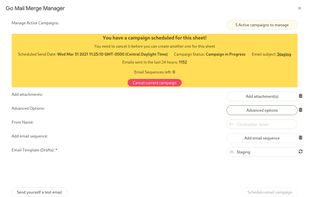
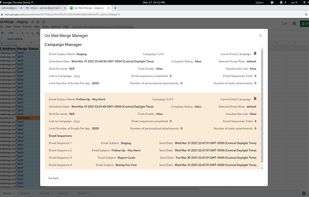
- Schedule up to 5 email campaigns simultaneously.
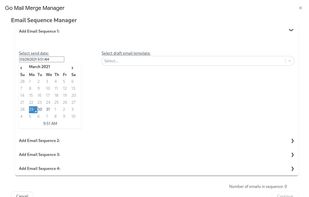
- Email sequences of up to 4 email follow-ups per campaign
- Personalized attachments with a single line of text.
- Cancel an email campaign at any time.
- No artificial rate-limiting.
- Limit the number of emails sent per day
- Staggered email delivery so that emails appear like they're coming from a person
- Short tracking URLs for the highest possible deliverability rate
- Unsubscribe link
- Most accurate Email status tracker (read, bounced, clicked, unsubscribed)
- Easily add personalized attachments from Google Drive - the actual file not a link
- Easily add static attachments from Google Drive - the actual file not a link
- Send emails from aliases
- Product support via email 7 days a week / 16 hours a day, talk directly to the creator
- Organized Gmail labels all nested under the GOMM label name
- Easily import all Google contacts with the click of a button
Deliver mass emails to the primary inbox. Achieve a higher open rate for all Gmail recipients.
Track opens, link clicks, bounces, responses, and failed deliveries in real-time directly from Google Sheets.
Email sequences auto follow-up with all emails in a campaign that didn't bounce, receive a reply or unsubscribe.
How to begin:
After having installed Go Mail Merge:
- Write your draft in Gmail with template variables such as {{First name}}.
- Create a list of your contacts in a Google Sheet and add personalized columns based on your draft email template.
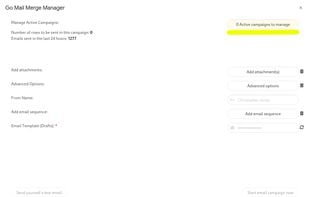
- Launch Go Mail Merge via the add-on menu, send a test email to make sure the email will appear as intended, and start the email campaign to have all of your personalized emails sent within a few minutes.