Cost / License
- Free
- Open Source (GPL-3.0)
Application type
Platforms
- Linux
- BSD
- Flathub
 France
 EU
EU
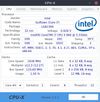

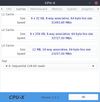

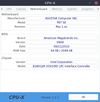


GPU-Z is not available for Linux but there are some alternatives that runs on Linux with similar functionality. The best Linux alternative is CPU-X (by X0rg), which is both free and Open Source. If that doesn't suit you, our users have ranked more than 25 alternatives to GPU-Z and ten of them are available for Linux so hopefully you can find a suitable replacement. Other interesting Linux alternatives to GPU-Z are hwinfo, Hardinfo, WattSeal and Examine for COSMIC.
FranceEU
hwinfo/libhd are used to probe for the hardware present in the system. It can be used to generate a system overview log which can be later used for support.
 GermanyEU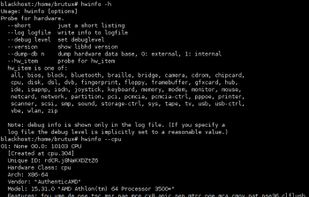


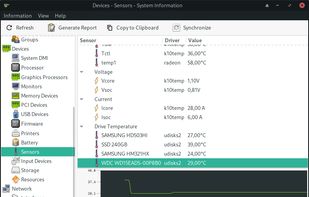
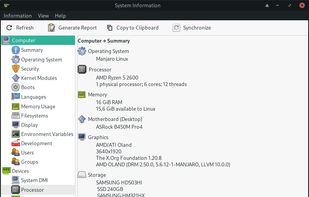
Hardinfo is a system information and benchmark tool for Linux. It shows detailed system info, including hardware, environment, and kernel. It can use lm_sensors and ACPI for temperature and battery information. It also has four CPU banchmarks and two FPU benchmarks.
 Brazil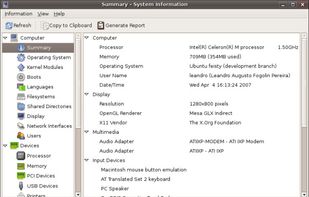


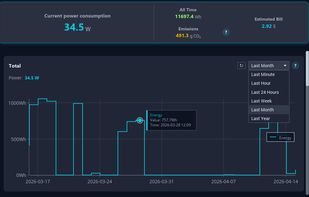
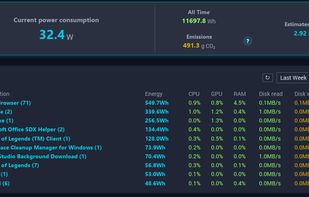
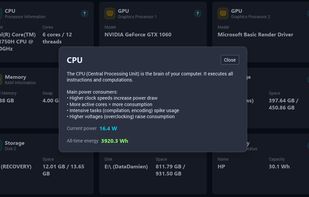
Real-time PC power consumption monitor — see watts per app & per component, track your carbon footprint & electricity cost.
FranceEU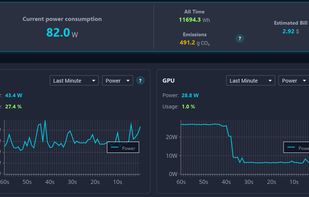


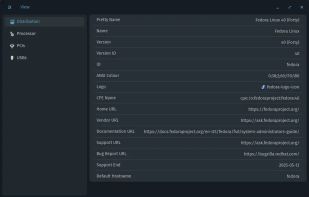
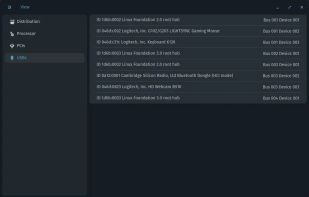
Examine is an app which gives you easy access to system information without needing to use the terminal, built for the COSMIC desktop.


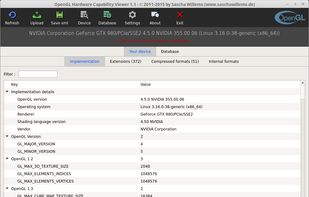
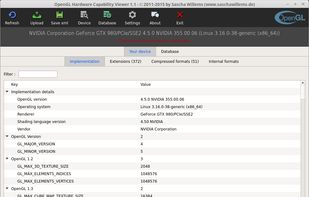
Client application for the OpenGL hardware capability database. This tool detects, displays and uploads OpenGL hardware reports to the OpenGL hardware database at http://opengl.gpuinfo.org.
GermanyEU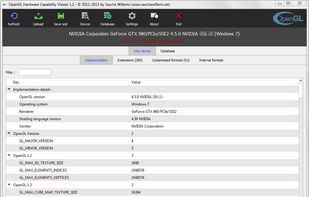


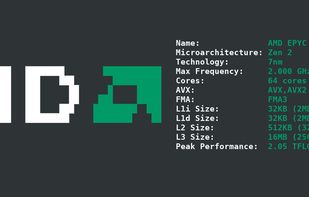
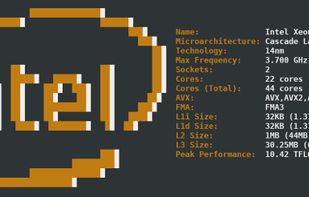
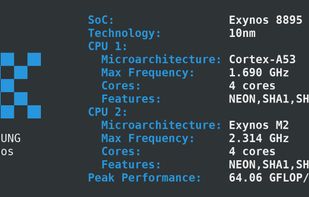
cpufetch is a command-line tool written in C that displays the CPU information in a clean and beautiful way.
 SpainEU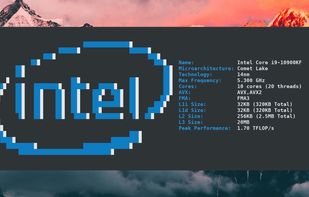


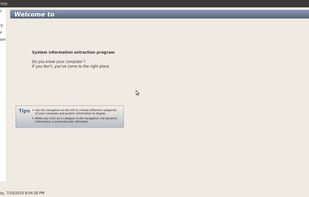
sysinfo is a graphical tool that is able to display some hardware and software information about the computer it is run on.


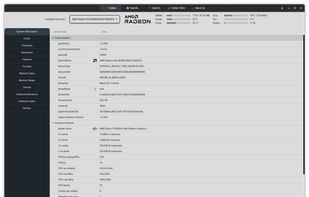
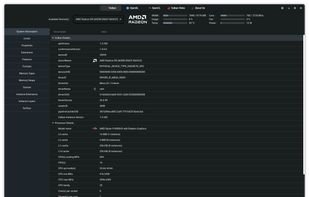
This project aims to capture all the important details of glxinfo, vulkaninfo and clinfo in a GUI. The project is being developed using python 3 pygobject with GTK4. All the important details are extracted using glxinfo/vulkaninfo/clinfo with the combination of grep, CAT, AWK...


cinnamon-cpufreq-applet - Port of Gnome 3 CPUFreq applet to Cinnamon - with some fixes.