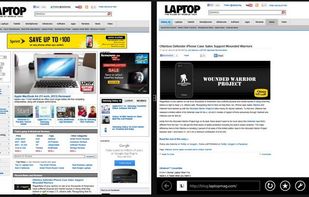
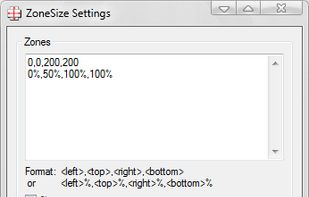
Define zones that autosize windows dropped on them.
Features:
- Hold a window over a zone for .5 sec to autosize it.
- Doubleclick the tray icon to center the active window.
Cost / License
- Free
- Proprietary
Application type
Platforms
- Windows


GridMove is described as '- A window management tool that can quickly arrange your windows into desktop grids' and is a Window Manager in the os & utilities category. There are more than 50 alternatives to GridMove for a variety of platforms, including Windows, Mac, Linux, PortableApps.com and File Explorer apps. The best GridMove alternative is BetterTouchTool. It's not free, so if you're looking for a free alternative, you could try AquaSnap or Snap It!. Other great apps like GridMove are GlazeWM, Swish, WindowGrid and Moom.
Define zones that autosize windows dropped on them.
Features:

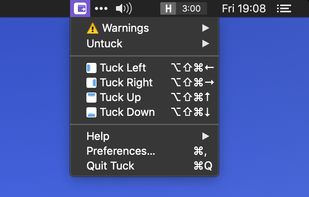
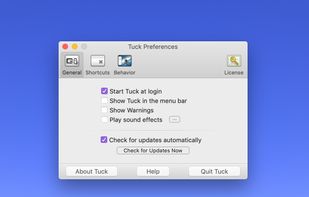
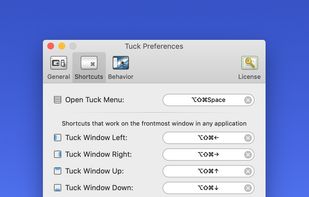
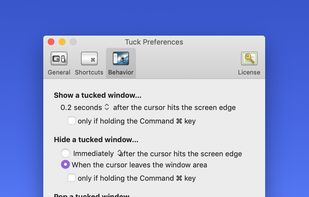
Tuck is a handy menu bar application that allows you to quickly and simply clear multi-window clutter by hiding windows under your screen edges.


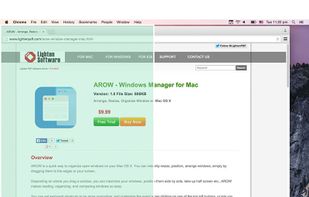
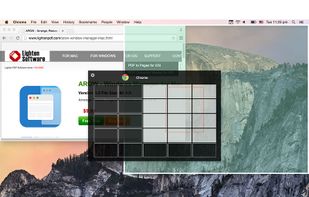
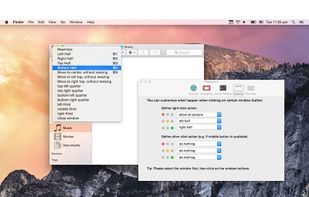
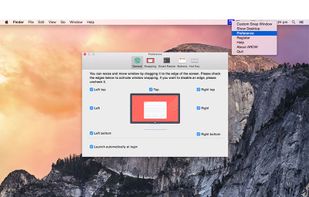
Arrange, resize, snap, and move windows in OS X with the help of keyboard shortcuts, certain window dragging gestures, or using OS X's window buttons.


DeskAngel is an enhancement tool for Windows desktop. It is simple, portable and totally free. It contains following features:

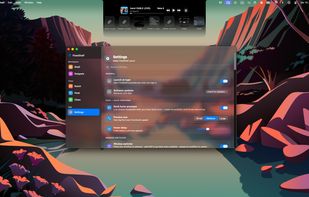
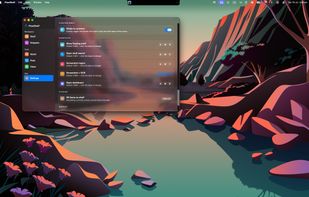
FlowShelf a free Mac app that turns your notch into a Dynamic Island and gives everything you copy, drop, or screenshot a temporary home.
 Australia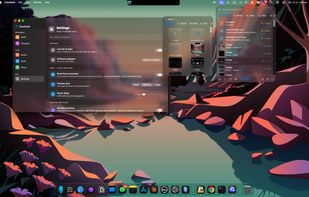


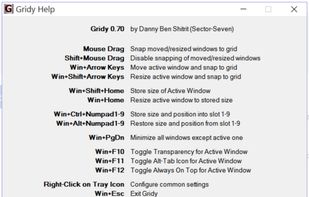
Gridy adds an invisible grid to Windows, so that any window you move or resize is snapped to it. Snapping is enabled with mouse drag or keyboard a...


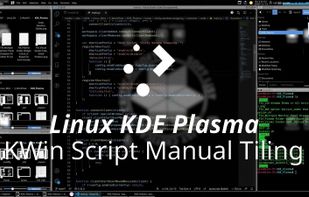
Manual Grid Tiling Layout Of Stack Window Manager.

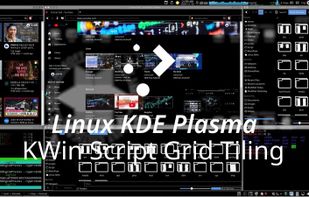
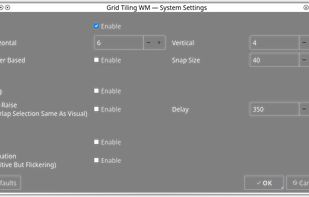


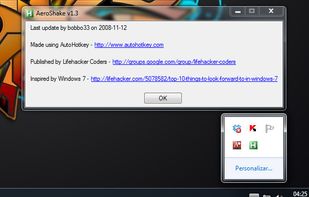
Aero Shake is a new feature for windows 7. It allows you to minimize and restore the windows that are open in your desktop. This awesome and practical trick allows you to focus in the windows that you have chosen.


WinMover is an application for moving windows more comfortable with the the mouse in Microsoft Windows®. It is fully customizable and can mimic the behaviour of many window managers for UNIX and Linux.
 Sweden
 EU
EU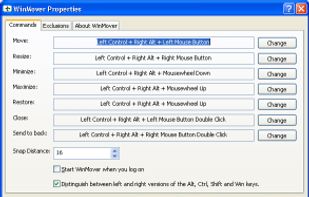


Make Windows in caption bar size and recover again. Version 1.5 available. Version 1.1 download is compromised.


SplitView enables dual monitor usage with Remote Desktop and widescreen monitors.