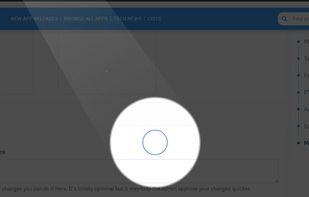
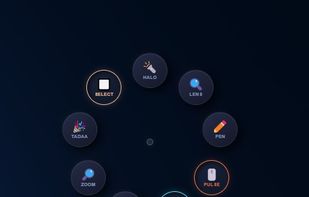
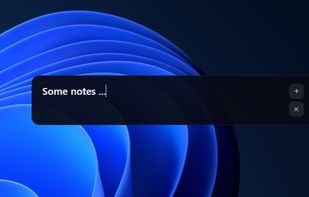
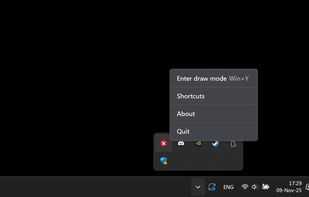
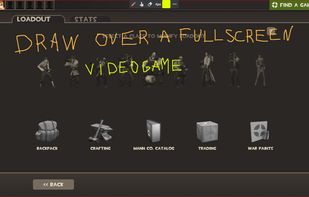
A neat little application that allows you to draw on your screen. Use it from anywhere you want - be it your desktop, while browsing internet or even while in a video game.
Cost / License
- Free
- Proprietary
Application type
Platforms
- Windows
 Latvia
 EU
EU
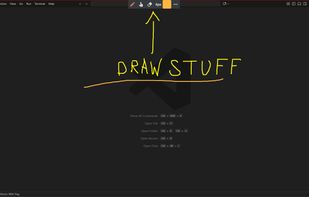




HoverScribble is described as 'Lightweight screen annotation tool for Windows. Draw on your screen over any application with fading ink, spotlight mode, laser pointer, and shapes. Perfect for presentations, teaching, and streaming' and is a digital painting tool in the photos & graphics category. There are more than 25 alternatives to HoverScribble for a variety of platforms, including Mac, Windows, Linux, Python and PortableApps.com apps. The best HoverScribble alternative is RePen, which is both free and Open Source. Other great apps like HoverScribble are ZoomIt, Epic Pen, gInk and ClickLight.
A neat little application that allows you to draw on your screen. Use it from anywhere you want - be it your desktop, while browsing internet or even while in a video game.
LatviaEU
bananotate is a powerful application that allows you to edit and annotate your screen live. Zoom in, highlight, draw shapes, add text, capture your screen, create mock UI, and much more.


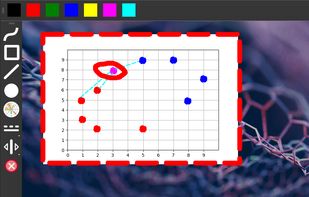
Screen annotation software which allows drawing directly on the screen. It is an open source and multiplatform (all systems that support Python) alternative to tools such as Epic Pen.


Turn every screen share into a polished presentation. Cursaura adds beautiful cursor highlights, click effects, zoom, annotations, keystroke display, and focus tools directly on your screen — perfect for demos, tutorials, livestreams, online courses, and remote meetings.