Cost / License
- Free
- Open Source (GPL-3.0)
Application type
Platforms
- Linux
 Germany
 EU
EU



+1


Hyperkey is described as 'Use an additional modifier key for all your keyboard shortcuts with this straightforward app. Utilize an unused key by converting the caps lock or any modifier key to the hyper key, which combines all four modifiers. The hyper key can be used in any app with keyboard shortcuts' and is a Key Mapping tool in the system & hardware category. There are more than 50 alternatives to Hyperkey for a variety of platforms, including Windows, Mac, Linux, Google Chrome and Web-based apps. The best Hyperkey alternative is AutoHotkey, which is both free and Open Source. Other great apps like Hyperkey are AutoIt, Tuna, BetterTouchTool and SharpKeys.
GermanyEU
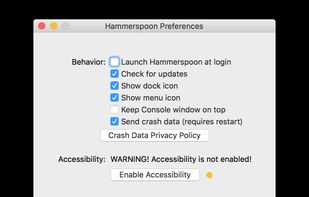
This is a tool for powerful automation of OS X. At its core, Hammerspoon is just a bridge between the operating system and a Lua scripting engine.


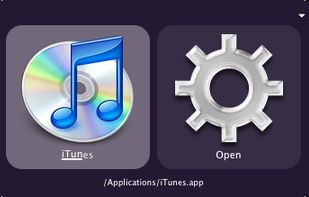
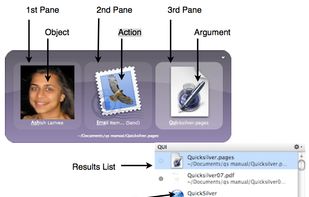
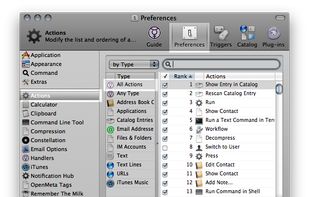
Quicksilver is a fast and free macOS productivity application that gives you the power to control your Mac quickly and elegantly.

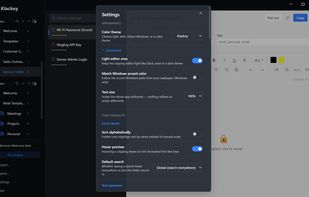
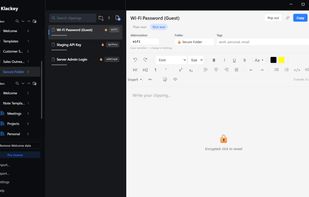
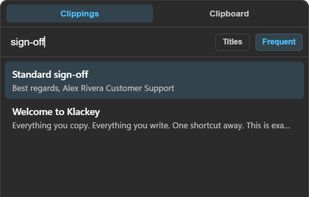
Local-first clipboard manager with dynamic snippets, text expansion, templates, secure folders, and searchable notes for Windows and macOS.
 United States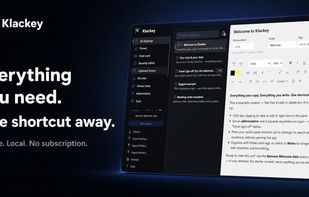



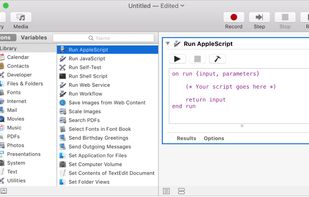
With Automator, you can accomplish time-consuming, repetitive manual tasks quickly, efficiently, and effortlessly. Automator lets you skip the complex programming and scripting that is normally required to create automations.
United States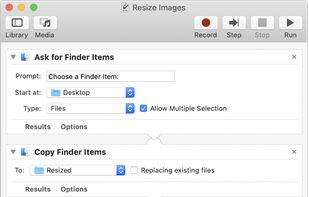


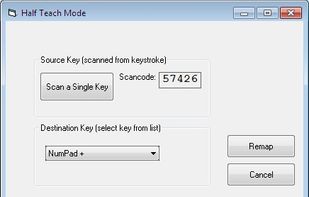
KeyTweak is a free keyboard remapper for Windows NT/2000/XP/Vista/Win 7. It makes use of Microsoft's Scancode Map registry key to remap your keyboard.
United States





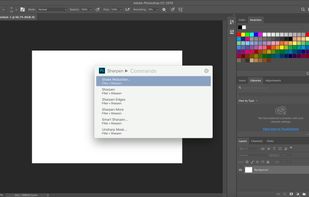
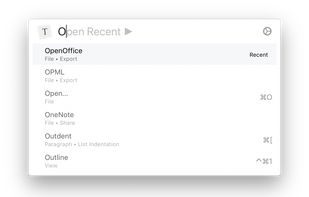
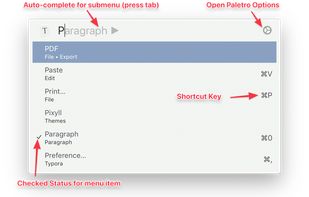
With Paletro, by pressing ??P, you have access to all of the functionality of current focused app, including keyboard shortcuts for the most common operations.
 China
China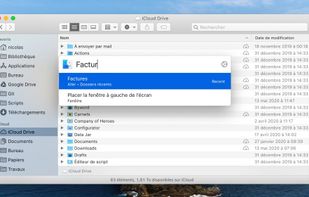


Toshy is a config file for the keyszer Python-based keymapper for Linux (which was forked from xkeysnail). The Toshy config is not strictly a fork of Kinto, but was based in the beginning entirely on the config file for Kinto.sh by Ben Reaves (https://github.


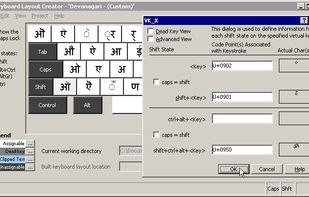
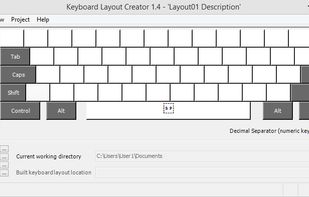
Offers tools for building custom keyboard layouts, editing existing setups, and supporting multilingual input locales. Compatible with Windows 2000 to Windows 7, including 64-bit platforms, and enables packaging for easy installation on multiple machines.
United States