Lock-UnMatic AlternativesFile Unlockers and other similar apps like Lock-UnMatic

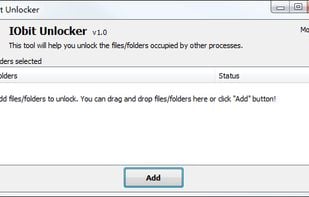
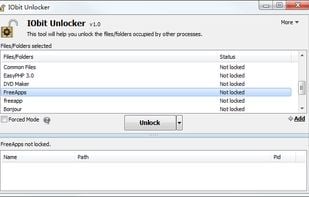
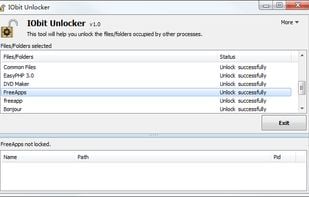
Lock-UnMatic is described as 'Sometimes, files on the Mac cannot be deleted, moved or renamed. This can be caused by insufficient access rights, or because some processes are still using these files' and is a File Unlocker in the file management category. There are more than 10 alternatives to Lock-UnMatic for Windows, PortableApps.com and File Explorer. The best Lock-UnMatic alternative is Unlocker, which is free. Other great apps like Lock-UnMatic are LockHunter, IObit Unlocker, EMCO UnLock IT and FileASSASSIN.

Copy a direct link to this comment to your clipboard
Lock-UnMatic alternatives page was last updated

Alternatives list

  1. Unlocker icon
     546 likes

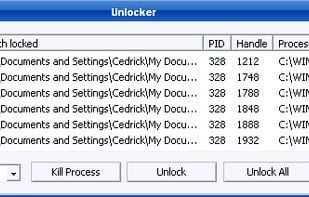
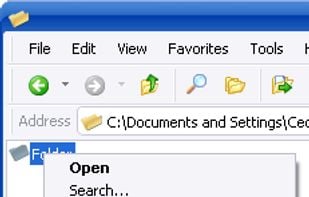
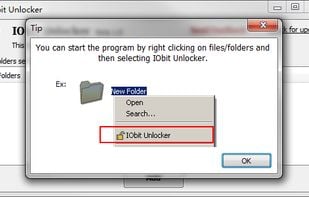
    Get rid of error message like Error deleting or renaming file or folder, cannot delete folder: its being used by another person or program Unlocker application was designed to be a very useful Windows Explorer extension allowing users with a simple right-click on a file or...

    19 Unlocker alternatives

    Cost / License

    • Free
    • Proprietary

    Application type

    Alerts

    • Discontinued
    • Bundleware

    Platforms

    • Windows
     
  2. LockHunter icon
     153 likes

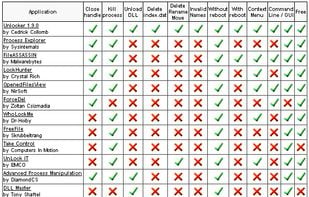
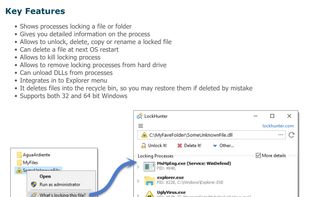
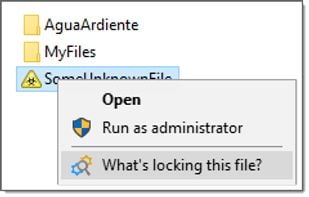
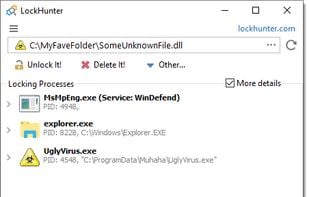
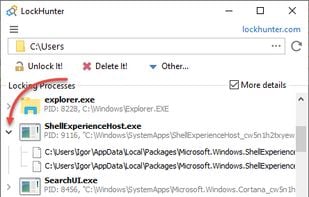
    It is a free tool to delete files blocked by something you do not know. LockHunter is useful for fighting against malware, and other programs that are blocking files without a reason. Unlike other similar tools it deletes files into the recycle bin so you may restore them if...

    17 LockHunter alternatives

    Cost / License

    • Free
    • Proprietary

    Application type

    Platforms

    • Windows
     
  3. EMCO UnLock IT icon
     18 likes

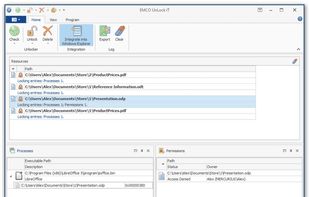
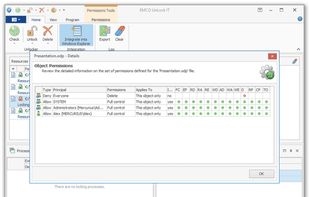
    A neat free utility that helps you to take control of any file or folder when it is locked by some application or system. For every locked resource, you get a list of locking processes and can unlock it by terminating those processes.

    Cost / License

    • Free
    • Proprietary

    Application type

    Platforms

    • Windows
     
  4. FileASSASSIN icon
     23 likes

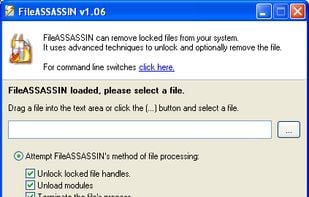
    FileASSASSIN is an application that can delete any type of locked files that are on your computer. Whether the files are from a malware infection or just a particular file that will not delete - FileASSASSIN can remove it.

    Cost / License

    • Free
    • Proprietary

    Application type

    Alerts

    • Discontinued

    Platforms

    • Windows
     
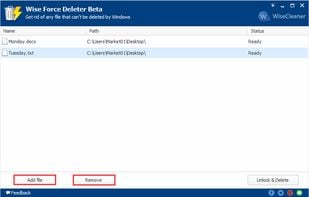
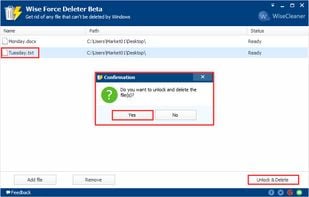
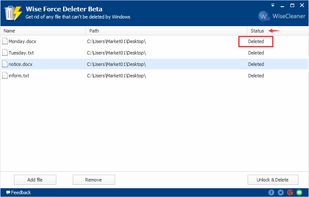
  5. When we try to delete a file in Windows systems, we might see notices or errors like below:

    Cost / License

    • Free
    • Proprietary

    Application type

    Platforms

    • Windows
     
  6. ThisIsMyFile icon
     4 likes

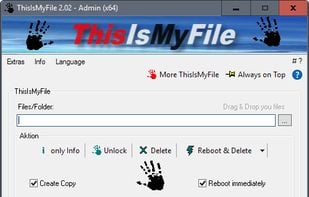
    ThisIsMyFile is a small, fast tool for quickly unlocking and deleting locked or protected files on Windows. It's helpful for those times Windows locks up a file and makes it so that you can't remove it.

    Cost / License

    • Free
    • Proprietary

    Application type

    Platforms

    • Windows
     
  7. DelinvFile icon
     5 likes

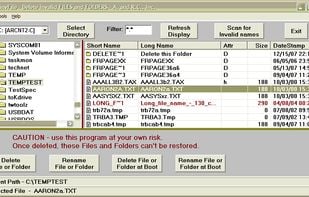
    Use DelinvFile to delete files and folders with invalid names that cant be deleted or renamed via Windows Explorer. This includes names with invalid characters and names that are too long.

    Cost / License

    • Paid
    • Proprietary

    Platforms

    • Windows
     
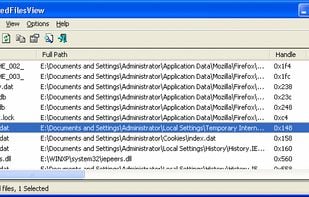
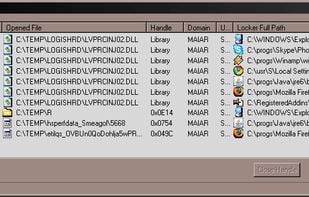
  8. OpenedFilesView displays the list of all opened files on your system. For each opened file, additional information is displayed: handle value, read/write/delete access, file position, the process that opened the file, and more...

    Cost / License

    • Free
    • Proprietary

    Application type

    Platforms

    • Windows
     
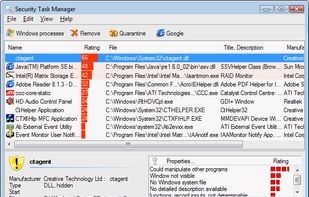
  9. Security Task Manager shows comprehensible information about programs and processes running on the computer. For each Windows process, it improves on Windows Task Manager, providing:

    Cost / License

    • Paid
    • Proprietary

    Platforms

    • Windows
     
  10. WhoLockMe icon
     2 likes

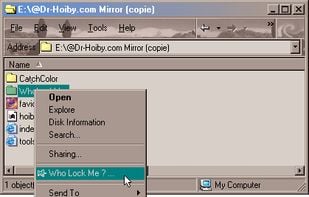
    Have you ever bored by this Windows message : "Error Deleting File or Folder, ... There has been a sharing violation. The source or destination file may be in use.", when you try to delete, move or rename a file?

    17 WhoLockMe alternatives

    Cost / License

    • Free
    • Proprietary

    Platforms

    • Windows
    • Windows Explorer
     
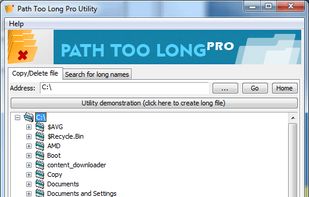
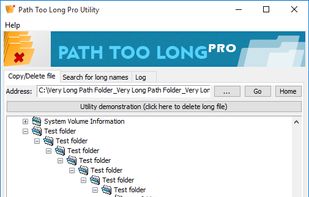
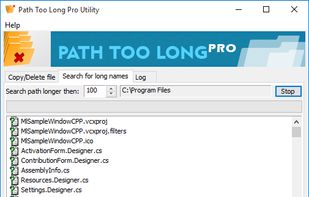
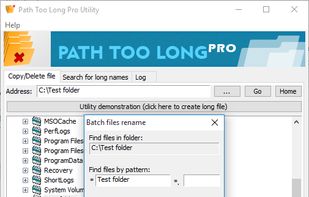
  11. File path too long to delete? Use Path too long utility to remove any file Windows had blocked. Path too long by ABTO Software, beware of fakes!.

    Cost / License

    • Paid
    • Proprietary

    Platforms

    • Windows
     
12 of 16 Lock-UnMatic alternatives