Magic Expander AlternativesText Expanders and other similar apps like Magic Expander

Magic Expander is described as 'MagicExpander HowTo: Insert your complex texts into other applications by using just short abbreviations with MagicExpander' and is a Text Expander in the office & productivity category. There are more than 10 alternatives to Magic Expander for a variety of platforms, including Mac, Windows, iPhone, iPad and Google Chrome apps. The best Magic Expander alternative is PhraseExpress. It's not free, so if you're looking for a free alternative, you could try PhraseExpress or Typing Hero. Other great apps like Magic Expander are aText, Typinator, PhraseExpander and Texpand.

Copy a direct link to this comment to your clipboard
Magic Expander alternatives page was last updated

Alternatives list

  1. PhraseExpress icon
     202 likes

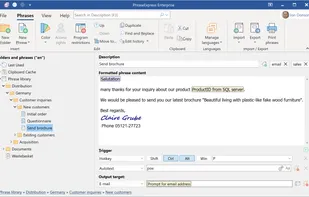
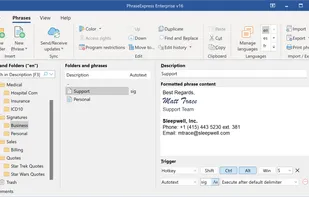
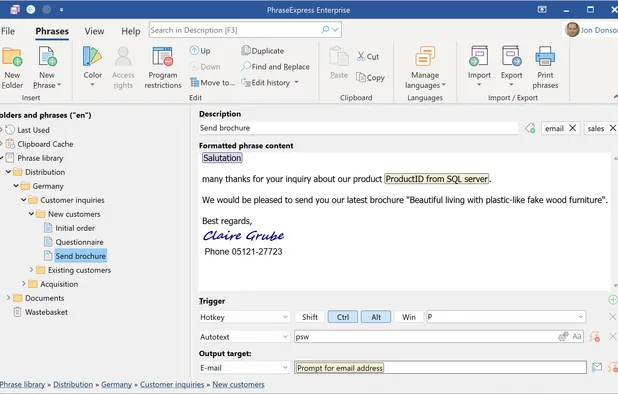
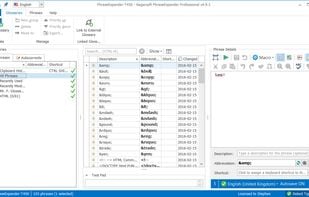
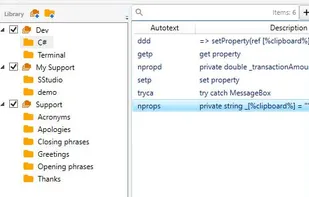
    Autotext and snippet expander organizes reusable phrases in folders, inserts text by shortcuts or abbreviations, syncs phrase libraries across devices, includes macros, clipboard management, email integration, dynamic templates, and supports AES encryption for data.

    57 PhraseExpress alternatives

    Cost / License

    • Free Personal
    • Proprietary

    Application type

    Platforms

    • Mac
    • Windows
    • iPhone
    • iPad
     
  2. TextExpander icon
     67 likes

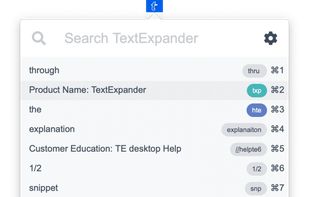
    Boosts team efficiency by managing, creating, and sharing reusable text snippets across all platforms with support for fill-in fields, advanced customization, and insightful analytics to drive productivity and performance enhancement.

    76 TextExpander alternatives

    Cost / License

    • Paid
    • Proprietary

    Application type

    Platforms

    • Mac
    • Windows
    • Google Chrome
    • Software as a Service (SaaS)
     
  3. aText icon
     40 likes

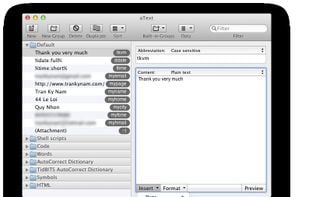
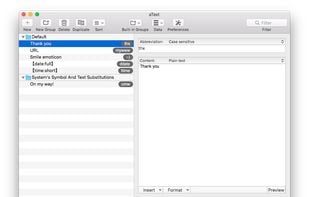
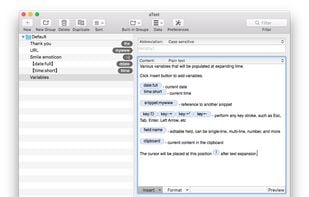
    aText accelerates your typing by replacing abbreviations with frequently used phrases you define.

    50 aText alternatives

    Cost / License

    • Paid
    • Proprietary

    Application type

    Platforms

    • Mac
    • Windows
    • Parallels Desktop
     
  4. Typinator icon
     33 likes

    What is Typinator?

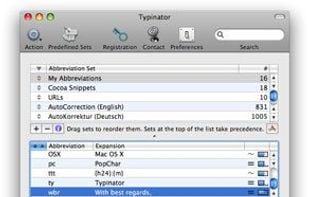
    Have you ever experienced the tedium and frustration of having to repeatedly type your name, e-mail address, home page url, or other words or phrases again, again and again? Do you frequently need to quickly insert images like your signature, location plan, or.

    74 Typinator alternatives

    Cost / License

    • Paid
    • Proprietary

    Application type

    Platforms

    • Mac
     
  5. PhraseExpander icon
     62 likes

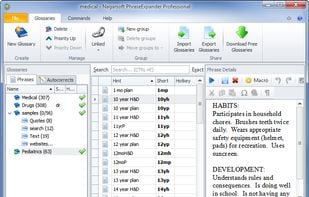
    PhraseExpander saves time typing texts, filling forms, launching programs, opening websites and automating common tasks by using customized shorts. It can also correct your spelling mistakes and includes a clipboard history manager.

    59 PhraseExpander alternatives

    Cost / License

    • Paid
    • Proprietary

    Application type

    Platforms

    • Windows
     
  6. Typing Hero icon
     5 likes

    Typing Hero helps businesses and professionals worldwide save 531K+ hours (6.1B+ keystrokes).

    Cost / License

    • Freemium
    • Proprietary

    Application type

    Platforms

    • Android
     
  7. Texpand icon
     14 likes

    Texpand is a text expansion app that helps you save a lot of time by assigning shortcuts to your frequently used texts. Features include:

    64 Texpand alternatives

    Cost / License

    • Freemium
    • Proprietary

    Application type

    Platforms

    • Android
    • Android Tablet
     
  8. TypeIt4Me icon
     6 likes

    Creates, manages, and expands abbreviations and picture clippings instantly for Mac OS system-wide, automates repetitive typing, supports multilingual text, formatted snippets, automation, sharing, backup, and seamless expansion for improved writing accuracy.

    Cost / License

    • Paid
    • Proprietary

    Application type

    Platforms

    • Mac
    • iPhone
    • iPad
     
  9. Slashit icon
     1 like

    We built Slashit because we were tired of typing the same message/mail/comment again and again. If you write replies, fill forms, or send emails all day, this is for you.

    Cost / License

    • Paid
    • Proprietary

    Platforms

    • Mac
     
  10. PepperText icon
     1 like

    PepperText is a text expander for Windows which has a particular focus on ease of use. Features include text replace, text complete, text chaining, with instant mode and preview mode.

    Cost / License

    • Free
    • Proprietary

    Application type

    Platforms

    • Windows
     
  11. Wordboard icon
     Like

    Hate typing the same thing over and over, one key at a time? Personalize and pre-program your keyboard with WordBoard – your personal custom keyboard for phrases and responses.

    Cost / License

    • Freemium
    • Proprietary

    Application type

    Platforms

    • iPhone
    • iPad
     
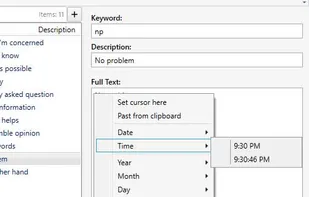
  12. Text expander for Windows. Automatically replaces specified abbreviations with full phrases with the possibility to insert dates and time in the necessary format, move the cursor and perform other functions allowing you to increase your performance.

    Cost / License

    • Paid
    • Proprietary

    Application type

    Platforms

    • Windows
     
12 of 13 Magic Expander alternatives